Integritest Exacta Filter Integrity Test Instrument
Operating and Maintenance Manual Data Management 159
ARCHIVING
Introduction
Archiving is performed to free resources by reducing the current database size. Archiving can
be performed automatically by the instrument at shutdown if the total database size has
exceeded 10 megabytes (equivalent to approximately 150 tests). If a user or series of users
exceed 12 megabytes database size, the system will prompt the operator to restart the
instrument in order to archive. If prompts and warnings are ignored, the system will shut down
on its own. This is explained in detail in this section.
The data, once archived, is accessible for viewing and/or printing. To accomplish this, the
system must be restarted in Archive Mode. This is also covered in this section.
Size Monitor Warning Messages
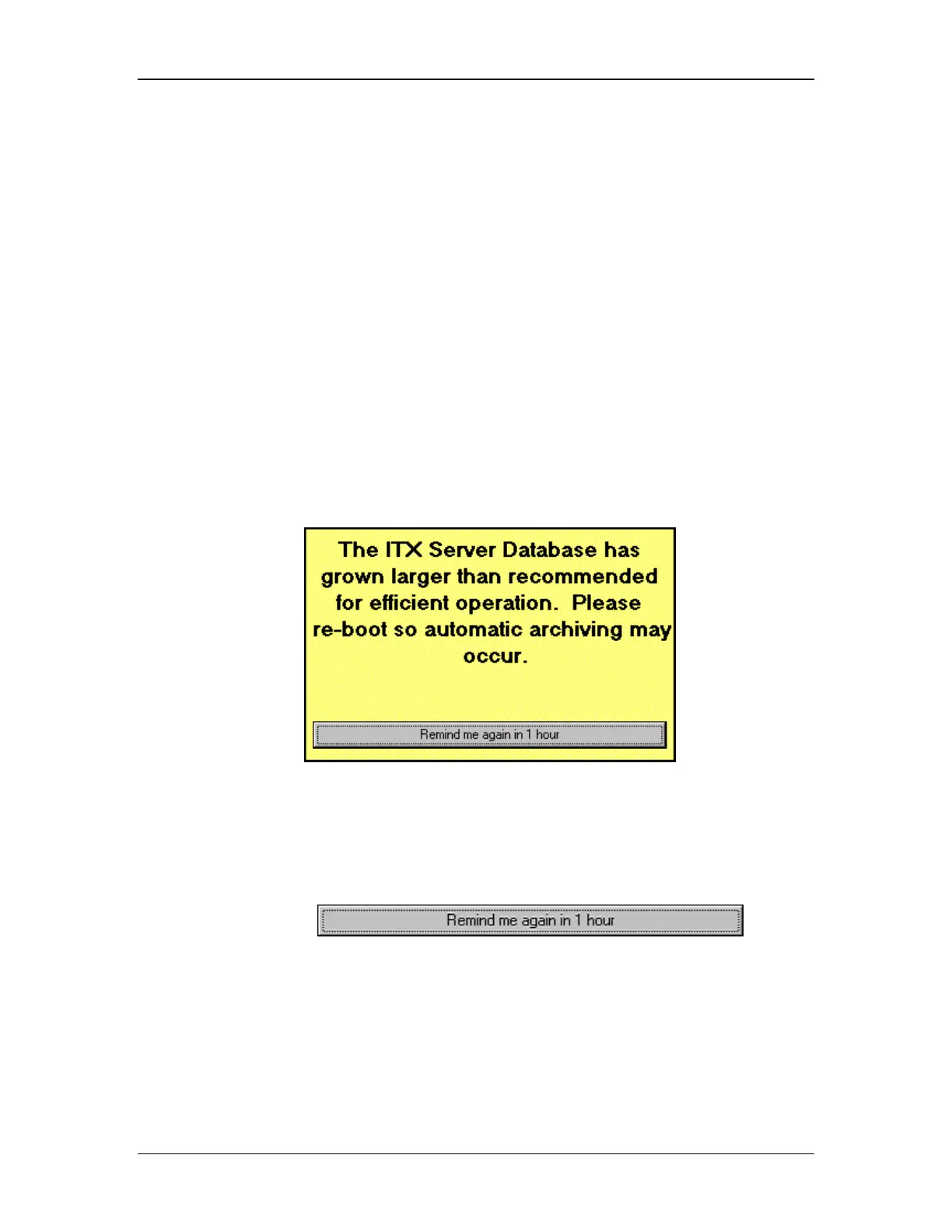
The instrument monitors the size of the current database. When this grows large enough that
system performance could be affected, a warning message will appear (see below).
Figure 60: Database Size Yellow Warning Message
A yellow warning message appears when database size indicates a reboot is highly
recommended. This indicates that the database has exceeded 12 megabytes of system
memory. This is equivalent to approximately 175 tests. Eventually, if a user continues to ignore
the message by pressing
, a red
warning message as shown in Figure 61 will appear.



 To Next Page