Integritest Exacta Filter Integrity Test Instrument
Operating and Maintenance Manual Instrument Setup 85
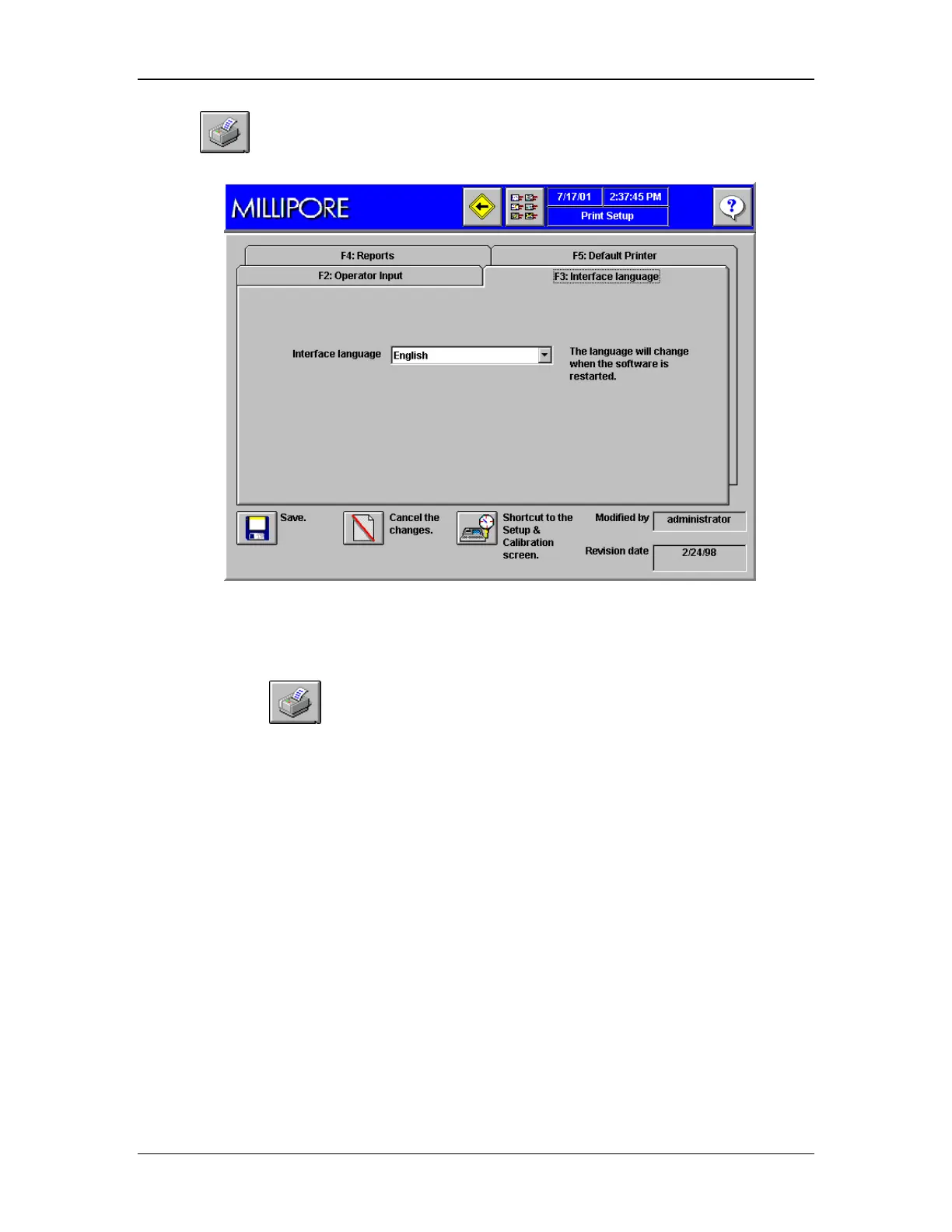
2. Click to open the Print Setup screen (Figure 36).
Figure 36: Print Setup Screen, Tab F3, Language
From the Setup & Calibration Screen:
Click the Shortcut to go directly to the Print Setup Screen.
Step 1. Choosing Language
One instrument (Catalogue numbers XITXACTP1 and XITXACTP1U) allows operation in any
one of the following languages:
• English
• French
• German
• Italian
• Spanish
A second instrument (Catalogue numbers XITXACTP2 and XITXACTP2U) allows operation in
the following languages:
• English
• Japanese
Procedure



 To Next Page