Millipore System Documentation Set
252 Operating and Maintenance Manual Publication XITXSP121 P Rev.A
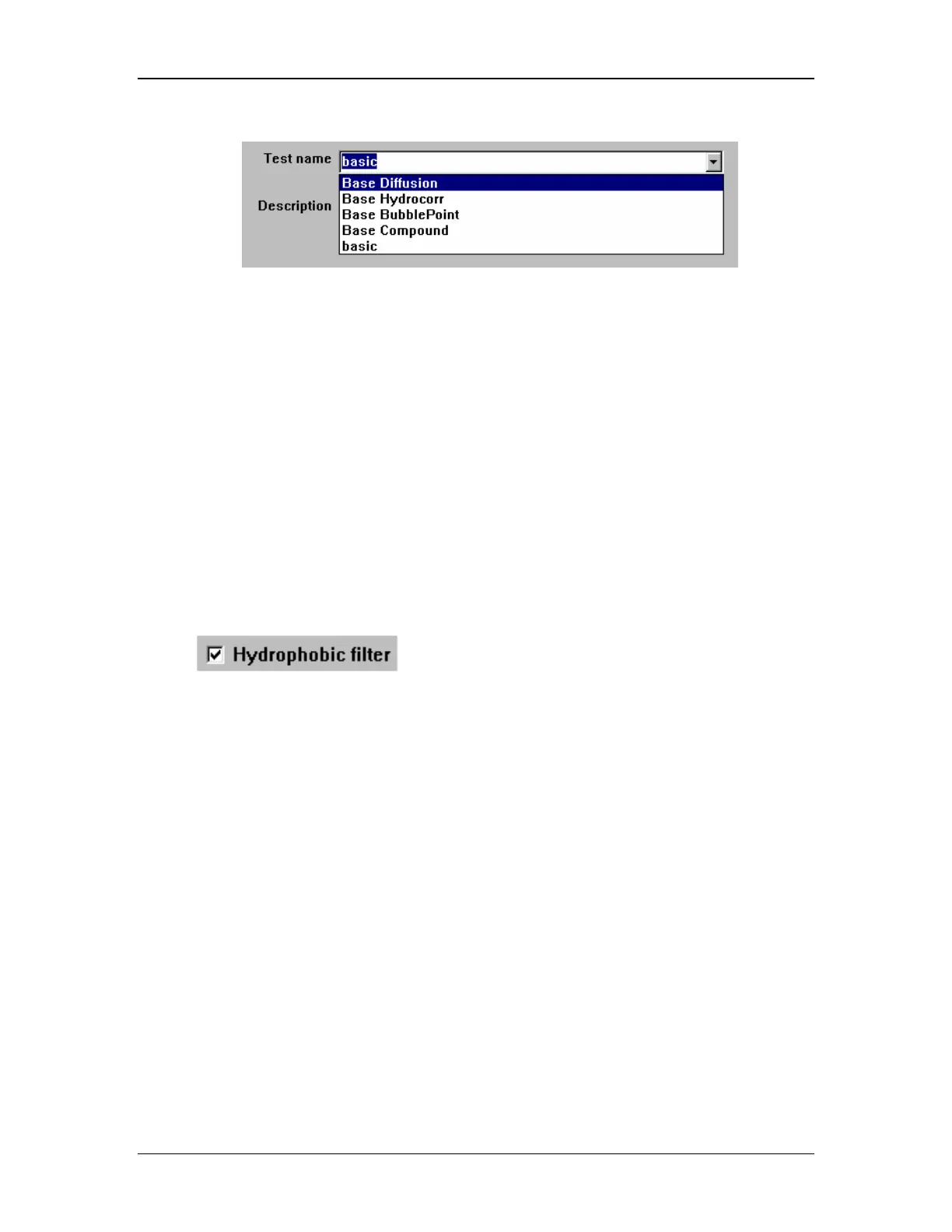
Pull-down Menus
Select by moving the cursor to highlight an entry.
1. Place your cursor over the down arrow to the right of the pull-down menu.
2. Click the left mouse button to open the pull-down window.
3. Enter data to make a selection, or
4. Move the cursor down until a desired entry is highlighted.
5. Click the left mouse button to make the selection.
6. Click the left mouse button a second time to complete the selection.
Check Boxes
1. Select by clicking the cursor to select a yes/no option
2. Click the left mouse button within the checkbox to select a yes option
.
• the blank checkbox indicates that the filter is not hydrophobic
• a check in the box would indicate that the filter is hydrophobic
Option Buttons and Option Groups
An option group contains a set of check boxes or option buttons. Only one option in an
option group can be selected. For example, to define User Access Level, you would select one
option from the group with five buttons: Operator/User, Test Writer/Administrator, Calibrator
Supervisor, or Millipore Service.
1. Select by clicking the cursor to select a yes/no option
2. Click the left mouse button within the checkbox to select a yes option.



 To Next Page