Millipore System Documentation Set
160 Operating and Maintenance Manual Publication XITXSP121 P Rev.A
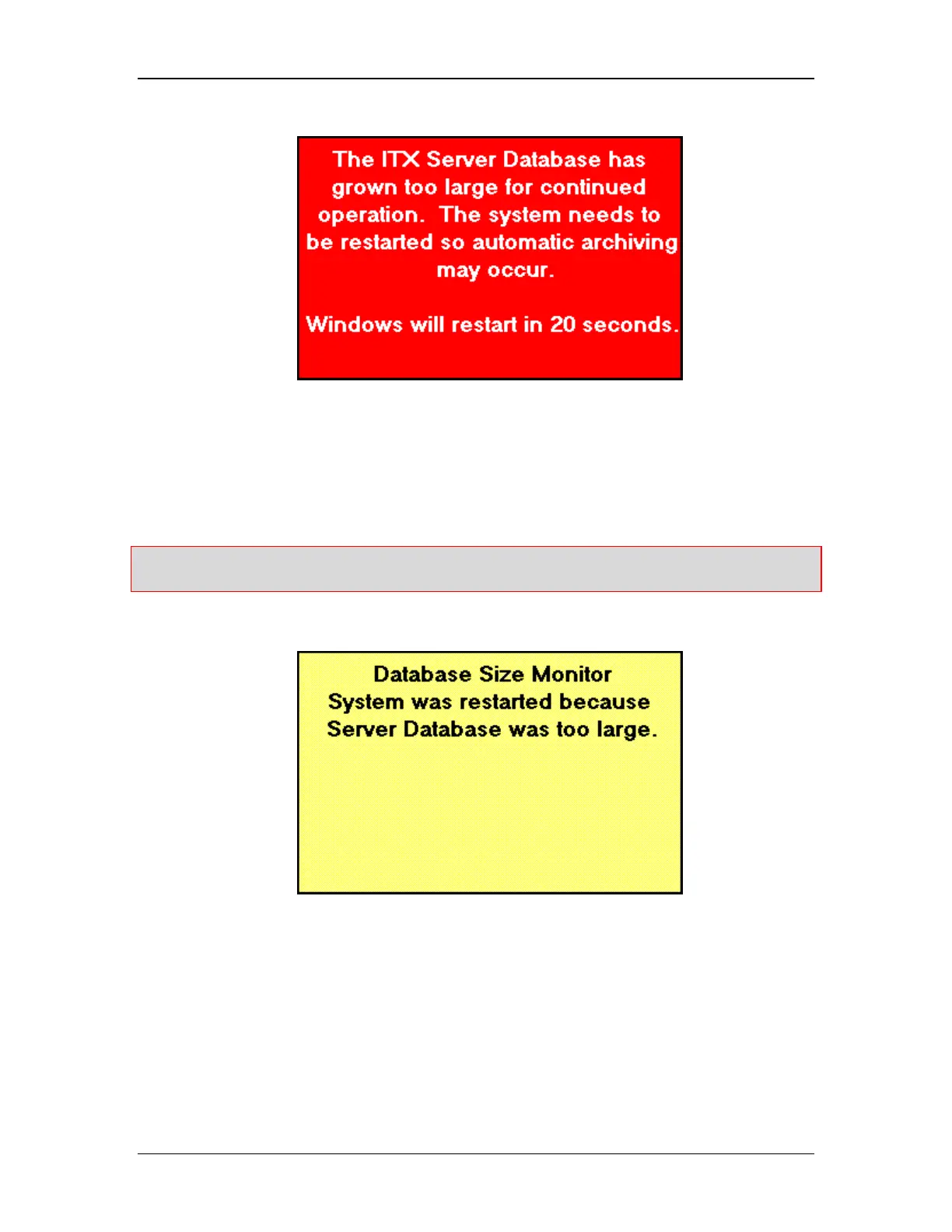
Figure 61: Database Size Red Warning Message
A red warning message appears when the database size warrants a mandatory reboot. This
indicates that the database has exceeded 15 megabytes of system memory. This is equivalent
to approximately 225 tests.
Caution: If the system reaches mandatory reboot, any test in progress will be aborted, no test
report will be generated and all data from the test in progress will be lost.
After reboot, a yellow message box will appear, informing the user that the system was
restarted (See Figure 62).
Figure 62: Warning Message after reboot
Viewing Archives
1. Either from system boot or while the instrument is running, return to the System Startup
Screen (See Starting the Instrument on page 53). Archive Mode can also be started
from the Administrators Control Menu. (See Control Menu Screen on page 38).



 To Next Page