Millipore System Documentation Set
46 Operating and Maintenance Manual Publication XITXSP121 P Rev.A
Printers on a network may also be utilized (See the section titled Networking the Exacta
Instrument on page 175 for more details).
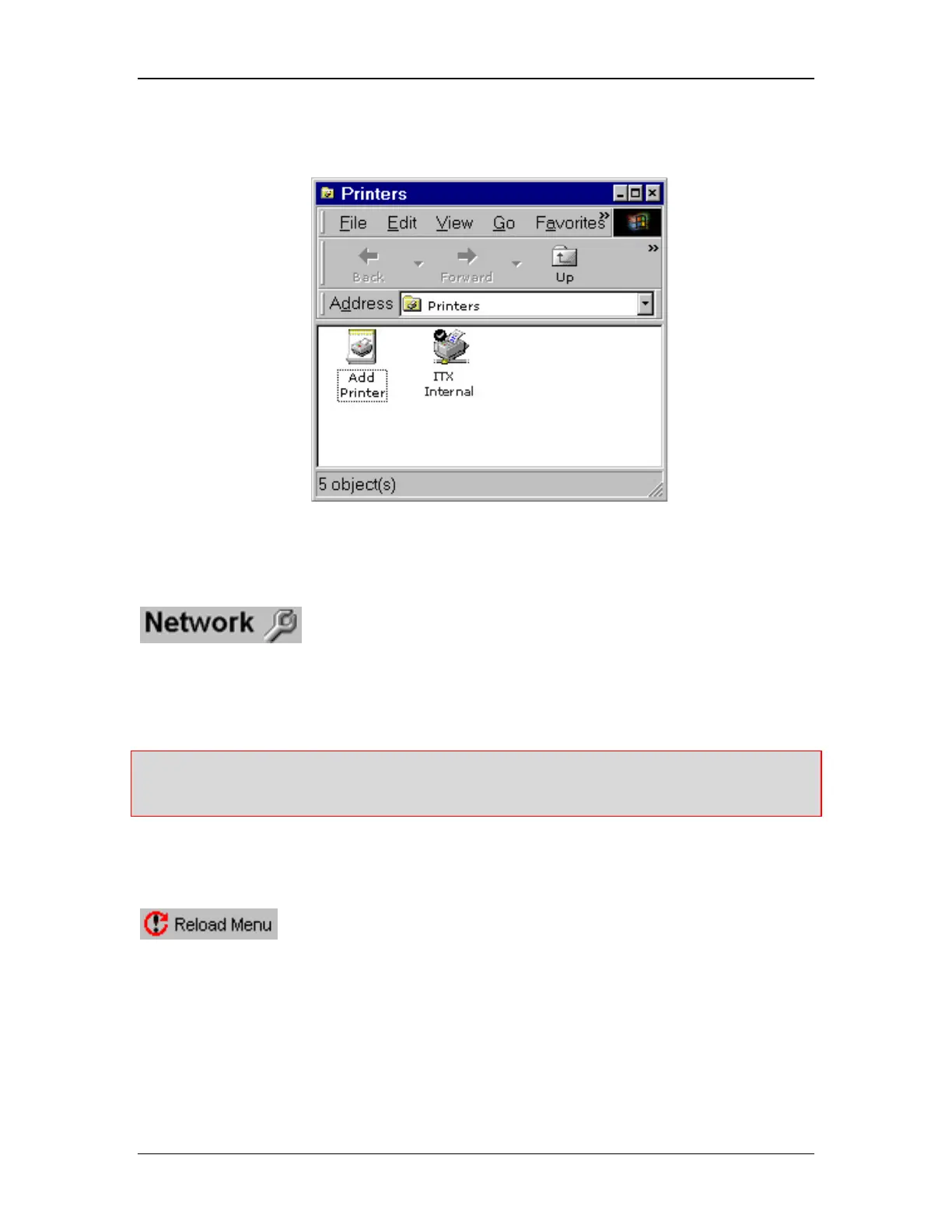
Figure 17: Windows NT Printer Selection window
Network Utility
will bring up the Windows NT Network window as shown in Figure 18.
Only those experienced with networking computers in an NT environment should attempt to
network the instrument.
(See the section titled Networking the Exacta Instrument on page 175 for more details)
Warning: 21 CFR Part 11 compliance may be affected if the unit is networked. The user
/organization is responsible to ensure and maintain Part 11 compliance for both networked
and non-networked units.
Reload Menu Utility
is found at the lower left corner of the display, and is used when
performing software updates. Software updates come with complete instructions which may
prompt you to use this tool.



 To Next Page