Millipore System Documentation Set
156 Operating and Maintenance Manual Publication XITXSP121 P Rev.A
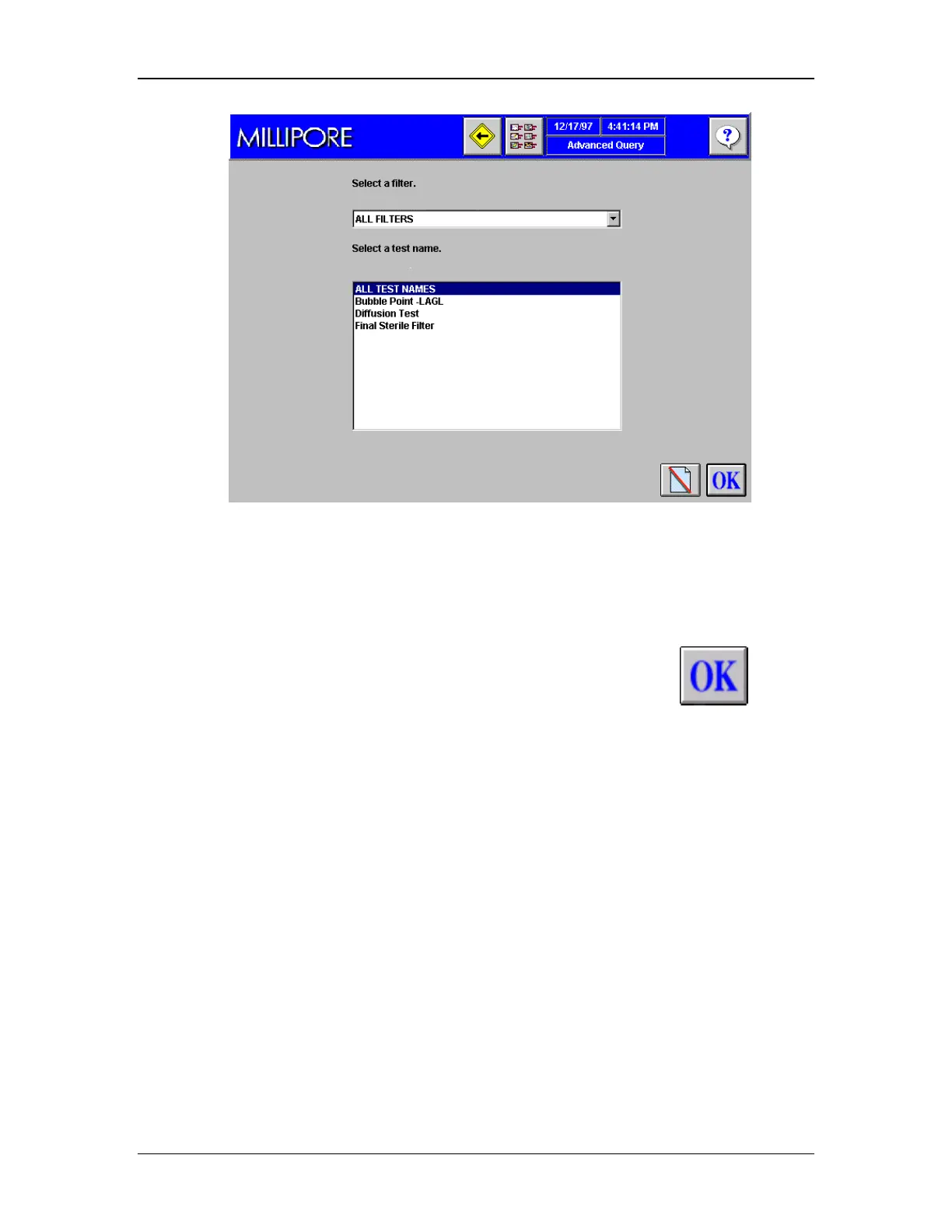
Figure 57: Advanced Query Screen 2, Filter & Test Selection
6. Select a filter name from the list box. One or more filters may be selected. Choose “All
Filters” to include all of the available filters in the search.
7. Select a test name from the list. One or more tests may be selected. Choose “All Test
Names” to include all of the available filters in the search.
8. After a selection for filter name and test name have been made, the
icon will
appear on the screen. Press Enter or click the icon to continue to the third (and final)
Advanced Query screen (Figure 58).



 To Next Page