Millipore System Documentation Set
168 Operating and Maintenance Manual Publication XITXSP121 P Rev.A
AUDITING FILES
An auditor may recover files from diskette on a computer other than that on the Exacta
Instrument in compliance with 21 CFR Part 11 procedures. These files must be unzipped in
order to be viewed. Once unzipped, the files cannot be re-zipped in a format that the
instrument will recognize. These files cannot be restored to the system!
Note: If you are backing up data that may need to be restored at some point, do not
choose Complete Backup and Audit Files, as this data is viewable and capable of being altered
on another computer, and is therefore not accepted as restorable data by the instrument.
Procedure
1. From the Backup Options screen, select Complete Backup and Audit Files (see Figure 65).
2. Follow the on screen instructions to complete the data transfer to floppy disk.
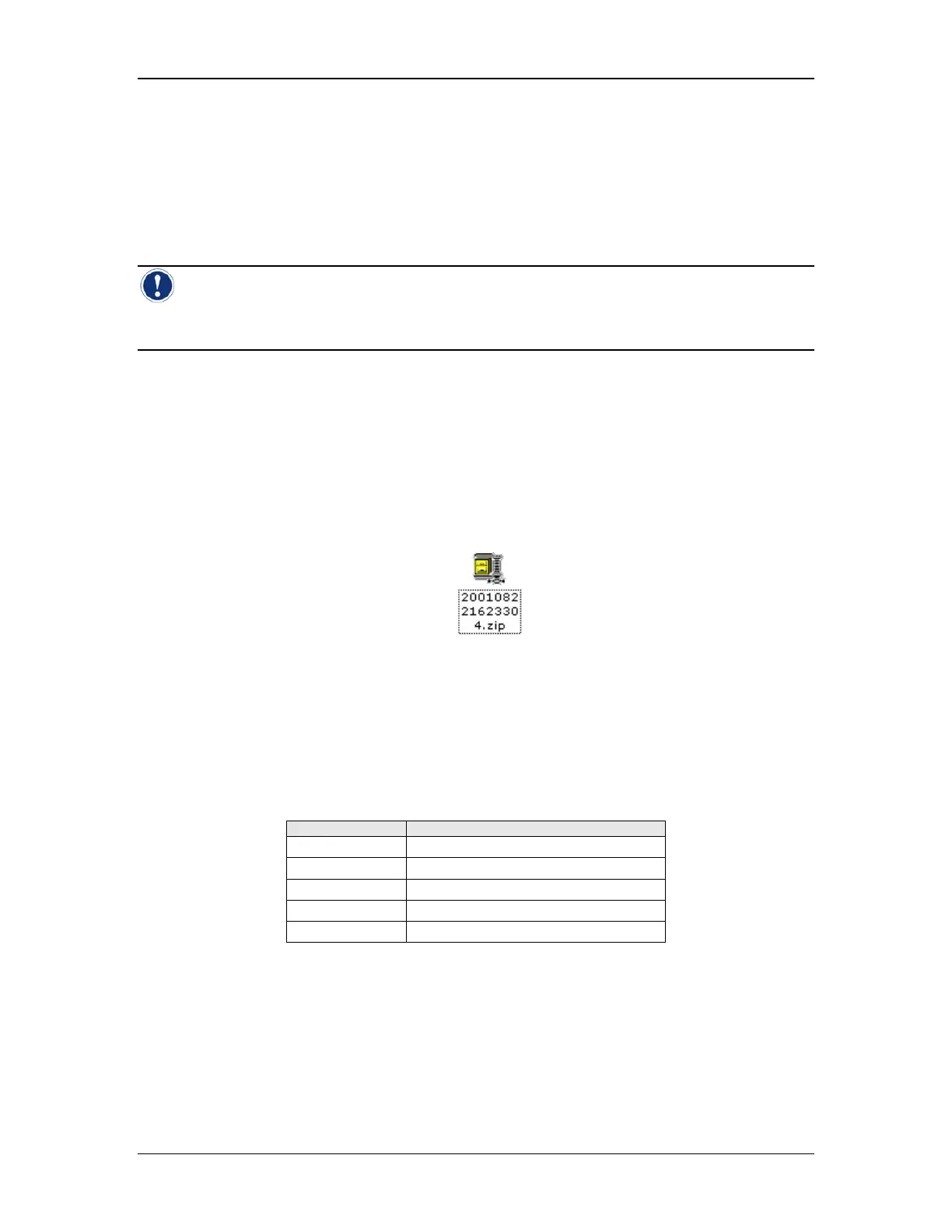
3. The disk can be accessed from another computer. It will contain a Zip file similar to the
one shown in Figure 70.
Figure 70: Zipped Audit File
4. The filename references the date and time of creation. In this case, the year is 2001 and
the date is August 22
nd
. The time is referenced last in 24 hour format (In this case
4:23:30PM). The last digit (4) is indicative of which type of backup was performed (See
Table 16). This is helpful for identification purposes if you have more than one backup file
in a folder.
Table 16: Backup File Type Indicators
Last Digit Backup Type
0 Complete Backup
1 Current Data Only
2 Filter and Test Definitions Only
3 Archived Test Results Only
4 Complete Backup and Audit Files
5. Using WinZip
®
, or another suitable compression utility, unzip the file. It will contain the
files as shown in Figure 71.



 To Next Page