Millipore System Documentation Set
66 Operating and Maintenance Manual Publication XITXSP121 P Rev.A
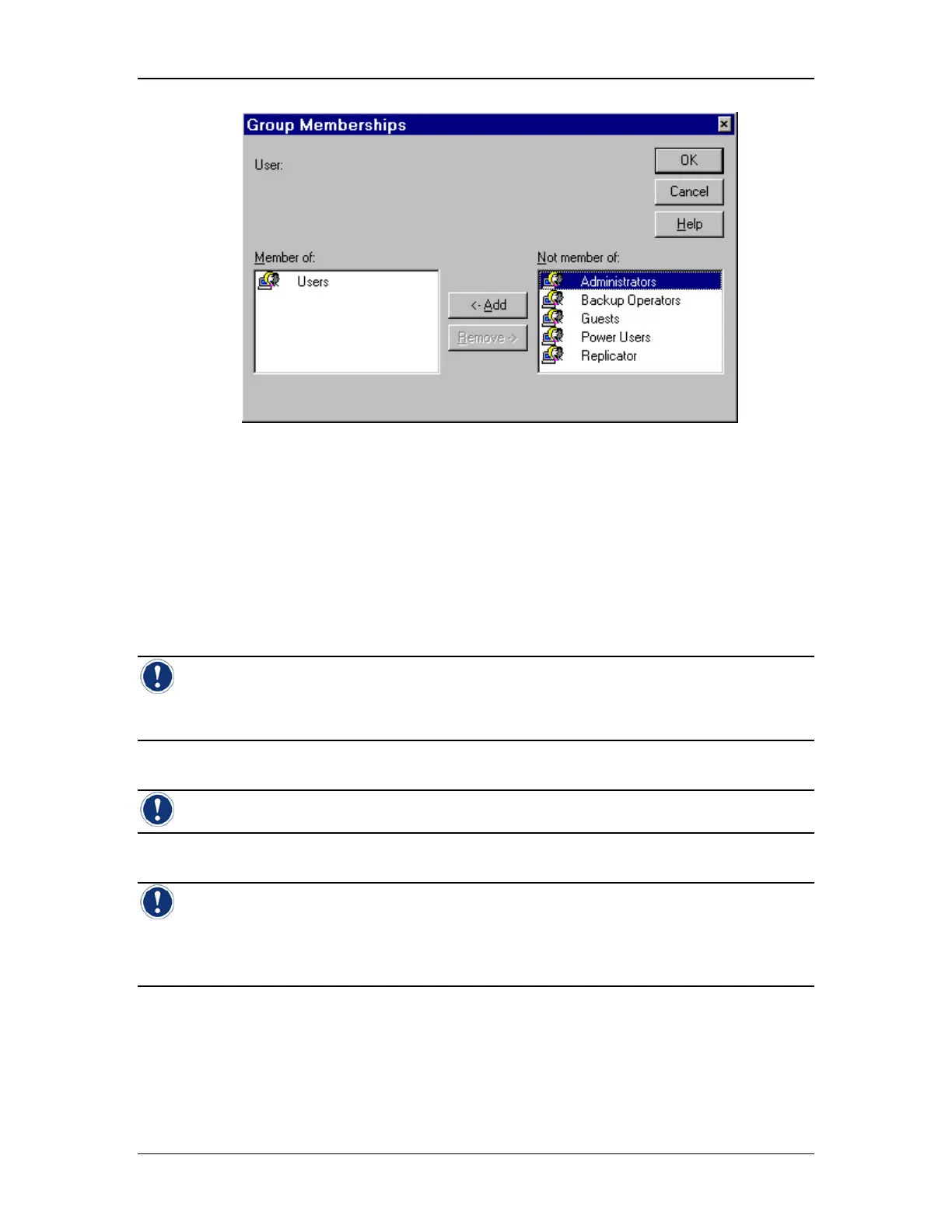
Figure 29: Group Memberships Window
5. Choose the NT Administrators group (see Figure 29).
6. Click Add. Click OK. Note that all users of the Exacta Instrument must be
configured in the NT Administrators group. Remember that this does NOT mean
that they are NT User administrators. It simply allows them to use the instrument.
To add another user account, repeat steps 2 through 6.
Note: A user name cannot be identical to any other user or group name of the computer
being administered. It can contain up to 20 uppercase or lowercase characters except for the
following: “ / \ [ ] : ; | = , + * ? < >
Note: A user name cannot consist solely of periods (.) and spaces.
Note: To improve the security of user passwords, the password should contain at least
three of the following elements: uppercase letters, lowercase letters, numbers, and punctuation.
The longer the password and the more of these elements it contains, the more secure it is. See
the section titled Managing Account policy on page 67 for more information.



 To Next Page