Integritest Exacta Filter Integrity Test Instrument
Operating and Maintenance Manual Security Setup 65
TO CREATE A NEW USER ACCOUNT
1. On the User menu, click New User.
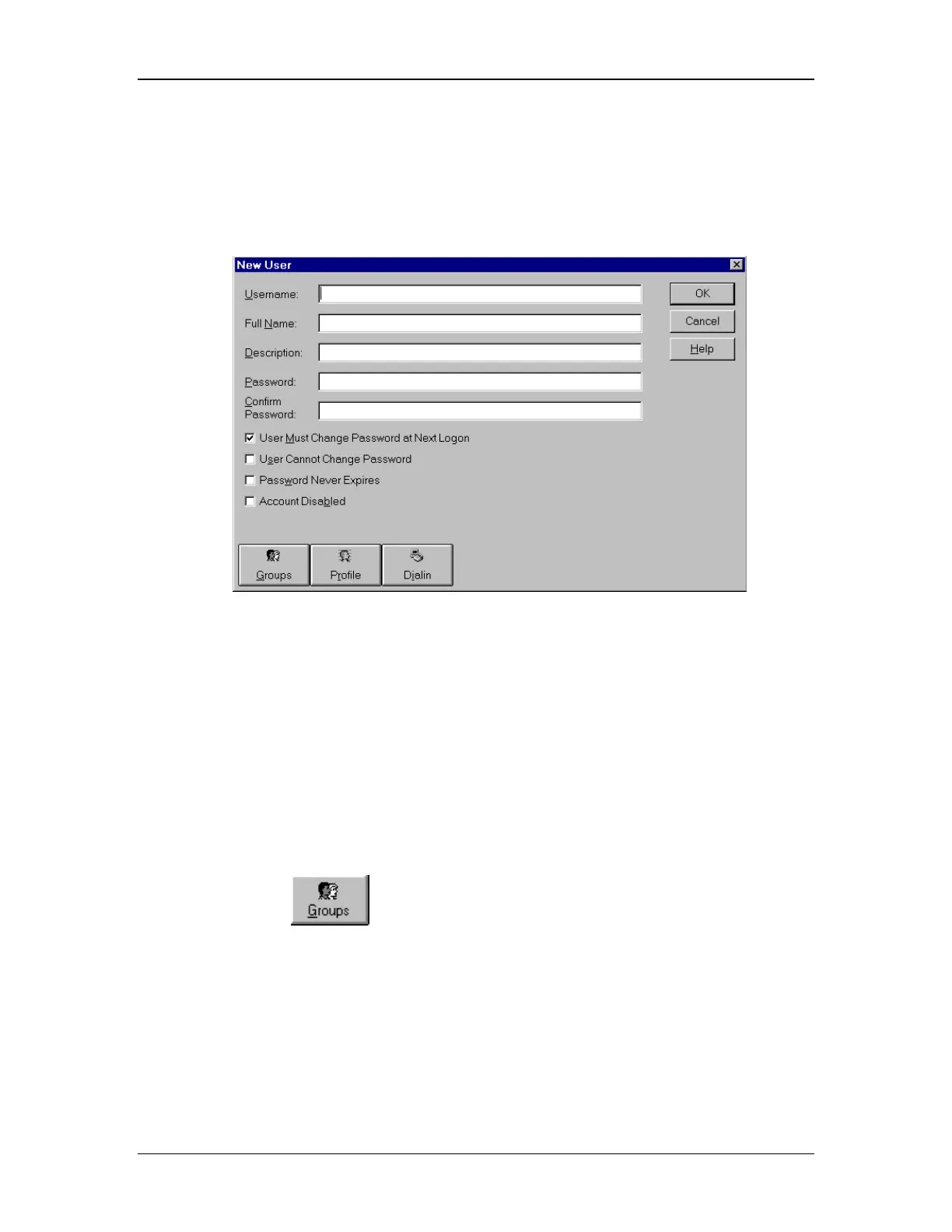
2. Type appropriate information in the dialog box (see Figure 28).
Figure 28:New User Dialogue Box
• In Username, type a user name.
• In Full Name, type the user’s complete name.
• In Description, type a description of the user or the user account.
• In both Password and Confirm Password, type a password of up to 14 characters.
(the same password must be in both)
3. Click to select or clear the check boxes for User Must Change Password at Next
Logon, User Cannot Change Password, Password Never Expires, and Account
Disabled.
4. Click the
icon, and the Group Memberships window will appear (see
Figure 29).



 To Next Page