Integritest Exacta Filter Integrity Test Instrument
Operating and Maintenance Manual Interface Conventions 251
INTERFACE CONVENTIONS
Dialog Boxes
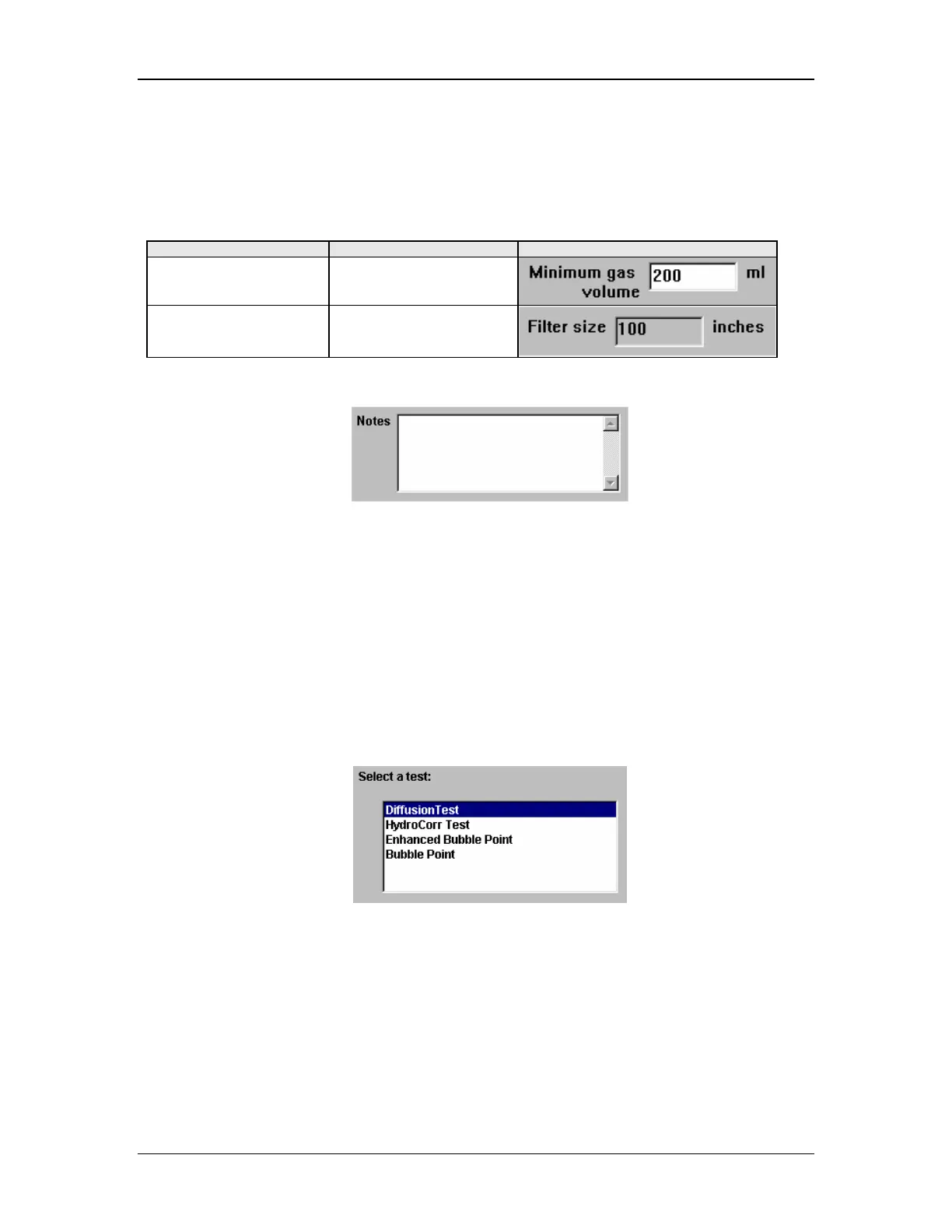
There are several types of dialog box in which to enter data. Background color indicates
whether data may be entered.
Background Color Data entry allowed Sample
White Yes
Gray No
Data Entry Windows
Select by moving the cursor to the window and entering (typing) data.
1. Place your cursor within the screen window.
2. Click the left mouse button to make a selection
3. Enter (type) data.
4. Click the left mouse button to complete the selection.
List Boxes
It’s often quicker to select a value from a list than to remember a value to type. A list of
choices also helps to ensure a correct entry.
The list in a list box consists of rows of data usually with one column.
Select by dragging the cursor to highlight an entry.
1. Place your cursor over the list box.
2. Click the left mouse button to make a selection.
3. Move the cursor down until a desired entry is highlighted.
4. Click the left mouse button to complete the selection.



 To Next Page