227
PCL
INK PAIR THE MITEL 6940 IP PHONE WITH WINDOWS OR MAC
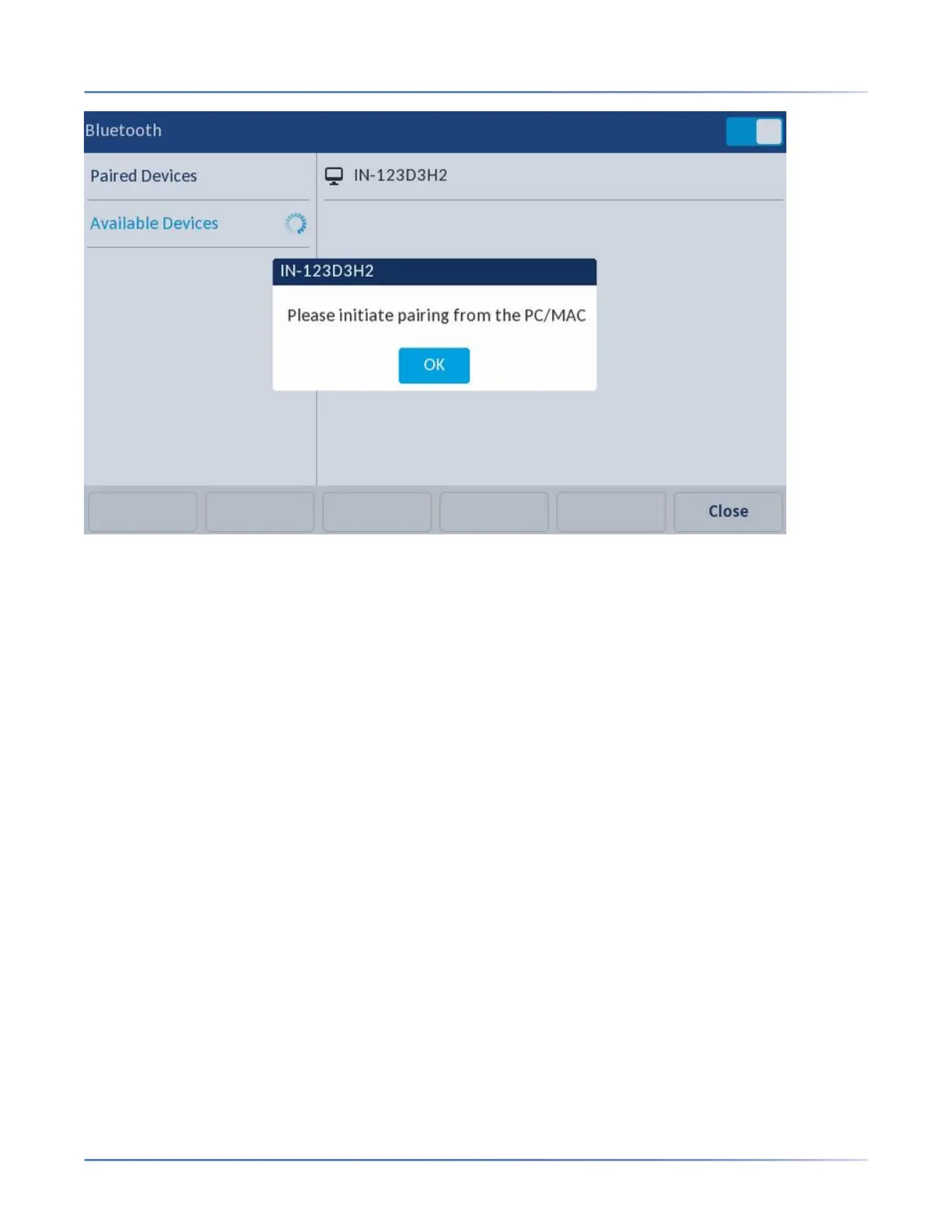
• After your PC is paired with the 6940 IP Phone, the PC device appears in the list of paired devices on
the Mitel 6940 IP Phone and the device automatically connects with the IP Phone once paired. If a
mobile phone is already connected, the IP Phone displays a message Do you want to connect to
this device?
IMPORTANT: ENSURE THE 6940 IP PHONE IS NOT THE DEFAULT AUDIO DEVICE ON THE PC.
For Windows 10 left-click on the sound ICON in the windows tray and select an audio device other
than the Mitel 6940 IP Phone.
• After pairing, You can switch audio between wired handset, speaker, analog headset, and USB
headset.
NOTE: You cannot switch the audio to any other Bluetooth devices (Bluetooth Handset, Bluetooth
Headset, and Bluetooth Speaker) connected with the 6940 IP Phone.
• You cannot toggle between IP Line call and PC Audio call. You must disconnect the IP call to switch
to PC Audio call.
• Currently only one device type (Mobile or PC) can be connected at a time. If there is already a PC or
MAC connected to the IP Phone, and a mobile phone is the newly paired device, the following
messages appear:



 To Next Page