20
G
ETTING STARTED UI OVERVIEW
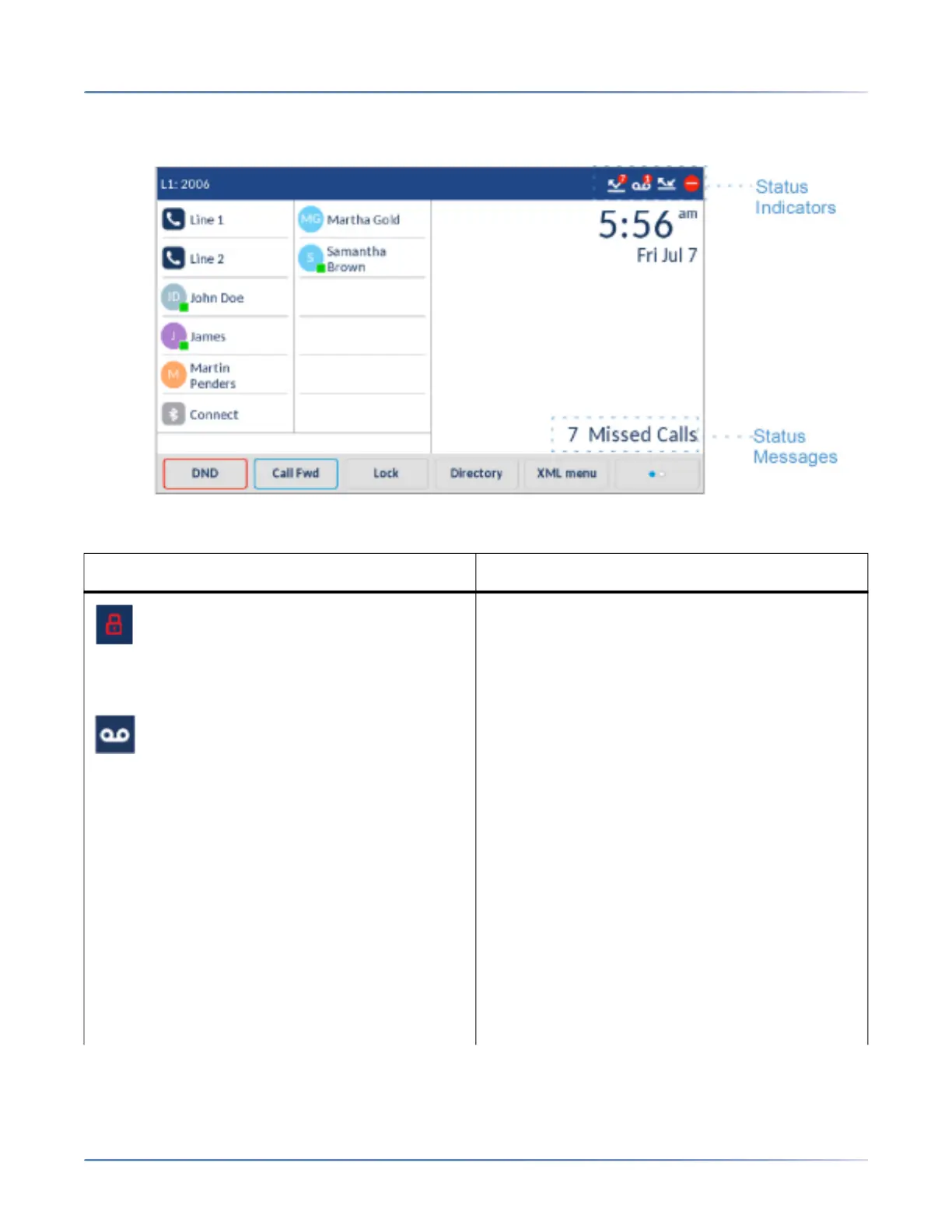
There are icons that display on the phone to indicate the status of the phone and/or the status of the line.
These icons display on the upper right corner of the Home
screen.
The following table identifies and describes the phone/line status indicators on the Home screen.
Icon Description
Phone Locked - The lock icon displays on the
Home screen indicating that the phone is in a
locked state preventing the phone from being
used and preventing any changes from being
made to the phone.
Voicemail - The voicemail icon displays on the
Home screen only if you have new messages
waiting. The number in the red circle indicates
how many new messages you have (from 1 to 9;
if the total number of pending messages is
greater than 9, an exclamation mark "!" is
displayed). To access your voicemail messages,
use the star codes for your system if a voicemail
softkey has not been configured on your phone.
For more information on your system’s star
codes, please refer to the documentation for the
voicemail system you are using.
NOTE: Depending on your call manager, the voice-
mail icon may not indicate the number of pending
messages, but instead just indicate messages are
pending by the use of an exclamation mark "!".



 To Next Page