21
G
ETTING STARTED UI OVERVIEW
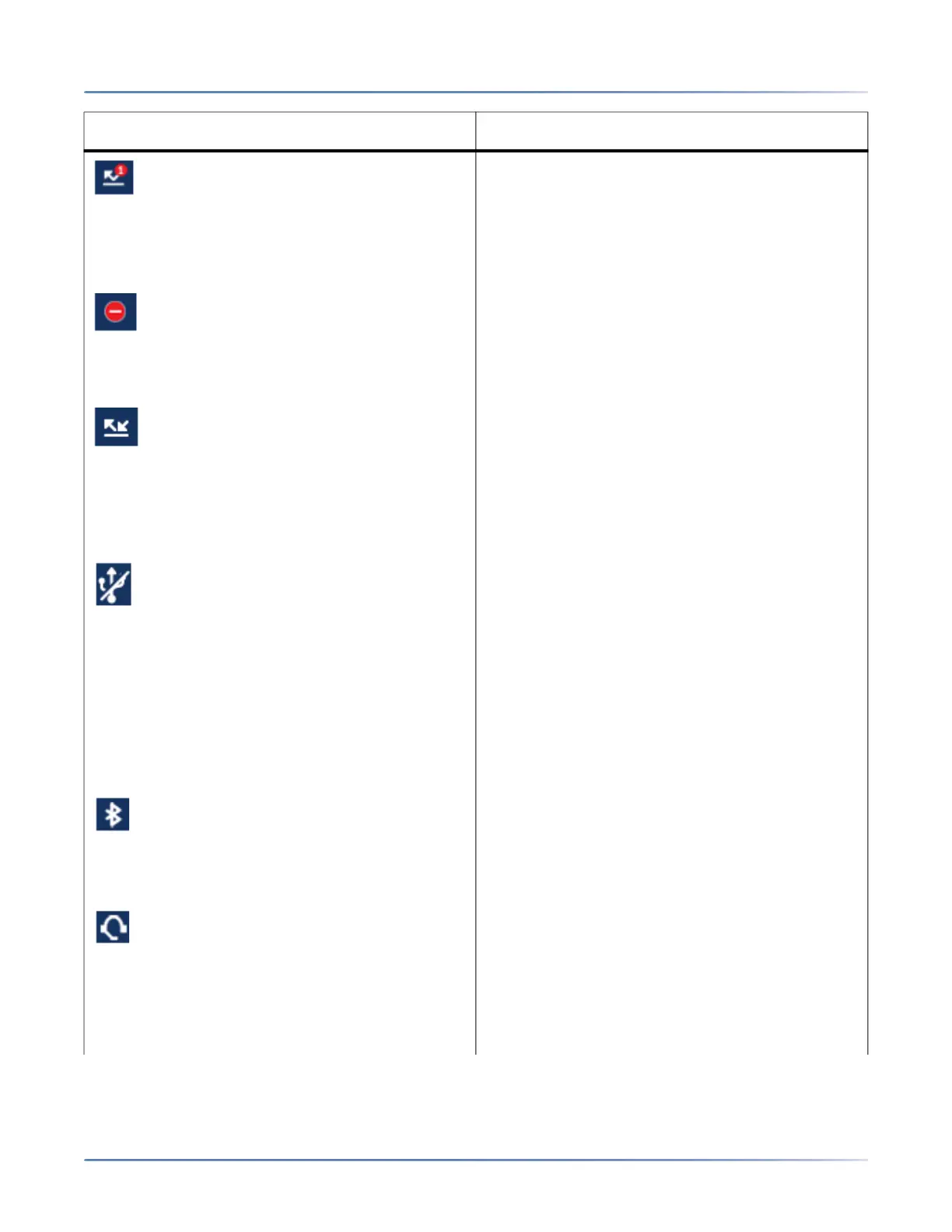
Missed Calls - The Missed Calls icon displays on
the Home screen only when incoming calls have
not been received. The number in the red circle
indicates how many calls were missed. To access
a list of your missed calls, press the Received
Callers List key.
Do Not Disturb - The Do Not Disturb (DND) icon
displays on the Home screen when the DND
feature is enabled. When DND is enabled, callers
calling into the phone hear a busy signal or a
message, depending on the configuration.
Call Forward - The Call Forward icon displays on
the Home screen when the Call Forward feature
is enabled. When Call Forward is enabled,
incoming phone calls are automatically forwarded
to a defined number when your phone is in a busy
state and/or when the call is not answered after a
specified number of rings.
USB Disabled - The USB Disabled icon displays
on the Home screen when the phone is being
powered using 802.3af Power over Ethernet
(PoE) and one or more expansion modules are
connected to the 6940.
If this icon is displayed, the USB port will not be
functional. Use the recommended AC adapter
(optional accessory) or power the phone using
802.3at PoE plus to ensure the USB port will be
functional when expansion modules are
connected to the 6940.
Bluetooth Enabled - The Bluetooth Enabled icon
displays on the Home screen when Bluetooth
functionality has been turned on.
For more information on Bluetooth functionality,
see Bluetooth .
Headset Connected - The Headset Connected
icon displays on the Home screen when a
headset (Integrated DECT Headset, Bluetooth,
USB, or analog wired) connection has been
detected.
For more information on headset functionality,
see Bluetooth.
Icon Description



 To Next Page