22
G
ETTING STARTED UI OVERVIEW
In addition to the phone/line status indicators, status messages with regards to the following are displayed
on the Home screen when the situation arises:
• Number of missed calls
• Phone lock status
• SCA Caller IDs
• XML-related text
• Network status
Softkeys
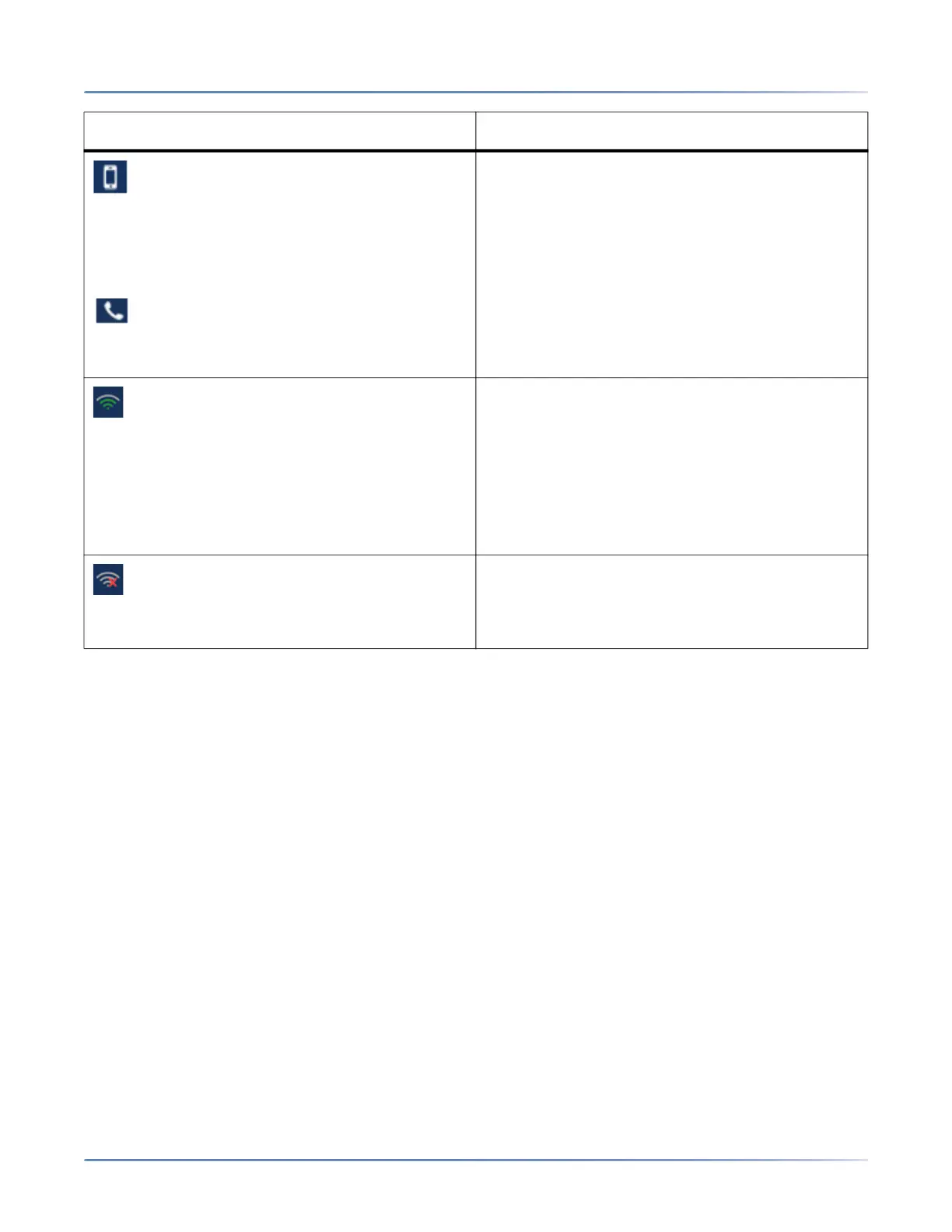
Mobile Phone Connected - The Mobile Phone
Connected icon displays on the Home screen
when a mobile phone connection has been
detected.
For more information on mobile integration
features, see Bluetooth.
Handset Connected - The Handset Connected
icon displays on the Home screen when a
cordless bluetooth handset is detected. For more
information, see Bluetooth.
Wi-Fi Connected- If your phone is connected to
the Wi-Fi network Wi-Fi connected icon is shown
in the Status bar on the Home screen.
NOTE: The bars in the Wi-Fi icon indicate the
strength or quality of the Wi-Fi network. Gray indi-
cates a weak/absent signal, green indicates a
good signal. The higher the green bar, the
stronger the network strength.
Wi-Fi Disconnected- If your phone is
disconnected from the Wi-Fi network Wi-Fi
disconnected icon is shown inthe Status bar on
the Home screen.
Icon Description



 To Next Page