Spitfire – Maintenance Manual
123
AP-74096, Rev. 1.0, 09/06/05
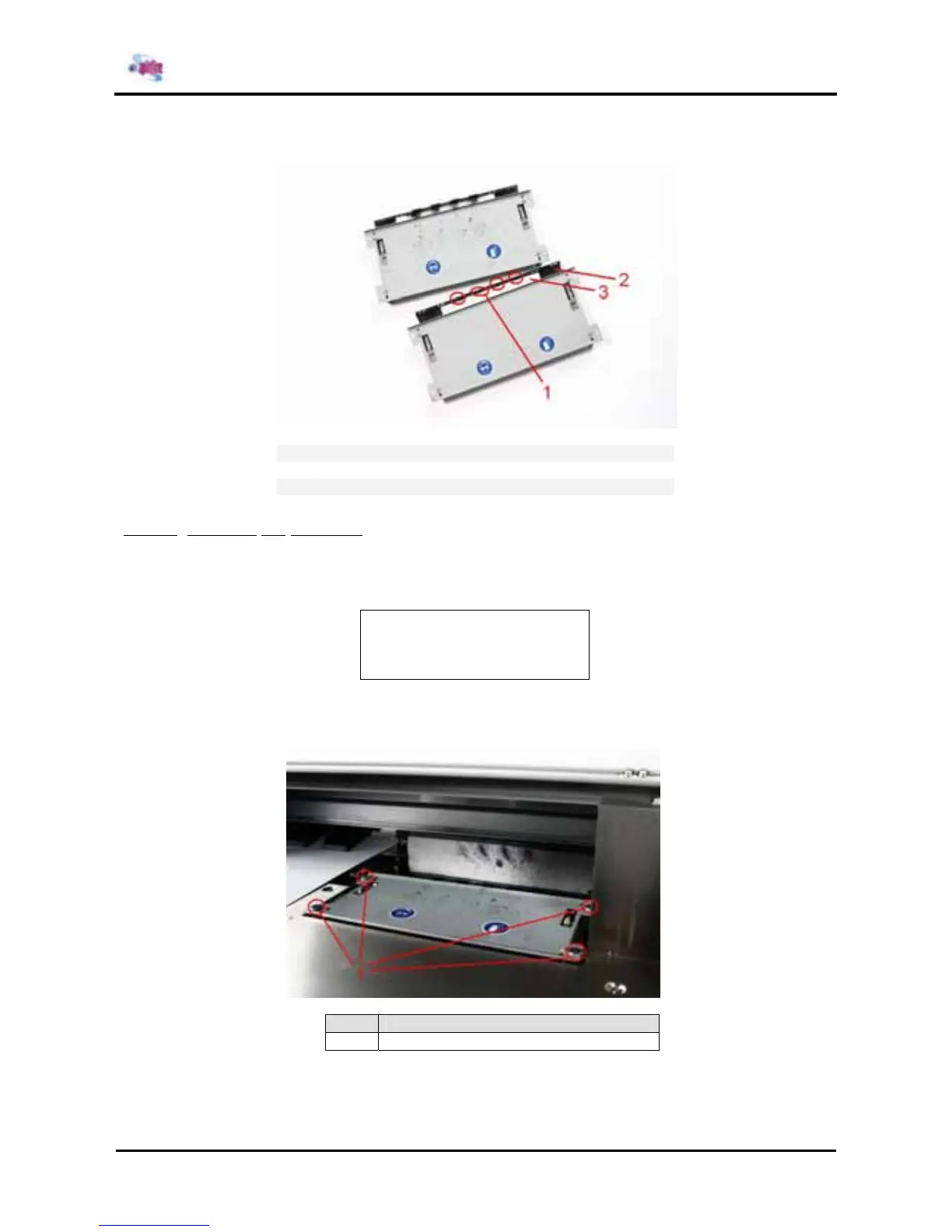
Step 2: Replace the sponge
1
Wipers
2
Wiper arm
3
Sponge
4.8.4.2 Installing the wiperarm
Step 1 : Power ON the printer and go to the “WiperClean-Menu”. This will cause the unlocking of the
carriage. (In User mode > SetupMenu 6/7)
* WiperClean *
Changed wiper?
→ ENTER
Step 2 : Push the carriage to the left side of the machine so you can remove the four screws of the wiper
assembly.
No. Part
1 Screws















 To Next Page