Spitfire – Maintenance Manual
235
AP-74096, Rev. 1.0, 09/06/05
Notes :
¾ Refer to “Self-Diagnosis Function ".
Step 3 : Release the head lock.
Step 4 : Check if the installation angle of the P_EDGE sensor is 15°.
Step 5 : In the inspection menu, select "Check : Check".
Step 6 : Display "Sensor : PaperEdgeAD".
Step 7 : Open the front cover.
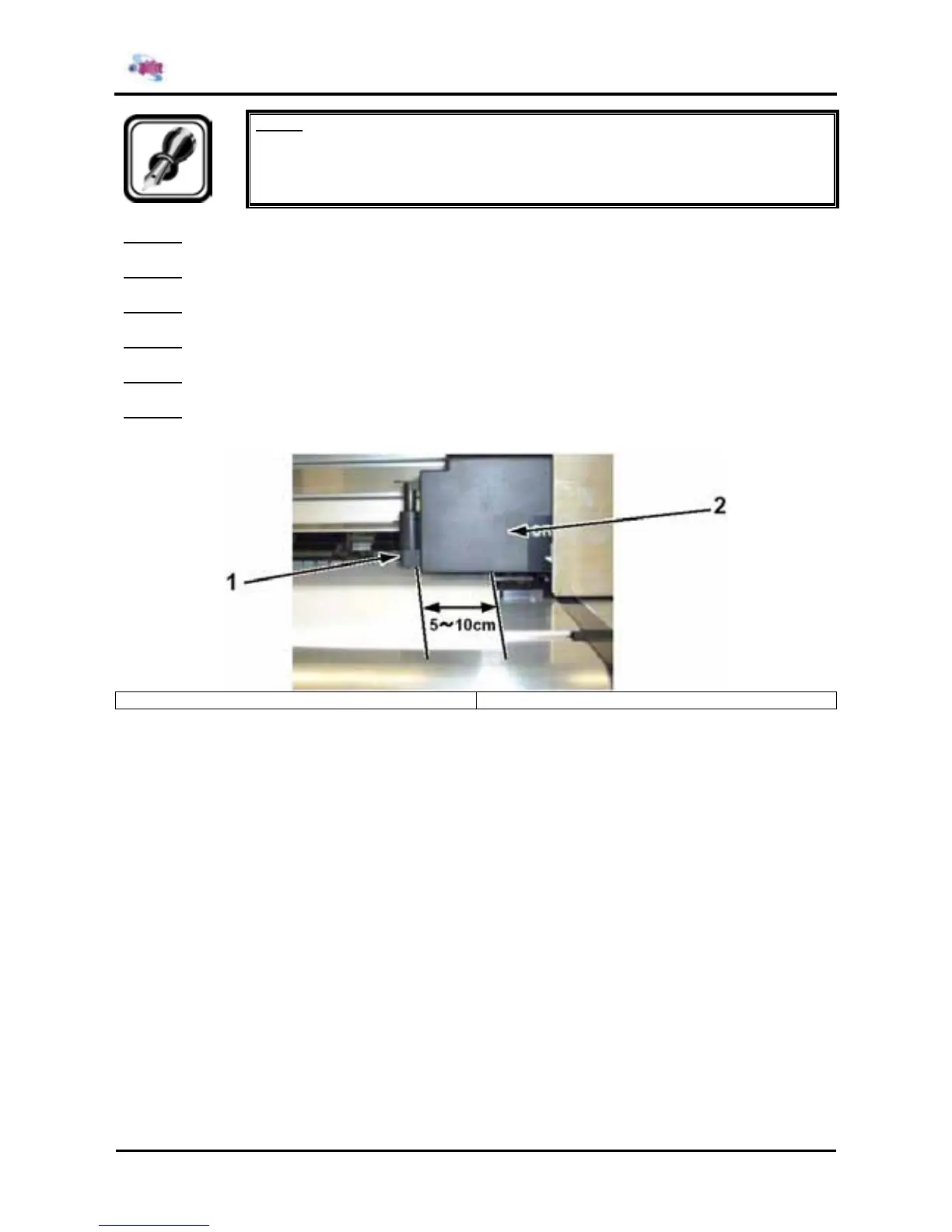
Step 8 : Move the carriage so that the dimension between the right edge of the standard media and the
cutter is 5 to 10 cm.
1 = Razor Blade 2 = Carriage















 To Next Page