Software Upgrades 2: Maintenance
13
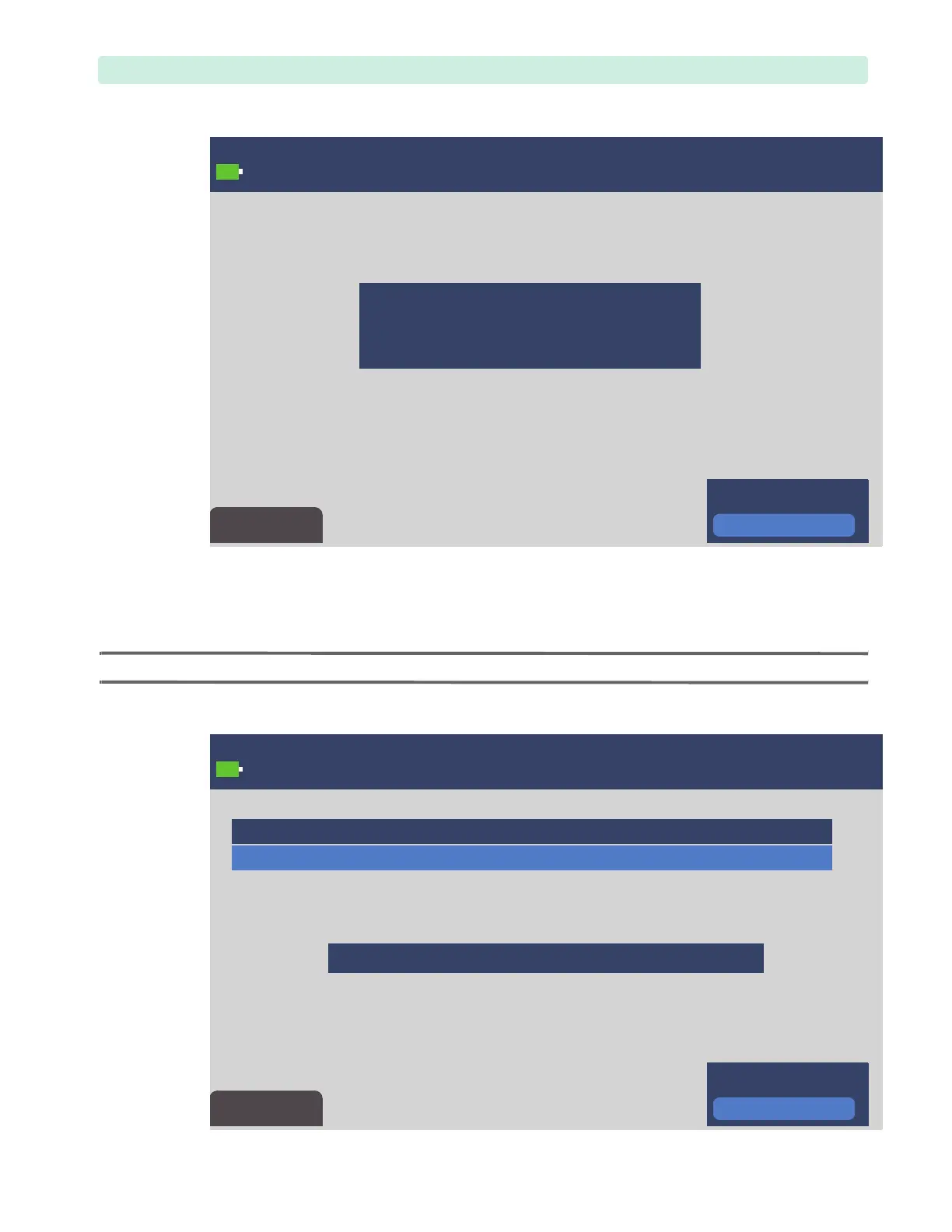
10 In a multi-stage upgrade, the Upgrade Completed message may appear. This message indicates a
stage completion.
Do not remove the USB drive or power source, or turn the Therapy Knob. Press the Menu Selection
key to acknowledge the restart of the upgrade at the next stage, see Figure 10 below.
NOTE: If you accidentally removed the USB drive, reinsert it and continue the upgrade.
Figure 9 Software Upgrade, Sample Progress Screen
Figure 10 Software Upgrade, Continuation








 To Next Page