123
Polyend Tracker+ Manual
NOTES
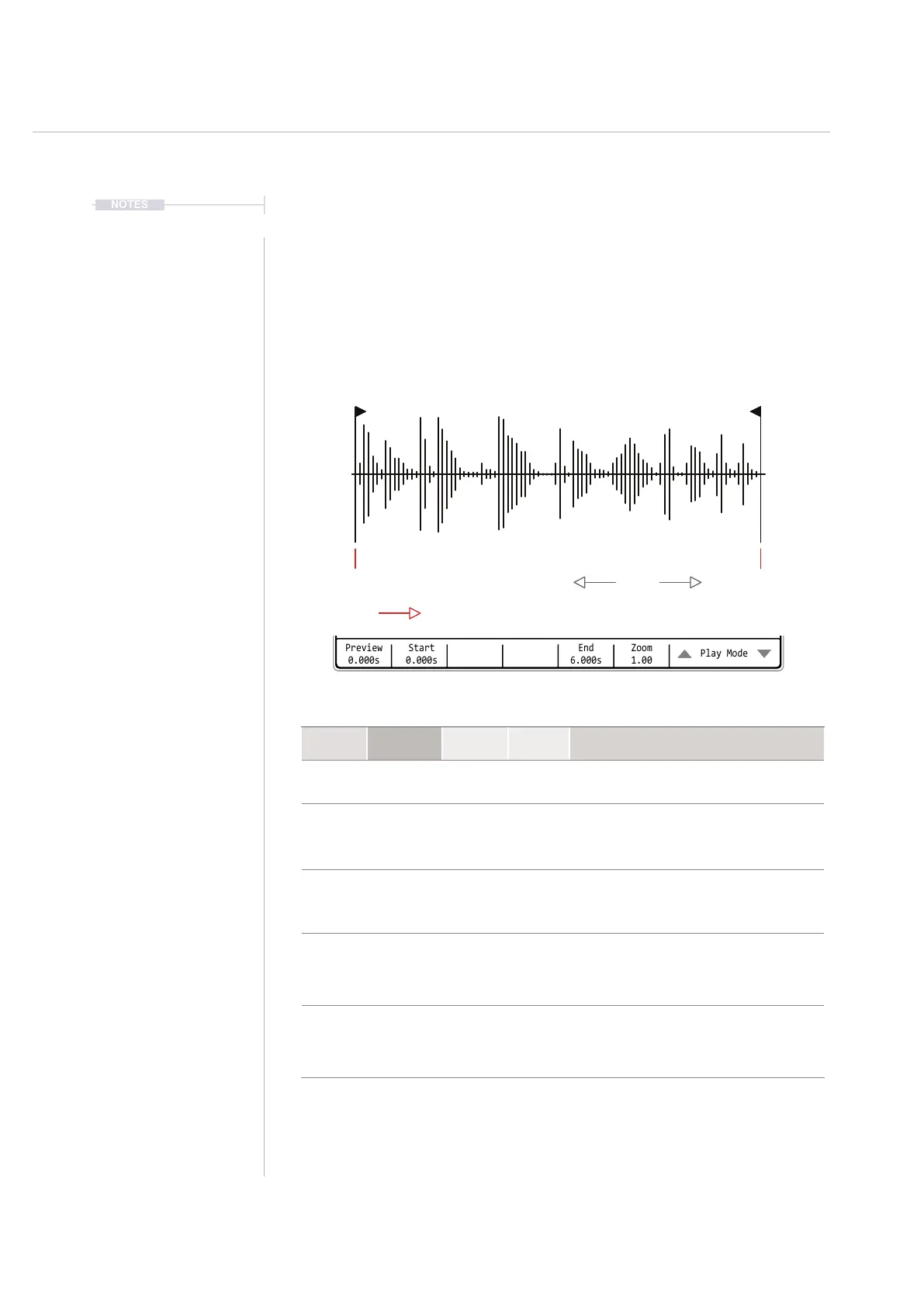
1-Shot Parameters
The available parameters are simple for the 1-shot option with only two
editing parameters and one visual aid. Navigate and select using the
Screen Buttons. Also navigation using the [Left] [Right] buttons to select the
section and [Up] or [Down] or Turn (Jog) to change the value / selection.
Instruments
6
Start EndZoom
1-Shot
Preview
0.000s
Start
0.000s
Zoom
1.00
End
6.000s
Play Mode
Sample Playback 0m:00s P3.002
1-Shot
Slice
Forward loop
Beat Slice
Backward loop
Wavetable
Pingpong loop
Granular
16.hh3
Function Parameter
Screen
Button
Range Description
Edit Play Mode 7th & 8th
Modes
Selects the play mode to apply. Includes 1-Shot
plus loop modes and wavetable / granular synth.
Aid Zoom 6th
Variable
Zooms in horizontally to the visual display for more
precise editing. Does not affect playback. Zoom
reference point is based on the previously adjusted
parameter i.e. Start.
Aid Preview 1st
Variable
Hold to play the sample. The number below the
screen button label indicates current play position
in seconds. Preview playback will run for approx 1
sec after releasing the preview button.
Edit Start 2nd
Variable
Adjusts and edits the sample start point. This is the
starting position used when a 1-shot sample is
triggered in a pattern or when previewed. Marker is
red but will change to green if a zero crossing point
is detected at the current position.
Edit End 5th
Variable
Adjusts and edits the sample end point. This is the
ending position used when a 1-shot sample is
triggered in a pattern or when previewed. Marker is
red but will change to green if a zero crossing point
is detected at the current position.



 To Next Page