252
Polyend Tracker+ Manual
NOTES
Song Mode
9
9.1 Tempo
While tempo has been covered earlier, it is a good point to remind about the
tempo setting which resides in the song mode pages.
▌ SETTING THE TEMPO
1. To quickly set the tempo, Hold [Song] + Turn (Jog). Quick changes of
the jog wheel will move in bigger increments. Also [Up] or [Down] can
be used instead of (Jog).
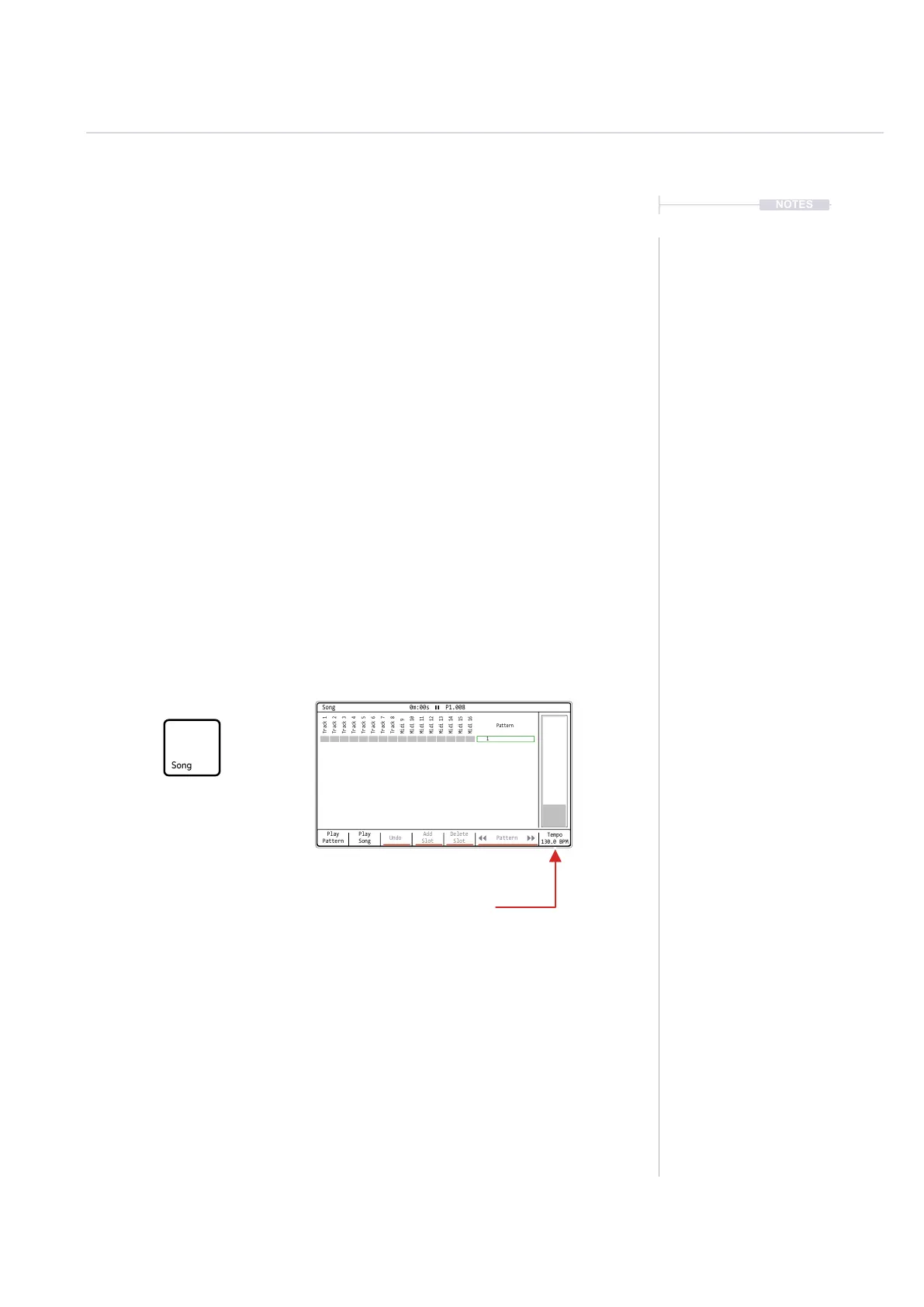
2. The longer, on page option to change tempo, Press [Song] to select
song mode.
3. Hold [Tempo], 8
th
Screen button and Turn (Jog) to adjust in 1BPM
increments. Also [Up] or [Down] can be used instead of (Jog).
4. Hold [Tempo], 8
th
Screen button + [Shift] + Turn (Jog) to adjust in ne
0.1 increments. Also [Up] or [Down] can be used instead of (Jog).
5. Note that tempo changes can be applied also at step level using the
step effects.
Play
Pattern
Play
Song
Undo
Add
Slot
Delete
Slot
Pattern
Tempo
130.0 BPM
Track 1
Track 5
Midi 9
Midi 13
Track 2
Track 6
Midi 10
Midi 14
Track 4
Track 8
Midi 12
Midi 16
Track 3
Track 7
Midi 11
Midi 15
1
Pattern
Song 0m:00s P1.008
Tempo
Adjusts the project Tempo
Song Mode
Song arrangement mode and
project tempo



 To Next Page