138
Polyend Tracker+ Manual
NOTES
Instruments
6
6.12 Sharing Sample Instruments
Instruments can be shared either with other projects on the same device or
by transferring to another Tracker+. This is useful when developing new
instruments or ones which will be reused for example to a develop a
signature sound across multiple tracks of an album.
Instruments are saved with a project using a ‘.pti’ le format and are stored
in the project subfolder, ‘instruments’. The project and instrument folders
are accessible from all projects. This is ok if you know where to look and
what to look for. Remembering all projects and their instruments is not an
easy task. A few tips will help manage a library of instruments. Tracker+
does not have in depth le management functions on board so using a PC
or Mac to access the SD card is required.
• Create instruments as normal. Save a project which will also save
the instruments into the current project folder. Instruments created
or loaded from other projects will be saved with the current project.
• Consider creating a ‘user’ subfolder within the instruments folder.
This can be used to build a library of user instruments.
• A different folder cannot be selected in Tracker+ when saving
Instruments. Periodically instruments can be manually copied using
a PC / Mac into the ‘user’ instrument folder on the SD card. This
would be a housekeeping task, maybe combined with backing up
the SD Card fully.
• Do not cut or delete the the original instrument from the project as
this is where the project recognises the original le to be stored.
• The user folder can easily be shared with collaborators or between
devices simply by copying between SD Cards with the PC / Mac.
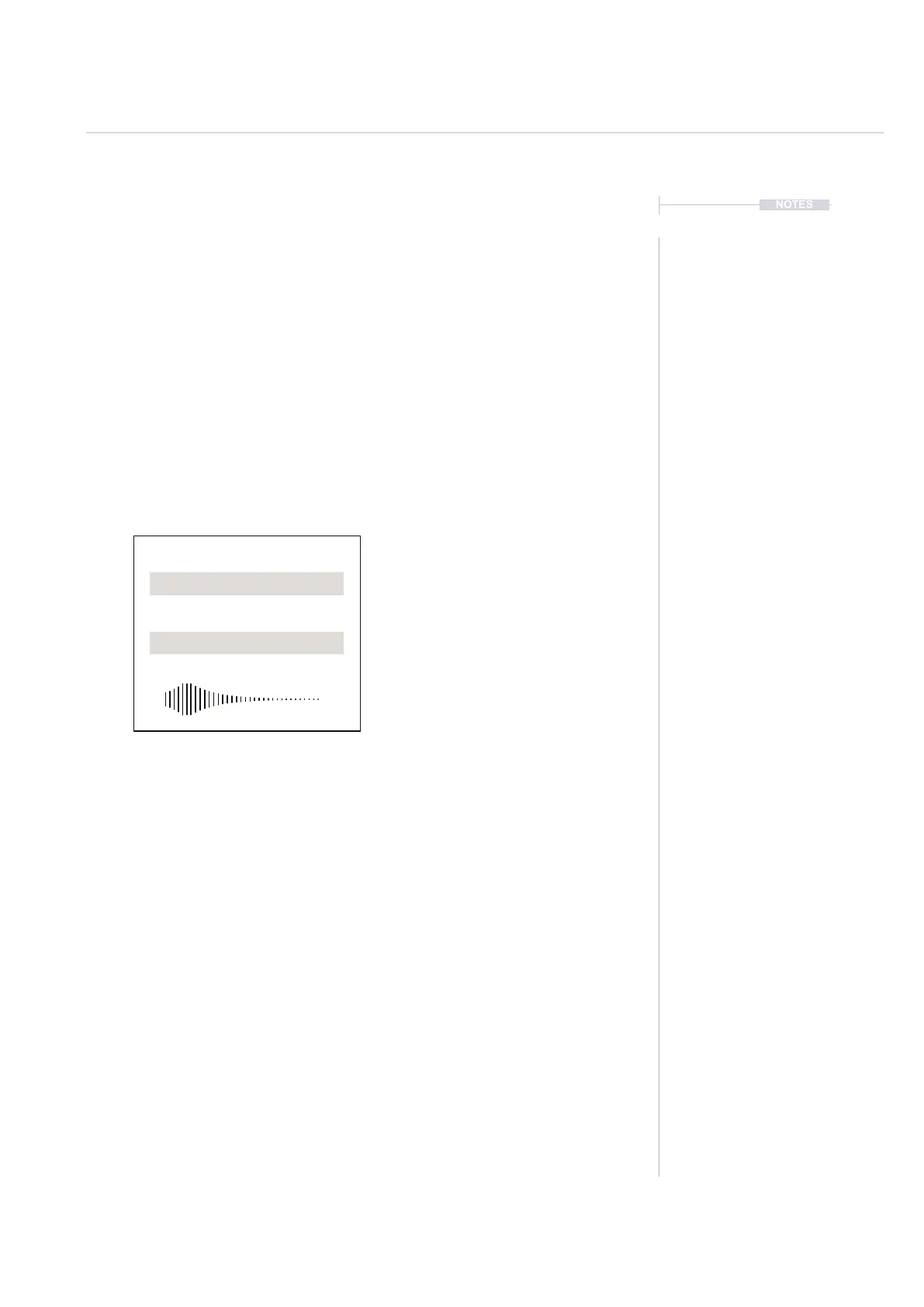
Instrument.pti
Sample
Instrument Parameters and Settings.
PCM Sample 44.1kHz, 16 Bit
Header
A .pti le contains a header ~400 bytes
which handles the parameter settings.
In addition a sample is included which
can vary in size and which is packed
into the instrument le.



 To Next Page