48
Polyend Tracker+ Manual
3.7 Summary of Conguration Options
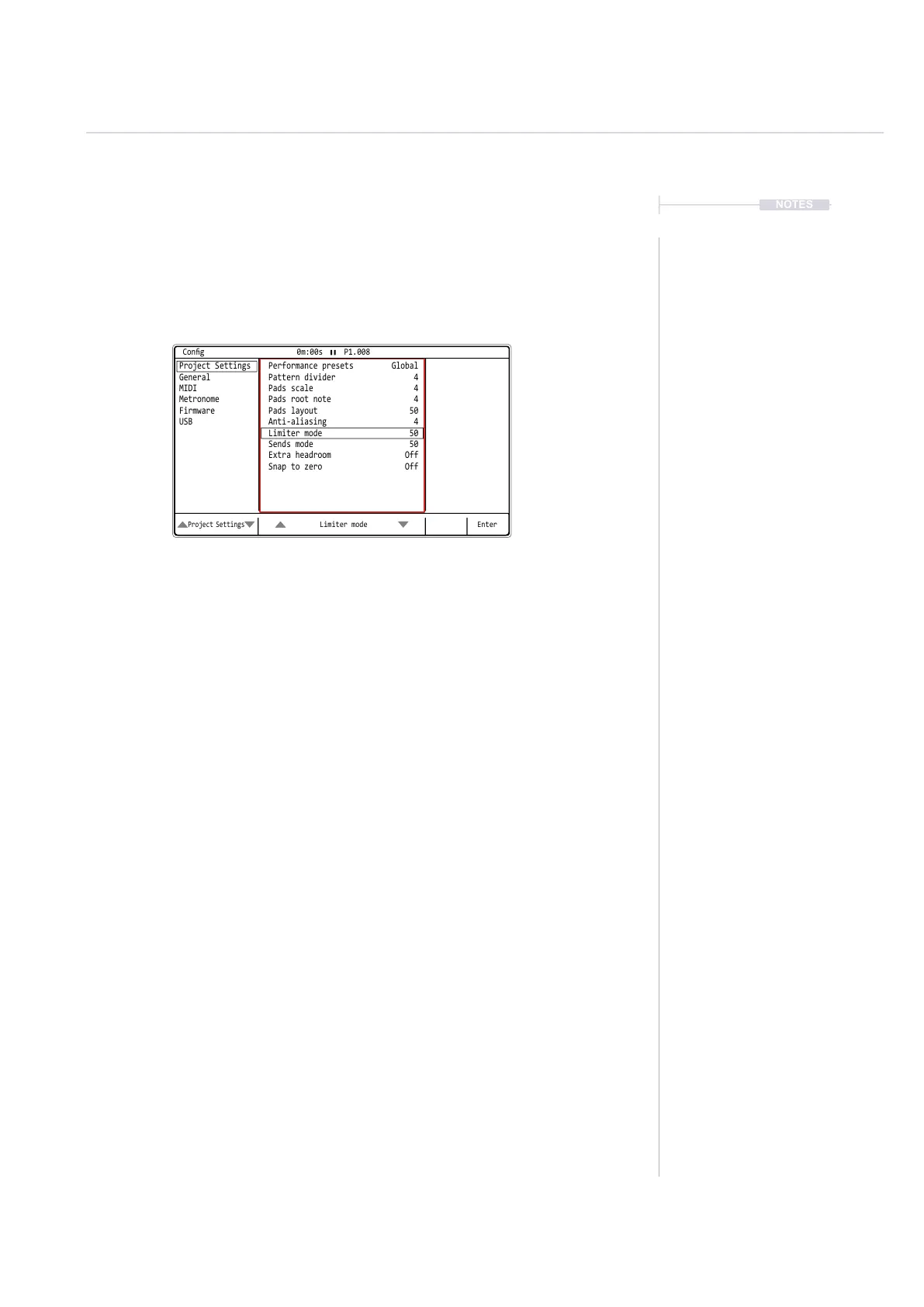
A number of options can be set in the ‘Cong’ menu. These defaults may
be good enough to get started but specic changes may suit certain
workows and situations better. The details of these will be covered in
relevant sections and only an overview of global settings is provided here.
Press [Left] or [Right] to navigate between the option windows a red
bounding box will indicate the selected window. Press [Up] or
[Down] or Turn (Jog) to navigate to the desired listed option.
Also the [Up] and [Down] screen buttons will select the option and
automatically select the menu window.
NOTES
Projects
3
Limiter mode
Project Settings
Enter
Project Settings Performance presets Global
Pattern divider 4
Pads scale 4
Pads root note
Anti-aliasing
4
4
Pads layout
Limiter mode
Sends mode
Extra headroom
Snap to zero
50
50
50
Off
Off
General
MIDI
Metronome
Firmware
USB
Cong 0m:00s P1.008



 To Next Page