42
Polyend Tracker+ Manual
3.5 Metronome
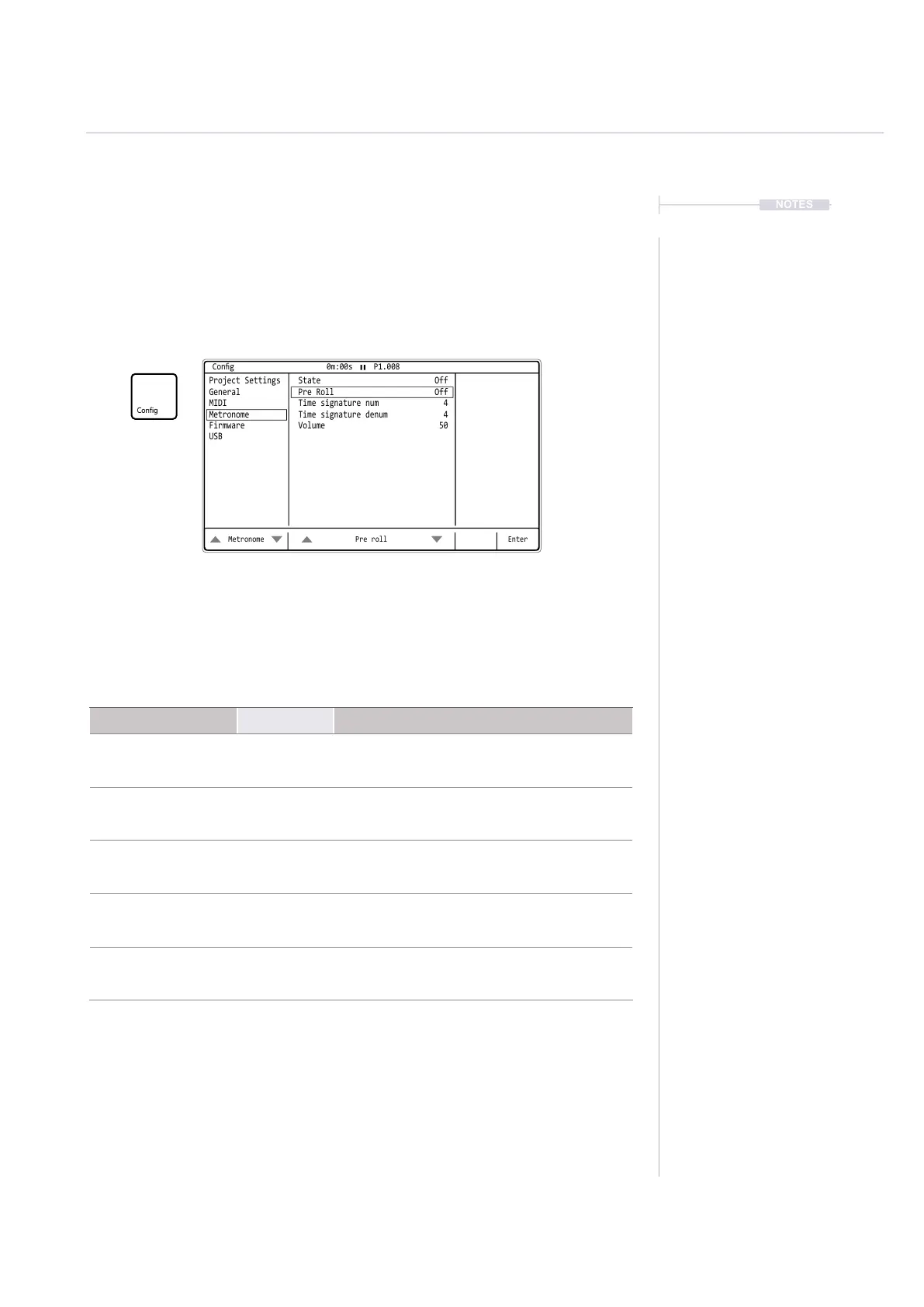
Tracker+ has a metronome which operates when live recording (not normal
playback). This is congurable and selectable on/off within the ‘Cong’
menu under the ‘Metronome’ options. These settings are also accessible
from the Sample Recorder page.
Option Parameters Description
State
On, Off
Default Off
Toggles the metronome on or off.
Pre Roll
On, Off
Default Off
Sets a count in before the sequencer starts to
help timing of punch in recording.
Ideal for live recording.
Time signature num
1 - 12
Default 4
Number of beats in a measure / bar. Upper
number in the normal time signature value.
Example 4/4 set to 4 beats per measure.
Time signature denum
1 - 12
Default 4
Beat value, division of note. Lower number in
the normal time signature value. Example 4/4
has a quarter note per beat.
Volume
1 - 100
Default 50
Volume of the metronome’s ‘tick’ sound
Press [Left] or [Right] to navigate between the option windows
and use [Up] or [Down] to navigate to the desired option.
Metronome Settings.
NOTES
Projects
3
Metronome Pre roll Enter
Project Settings State Off
General Pre Roll Off
MIDI Time signature num 4
Metronome Time signature denum 4
Firmware Volume 50
USB
Cong 0m:00s P1.008



 To Next Page