193
Polyend Tracker+ Manual
NOTES
7.25 Filter LFO
j Rates
128 96 64 48 32 24 16 12 8 6 4 3 2 3/2 1
3/4 1/2 3/8 1/3 1/4
316
(3/16)
1/6 1/8
/12
(1/12)
/16
(1/16)
/24
(1/24)
/32
(1/32)
/48
(1/48)
/64
(1/64)
Rate 2
Step j Rate
The impact of the LFO will depend on the type of lter selected and the
settings in the lter LFO and settings in the instrument parameters.
Default
Off
LFO will be applied to
the lter cutoff frequency.
OFF may be used to avoid lter state cutting out all audio
Speed set in the Instrument Parameter LFO will apply
Plays at default lter setting
FX Type Tag
Value Ranges
FX Description
Example
Effect
Pad Range
j
Various
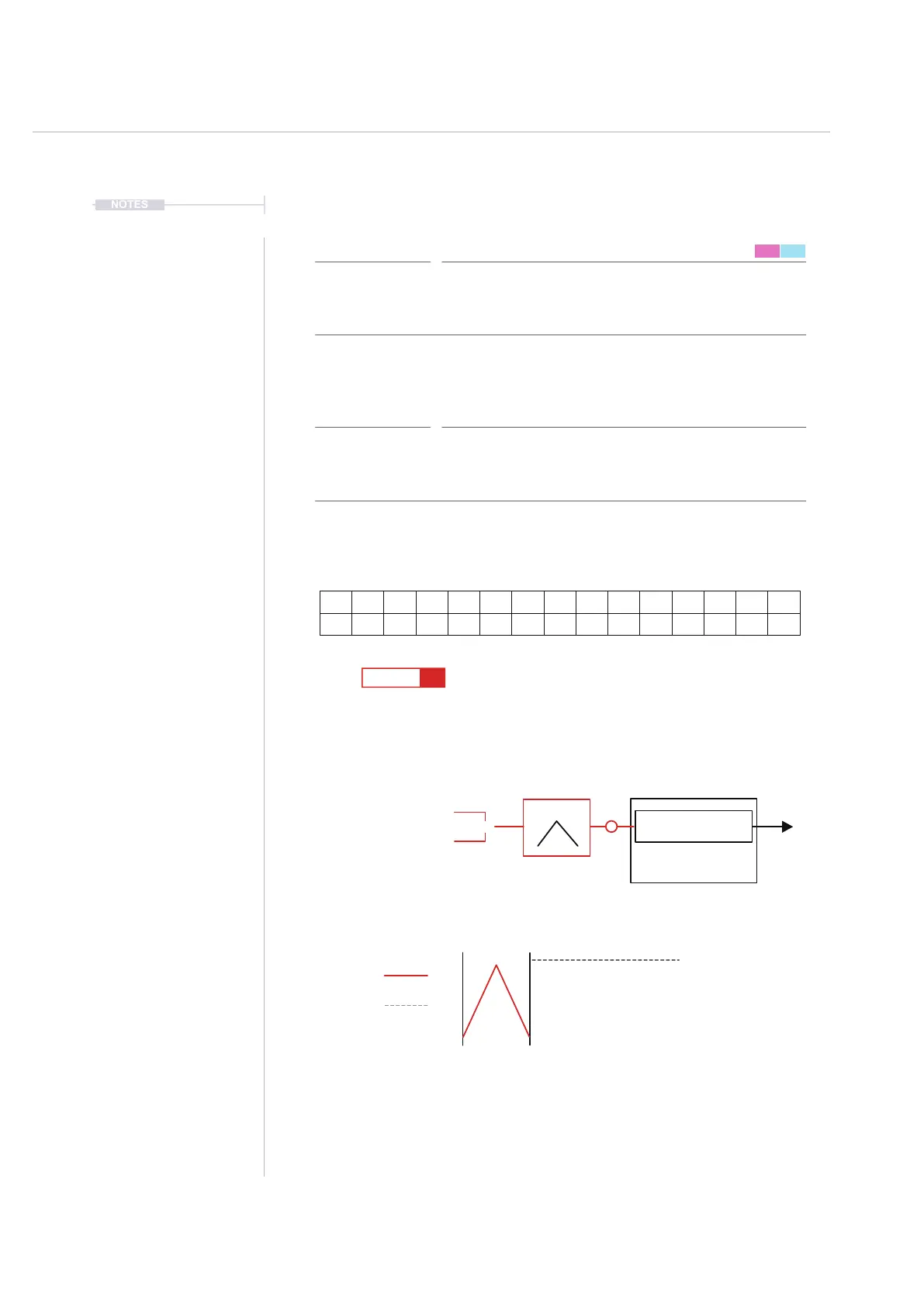
Selects the rate for the instrument lter cutoff LFO. This setting in increments
with respect to project tempo. LFO is found in the instrument parameters P2/2.
A lter type will need to be set which will effect the behaviour of the LFO.
The LFO is triggered by each step either using the rate for the lter step LFO
or the default instrument parameter speed of no LFO FX is set. The LFO cycle
is reset each trigger. Higher rates 128-32 good for sweeps and mid range 4-
1/3 good for dubstep style wobble.
Filter Cutoff LFO Rate
Pad 1 = 128, Pad 13 = 16, Pad 30 = 1, Pad 34 = 1/2,
Pad 46 = 1/8
FX Steps
7
1
9
5
13
------- -- ----
F5 24
----
!OFF
F5 24
----
j 2
F5 24
---- ----
Speed Default
Step Rate Trigger
or
Instrument Cutoff
Instrument
24
LFO
1 5 9 132 6 10 143 7 11 154 8 12 16



 To Next Page