319
Polyend Tracker+ Manual
System
13
NOTES
13.6 Screen Capturing
The ability to capture screen images from the currently displayed page is a
built in feature of Tracker+.
▌ SCREEN GRAB OF CURRENT IMAGE
1. Select the page to capture.
2. Press [Shift] + On/Off Button. This is the power on button at the rear of
the unit. This action is not accompanied by any visual or audible
acknowledgement of capture being completed.
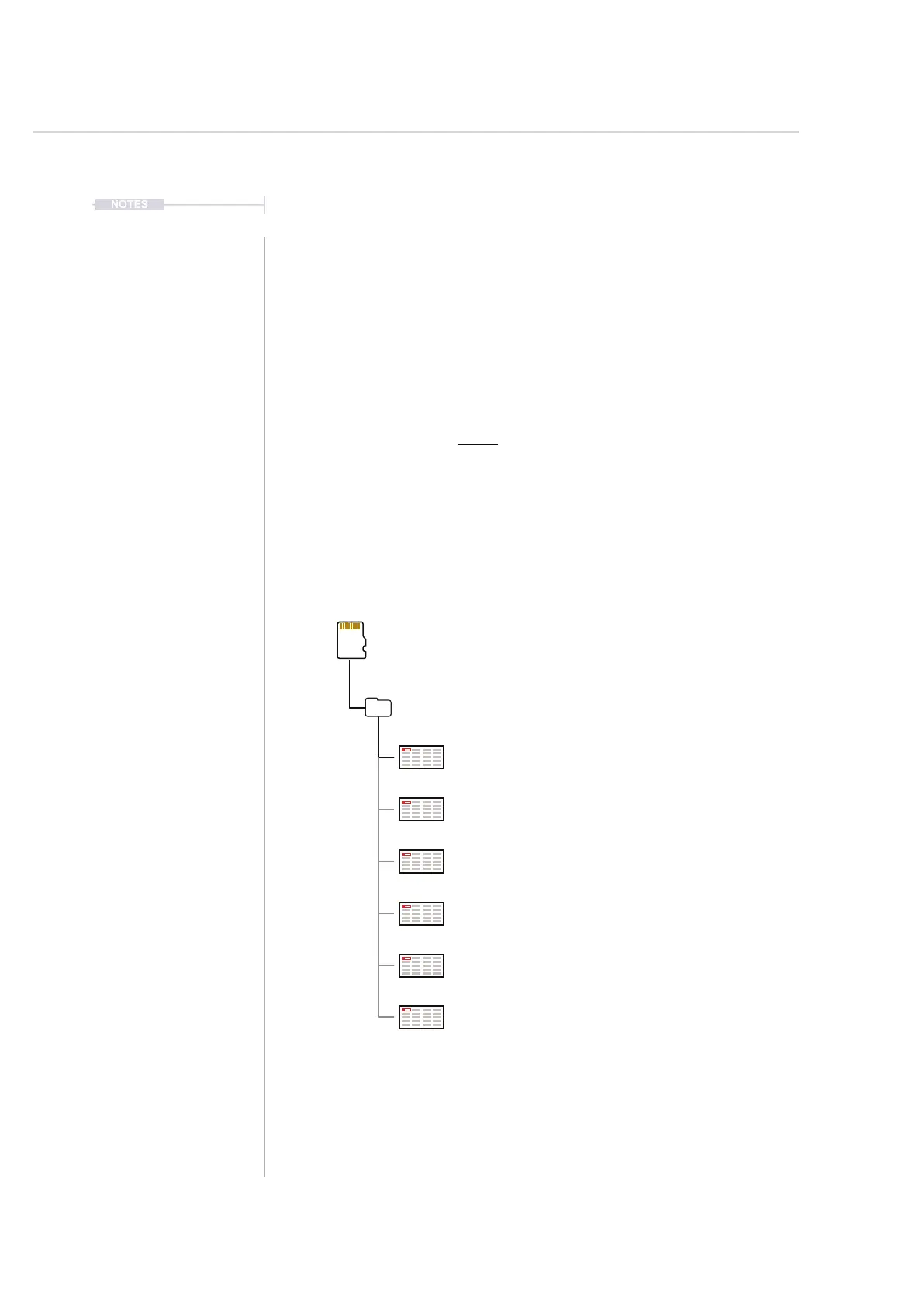
3. The screen will be captured and saved onto the SD card as a .BMP
image le in the snapshots folder.
Sub Folders
Screen Captured Files
RGB 800 x 480 Windows BMP Format
SD Card
/Root Directory
/Snapshots
Snapshot_001.bmp
Snapshot_002.bmp
Snapshot_003.bmp
Snapshot_004.bmp
Snapshot_005.bmp
Snapshot_006.bmp



 To Next Page