301
Polyend Tracker+ Manual
Performance Mode
12
12.2 Performing - Quick Start
Assuming the effects are set up, values in place then real-time
improvisations can be performed. Think of performance effects as applying
parameter value variations as an offset from the current setting.
▌ PERFORMING LIVE WITH THE PERFORMANCE EFFECTS
1. Press [Perform] to select the Performance Mode page.
2. Press [Track 1] - [Track 8], screen buttons to select for applying effects
on (red) or off. Only the selected, red lit tracks will be affected by the
triggered performance effects.
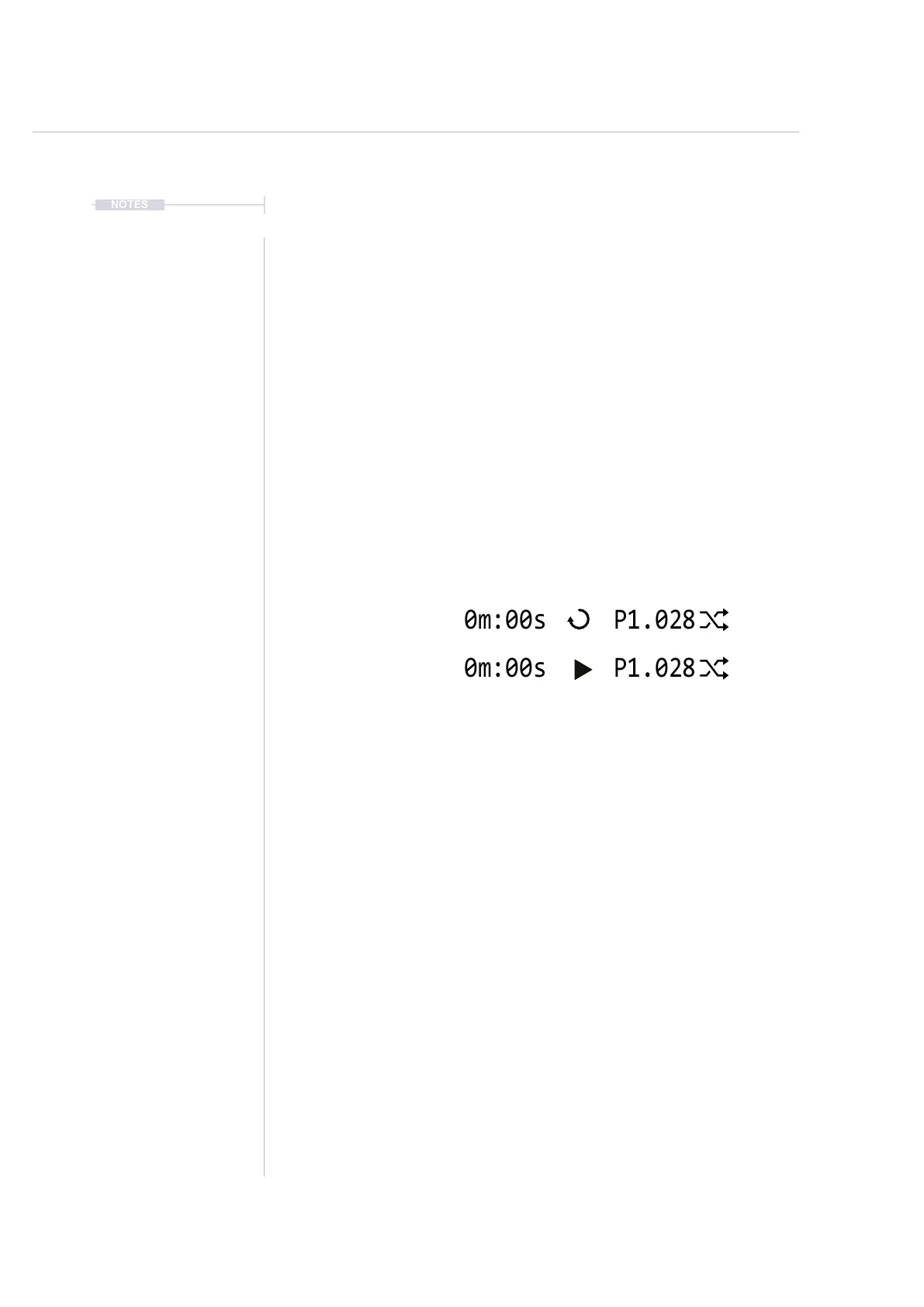
3. Press [Play] to play a pattern or [Shift] + [Play] to play a song, also
toggles between song and pattern play. The display header will show
the pattern or song playback symbol. Also the perform mode symbol will
be displayed.
4. To punch in an effect, Press [PAD]. The effect is retained once pressed.
The Pad column represents each of the 12 loaded effects.
The Pad row represents the effect value setting.
A default series of effects will be in place, example column 1, Volume.
5. To clear the effect, Press [PAD] for the effect, row 1.
The Pad row 1 is reserved for restoring the default, i.e. effect off.
6. To apply a temporary effect, Hold [PAD] + Turn (Jog) - when NOT in
[Rec] mode, i.e. parameters are green. The effect value will be applied
while the pad is held and will revert to the default when the pad is
released.
7. The effect will apply an offset to the current value of the parameter
affected. The value will be as stated in the parameter row. For example,
set pitch offsets for lead or bass tracks.
8. To mute / unmute tracks, Hold [Shift] + Press [Track 1] - [Track 8],
Screen buttons.
9. Press [Instrument Parameters] and [Perform] to toggle between audio
instruments and perform to offer more variations while still performing.
Pattern Play
Song Play
NOTES



 To Next Page