61
Polyend Tracker+ Manual
NOTES
Pattern Format
4
4.5 Inverting a Selection of Steps
Patterns are created top to bottom and steps assigned in the step rows.
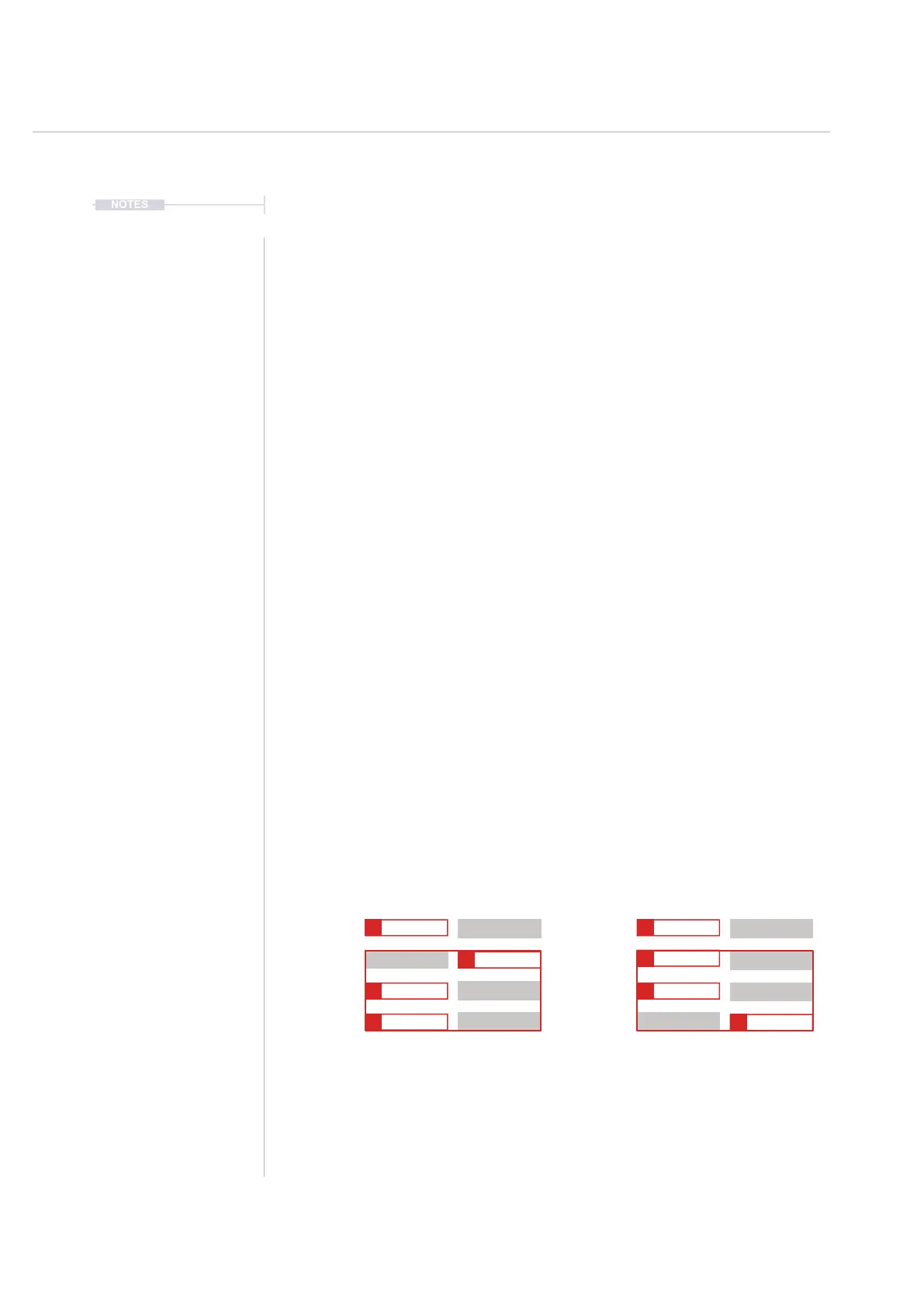
Steps once selected in a pattern can be inverted. This will reverse the order
in which the steps play. For example the rst step in the selection will play
last and vice versa.
▌ INVERTING A STEP RANGE IN A PATTERN
1. Press [Pattern] to select the pattern mode page.
2. Ensure options page 2 is displayed. Press [More] to toggle between the
two pages of pattern options.
3. Press [Rec] to select recording mode and allow editing. Screen buttons
will be unavailable, shown dim, otherwise.
4. Navigate to the rst step. Press [Shift] + [Up] or [Down] to select the
sequence of steps and / or Press [Shift] + [Left] + [Right] to select steps
across tracks.
5. Press [Invert] Screen Button to reverse the order of the range of steps
selected. This reverses the vertical order of the steps. The steps remain
in their respective tracks.
6. The [Undo] or [Redo] screen buttons can be used if required to restore
a previous state.
Original Range
Selected Range 2 - 4 Bounded in Red
Inverted Range
Inverted Range 2-4 Bounded in red
Track 1 Track 1Track 2 Track 2
Step 1 Step 1
Step 2 Step 2
Step 3 Step 3
Step 4 Step 4
C6 40
----
P 25 C6 40
----
P 25
C6 40
----
P 25
C6 40
----
P 25
E5 40
----
P 25
C6 40
----
P 25 C6 40
----
P 25
E5 40
----
P 25



 To Next Page