40
Polyend Tracker+ Manual
3.4 Project Tempo
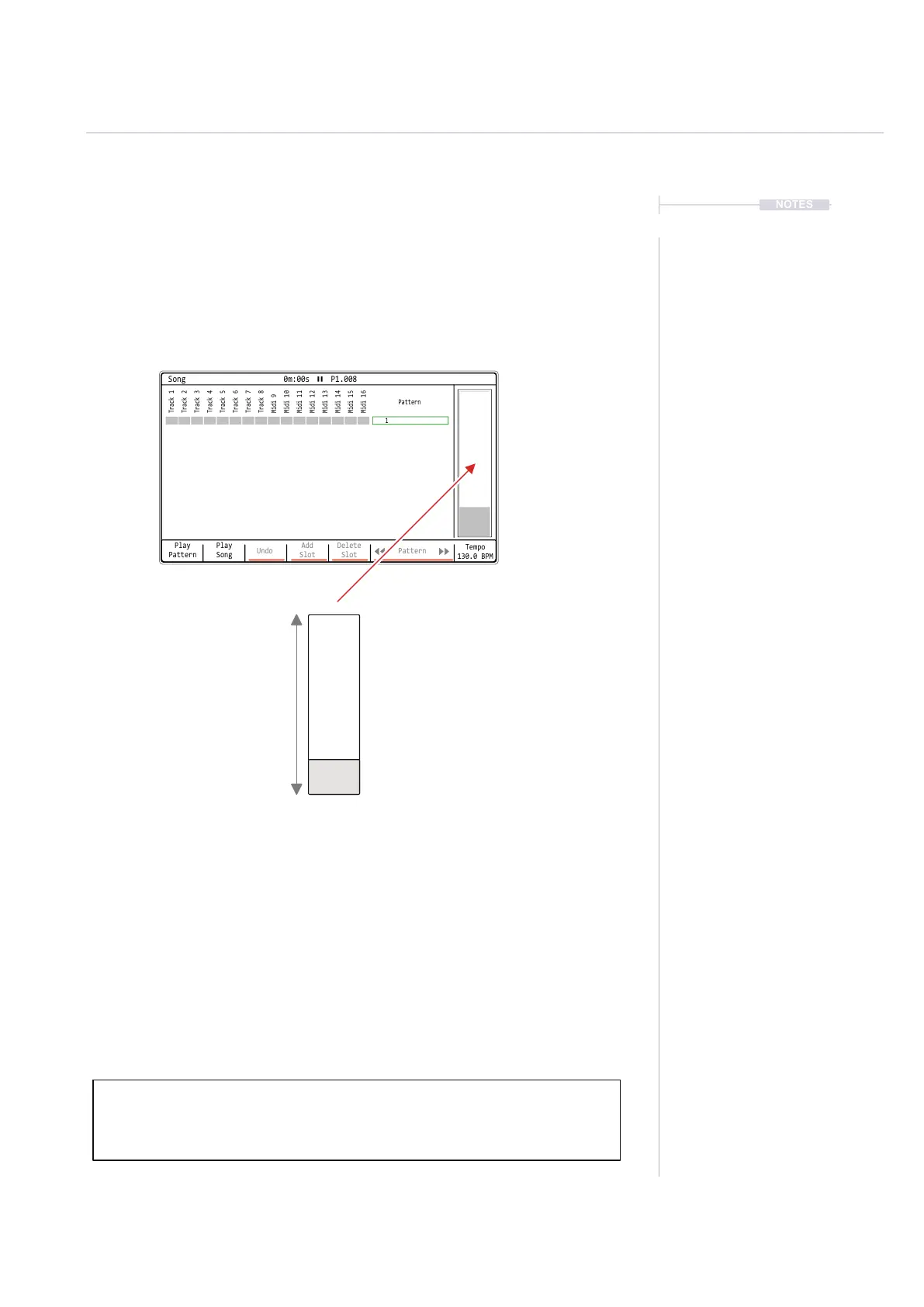
The overall tempo of the project is set in the ‘Song’ section of Tracker+ and
has a dened range of 40 - 800 BPM. Tempo can also be modulated by
using the FX slots in a step with the ‘T’ Tempo effect. Note that the MIDI
clock output is based on the project tempo.
Note: Pressing [Delete/Backspace] when tempo is selected will reset to the default
130 BPM. This is generic behaviour, where the [Delete/Backspace] button will
reset any selected parameter to it’s default value.
Tap tempo can be applied in Song Mode by tapping the Tempo
Screen key a minimum of 4 times at the BPM desired. Count
will be displayed when tapping.
Hold [Song] + Turn (Jog) to adjust
the tempo.
In Song Mode,
Hold [Tempo] + Turn (Jog)
Adjust in 0.1BPM Increments
Hold [Shift] + [Tempo] + Turn (Jog)
BPM Range
800 BPM
40 BPM
Tempo
130.0 BPM
NOTES
Projects
3
Play
Pattern
Play
Song
Undo
Add
Slot
Delete
Slot
Pattern
Tempo
130.0 BPM
Track 1
Track 5
Midi 9
Midi 13
Track 2
Track 6
Midi 10
Midi 14
Track 4
Track 8
Midi 12
Midi 16
Track 3
Track 7
Midi 11
Midi 15
1
Pattern
Song 0m:00s P1.008



 To Next Page