196
Polyend Tracker+ Manual
NOTES
7.28 Overdrive
Variation of overdrive instrument effect
Take care when working with overdrive, especially with headphones. This
can become loud. Start with smaller settings and expand as required.
1
9
5
13
16
F5 16
----
F5 16
----
D 10
D 5
F5 16
---- ----
F5 16
----
D 17
D 20
F5 16
----
FX Type Tag
Value Ranges
FX Description
Example
Effect
Pad Range
D
0-100%
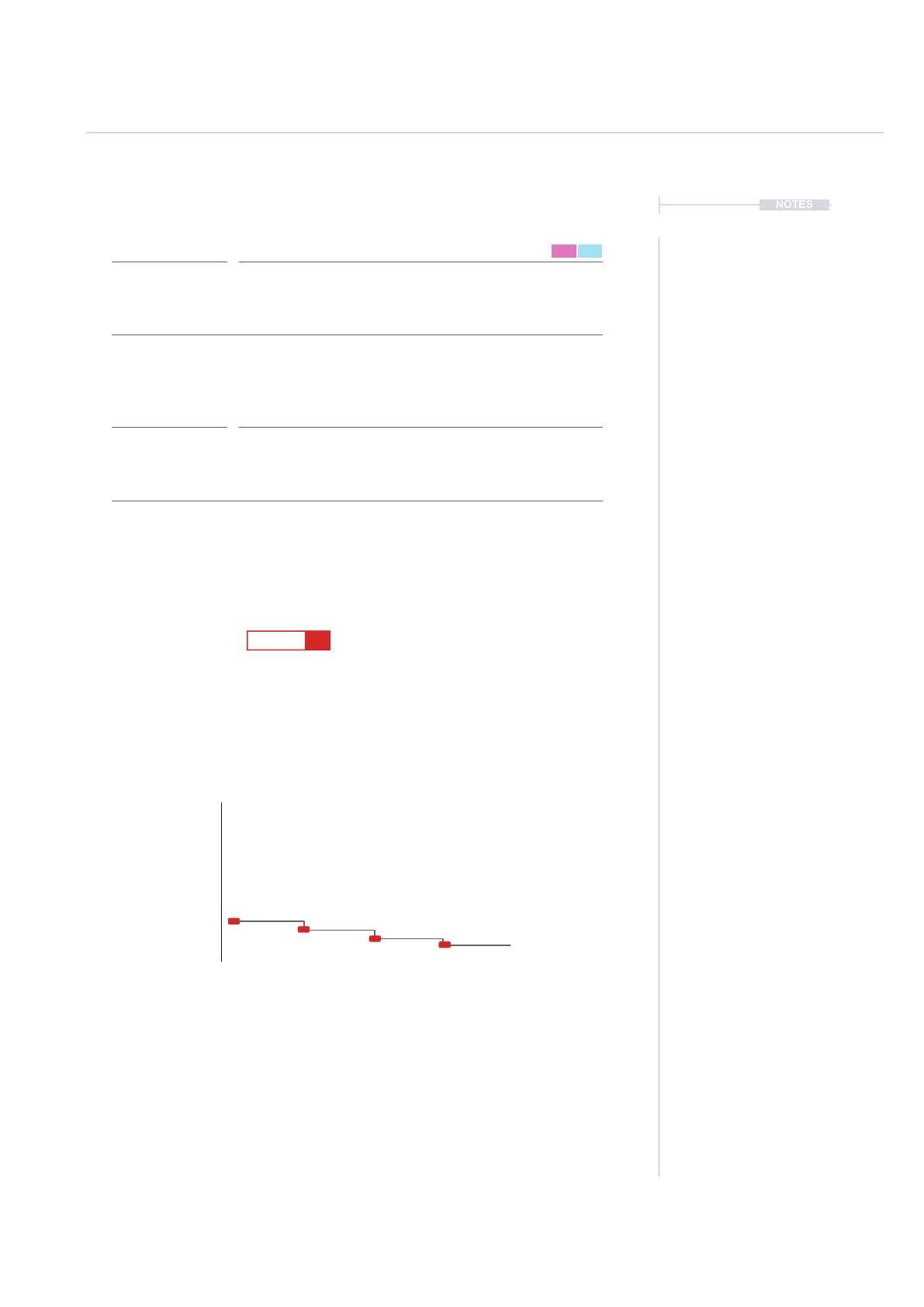
Selects the amount of overdrive applied for the duration of the specic step.
Overdrive is found in the instrument parameters P1/2 - Effects.
Can be used simply to add overdrive for the specic instrument and create
variety across a pattern.
Overdrive amount
Pad 1 = 0%, Pad 13 = 25, Pad 25 = 51, Pad 37 = 76,
Pad 48 = 100%.
FX Steps
7
0%
Overdrive
100%
1 5 9 132 6 10 143 7 11 154 8 12 16
Per Step



 To Next Page