224
Polyend Tracker+ Manual
NOTES
Audio
8
8.8 Rendering and Exporting Internal Audio
Sampling is the process of recording and capturing audio, typically from
external sources in the ‘Sample Recording’ page. Sampling of internal
audio is performed through a different process where the audio is rendered.
Rendering is available in two levels:-
• Pattern Level. The render function is available from within the ‘Pattern’
pages and is performed on selected parts of a pattern. This is useful to
lock in FX1 / FX2 and send effects into an audio sample or to combine
multiple note tracks, rendered together as a chord sample.
• Project Level. The export function is accessible in the ‘File’ pages. This
will allow rendering of complete patterns, individual tracks, samples or
entire songs, saving directly to an SD Card. This is useful to create full
stems and mix / remix in a DAW, use in other package or distribute to
others.
Quick Rendering a Pattern Selection
1
3
7
2
6
4
8
5
9
10
D6 D603 03
---- -------- ----
D6 D403 05
---- -------- ----
E6 D603 03
---- -------- ----
E6 D602 03
---- -------- ----
D6 D403 04
---- -------- ----
D6 D403 04
---- -------- ----
F6 D602 03
---- ----
m 5 ----
D6 D602 03
---- ----
---- ----
D6 D403 05
---- -------- C 75
D6 D603 03
---- -------- ----
E6 D602 03
---- ----
F 4 TSTP
D6 D603 03
---- ----
TSTP TSTP
D6 D403 04
---- -------- ----
D6 D403 05
---- -------- C 75
E6 D602 03F 4 T 50
---- ----
F6 D602 03m -5 T 50
---- ----
D6 D403 04
---- ----
V80 C 50
D6 D403 04
---- ----
V 60 C 50
F6 D602 03
---- -------- ----
F6 D602 03
---- -------- ----
Track 1 Track 3Track 2 Track 4
Step Selection
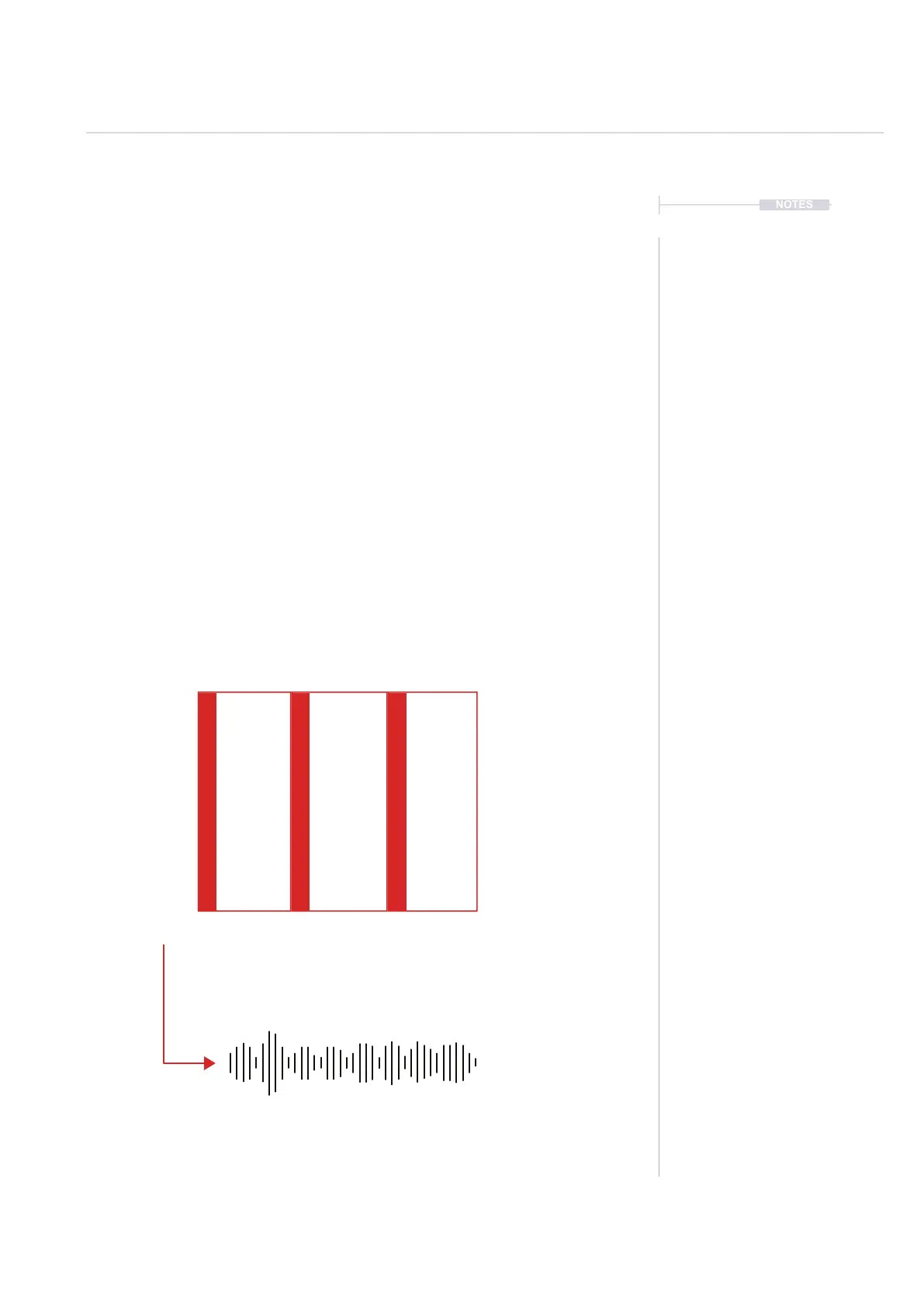
A number of steps in a pattern, across various tracks can be rendered into
one single sample. The pattern page is used with [Rec] mode on.
Folder location when using the render option in the pattern page.
/Export/ ProjectName/ Selection - Will save to current project name



 To Next Page