21
Polyend Tracker+ Manual
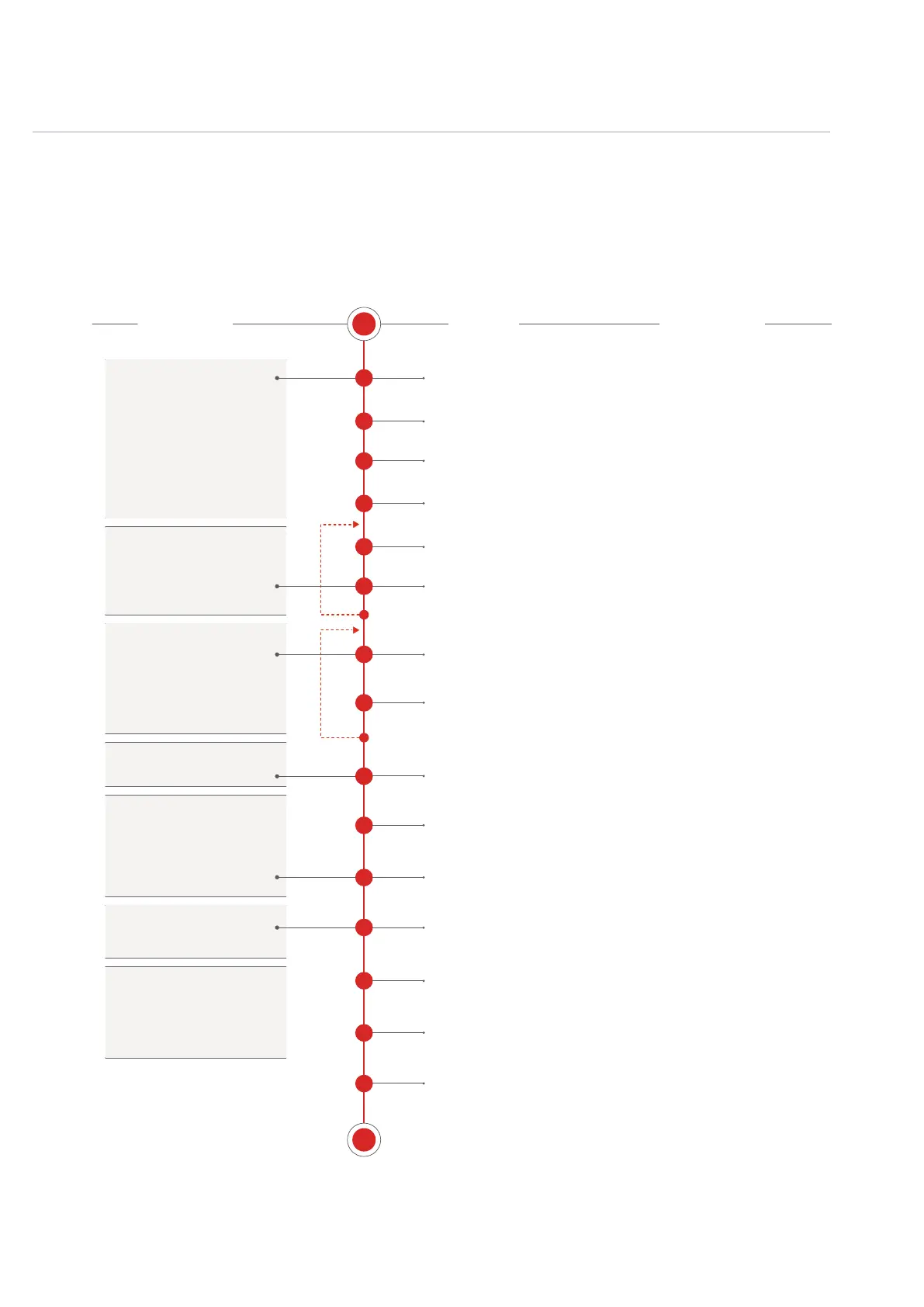
1.8 Example Workow.
The workow adopted with Tracker will of course develop to t your personal approach. To get
started a typical journey is described below.
Overview
1
S
E
1
2
3
4
5
6
7
8
10
11
12
13
15
14
9
Create & Save New Project
Set Project Tempo
Load Samples to SD Card
Sample Audio into Tracker
Select Audio Sample for Project
Create Instruments
Create Pattern
Add Steps and Develop Pattern
Add Master Effects
Mix the Tracks
Congure Performance Options
Render Audio Out
Housekeeping
Save Project
Arrange Patterns into a Song
The SD Card must be installed to start a new
project and use Tracker. Projects are stored on
the SD Card. Create a new project
Project Tempo 40-800BPM. FX can apply
variations as the patterns develop.
Global settings usually setup or
performed once before or at the
start of a new project.
Instruments are created by
conguring samples with
additional settings and features.
Steps are assembled to create
beats and melodies in a
number of patterns.
Patterns arranged into a song.
Master effects can be adjusted
as can a mix of the tracks to
nalise the complete song
production.
Performance settings can be
applied, ideal for a live set.
The project can be saved (is in
fact auto saved) and audio
rendered if required by bouncing
to audio stems.
Project
Instruments
Pattern
Song
Master & Mix
Perform
Output
Option to manually load uncompressed 44.1KHz,
16bit WAV samples to the SD card from PC or
Mac and accessible to Tracker projects.
Also audio can be recorded as monophonic les
and stored in the audio pool.
Samples can be stored on the SD Card and then
loaded into the project audio pool. Up to 48
instruments can be created in a project.
Instruments are created using a sample or synth
as the source. Editing of parameters are applied.
Example instruments include a WTFM, VAP,
ACD, FAT, PERC Synths, wavetable or granular
synths or a sample of sliced beats.
An empty pattern can be created by setting the
tracks, length etc. A project can holds up to 255
patterns. Multiple patterns can be created.
An empty pattern is populated with steps. A step
contains a Note, Instrument and has 2 FX slots.
Assemble steps by track into beats, bass-lines,
leads, pads etc.
While effects can be added to instruments, a
master effect section handles the combined
audio at the output stage. Effects include a
limiter, space, bass boost and EQ
Mix and balance the tracks.
Perform mode allows conguration and live
performances with dened control over specic
elements. Adds variety and improvised creativity.
Render out audio stems to mix and master further
in DAWs or to share with others maybe to create
remixes.
Although projects are auto-saved, it is always
good practice to manually save a nished
production. Maybe rename with ‘Save As’.
Yeah yeah…. The boring bit. But it will help as
projects develop to keep things tidy. Maybe delete
old projects or backup the SD Card.
A song is the arrangement of patterns into a
single track. This is the arrangement of a
complete song where patterns are played in a
dened order.
ACTION COMMENTSPROCESS



 To Next Page