137
Polyend Tracker+ Manual
NOTES
Instruments
6
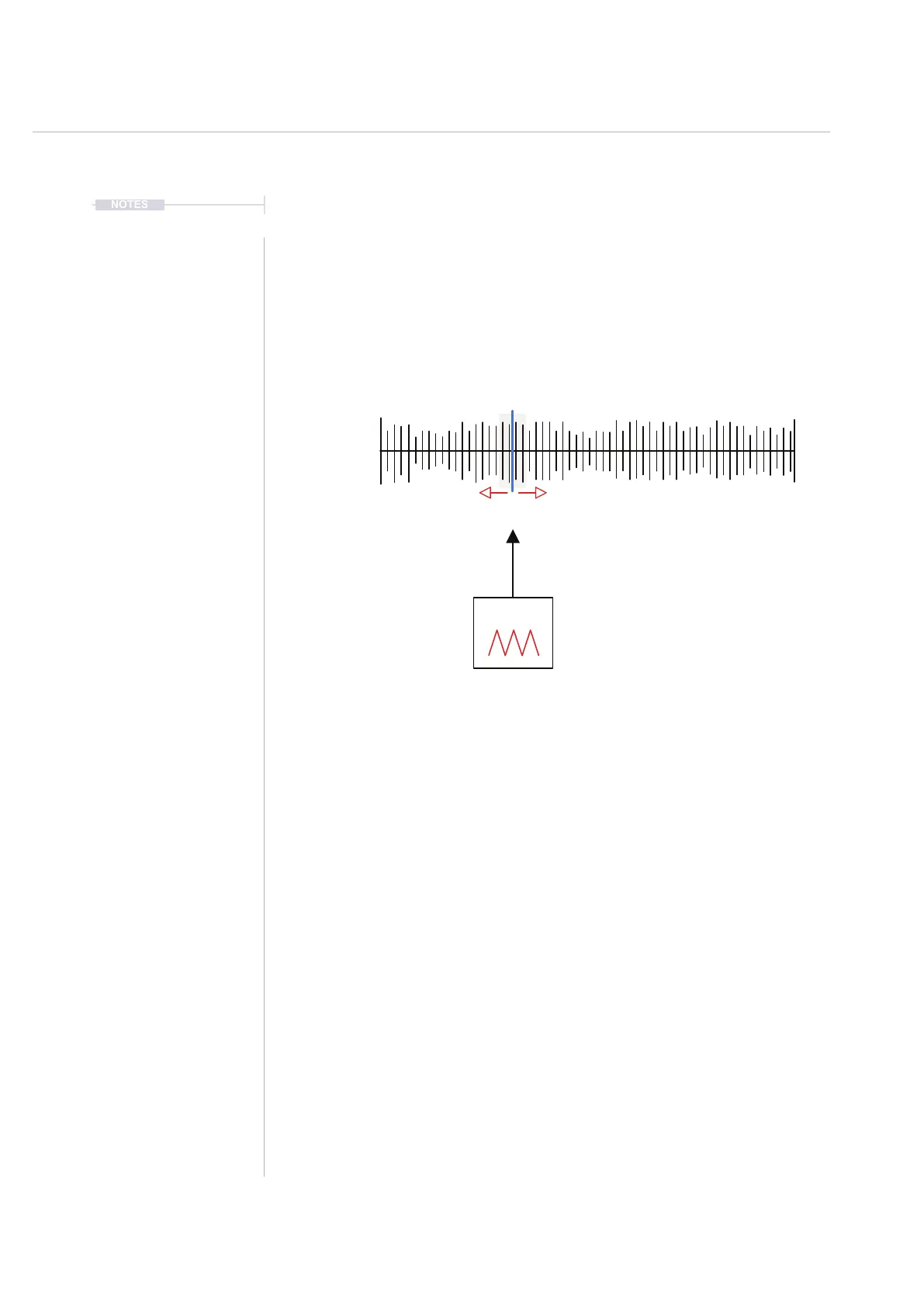
Modulating Granular Position
The granular position can be modulated from within the instrument
automation page using an envelope or LFO. This adds movement and
interest and creates glitchy or textural sounds
Hold [Preview] in the granular page while the LFO is running will display the
animated position dynamically in real time.
The LFO Speed and granular parameters can have an affect on the sound
developed. Also the LFO amount will determine how much of the sample is
navigated with varying the position. Small amounts will be more predictable
textures and pad like sounds. Larger amount settings will move the position
wider in the sample creating more glitchy, less predictable sounds.
LFO
Sample
+ Grain
Select the ‘Sample playback’ page to view granular play mode.
Select ‘Instrument Parameter’ page 2 to
edit the LFO and instrument automation
Position



 To Next Page