139
Polyend Tracker+ Manual
NOTES
Instruments
6
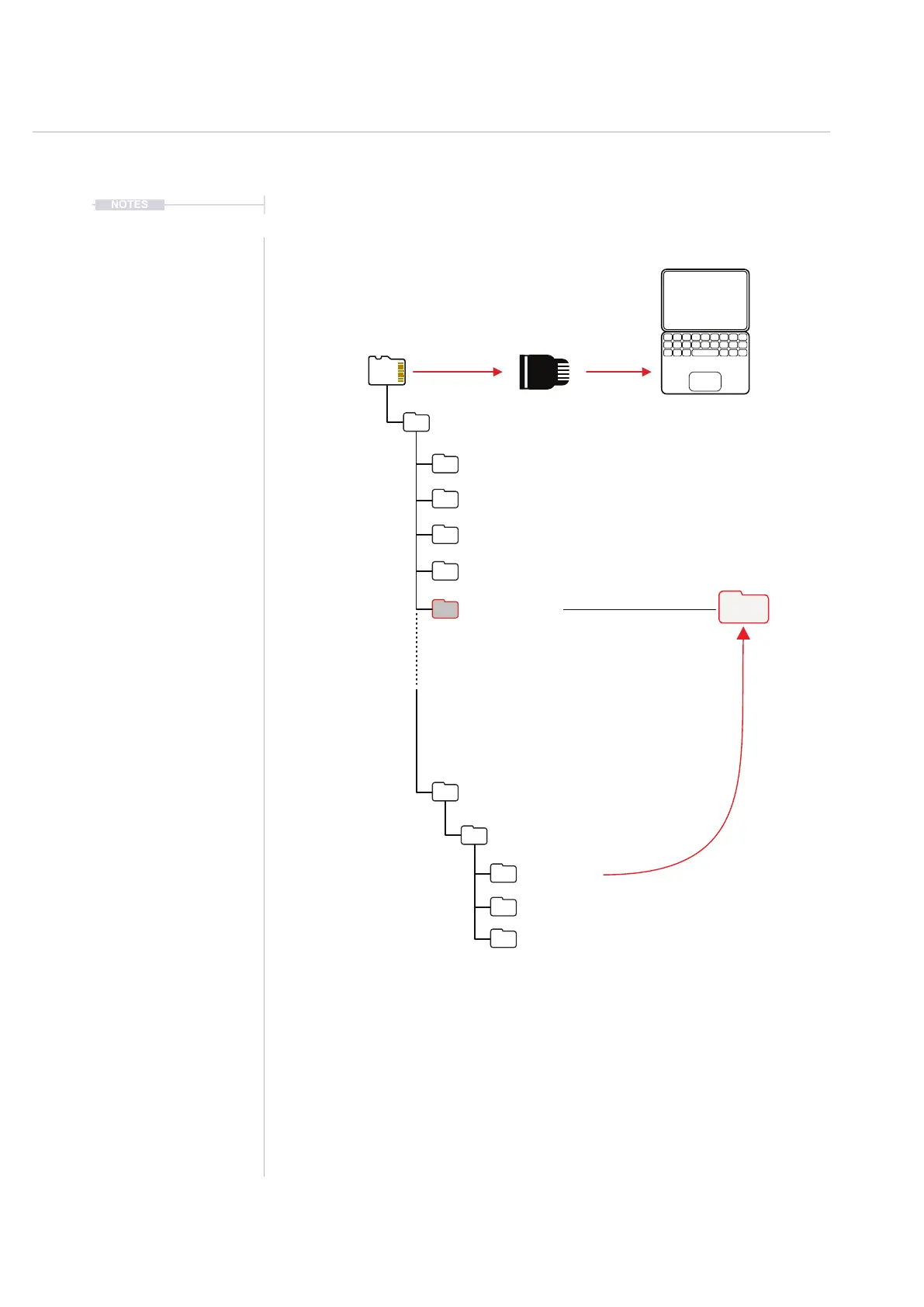
Micro SD Can be connected to a
PC / Mac with the USB adapter.
Files can be copied (Do not Cut /
Paste or Delete) between SD Cards.
Periodically copy from the SD Card Project Instrument
Folder to a user created folder. This makes it easy to
use in other projects and share with other collaborators.
Consider a naming convention for user instruments. This is less important
when using project contained instruments, but this technique can be helpful
when managing a user library. Instruments can be renamed in the ‘sample
loader’ page. It is advised to always keep a discipline of naming
instruments in Tracker+ rather than on the PC/Mac to protect the .pti le
integrity and to make future access easier.
Root
Synthdawg
Kits
/Drum Kits
/ProjectName
/Instruments
/Samples
/Patterns
/Progressions
/Instrument Kits
/Synths
/Synthdawg Kits
/Instruments
/Projects



 To Next Page