127
Polyend Tracker+ Manual
NOTES
Slice Parameters
The parameters for slice and beat slice are identical across the play modes
but may have different behaviours in use. Navigate and select using the
Screen Buttons. Also navigation using the [Left] [Right] buttons to select the
section and [Up] or [Down] or Turn (Jog) to change the value / selection.
Instruments
6
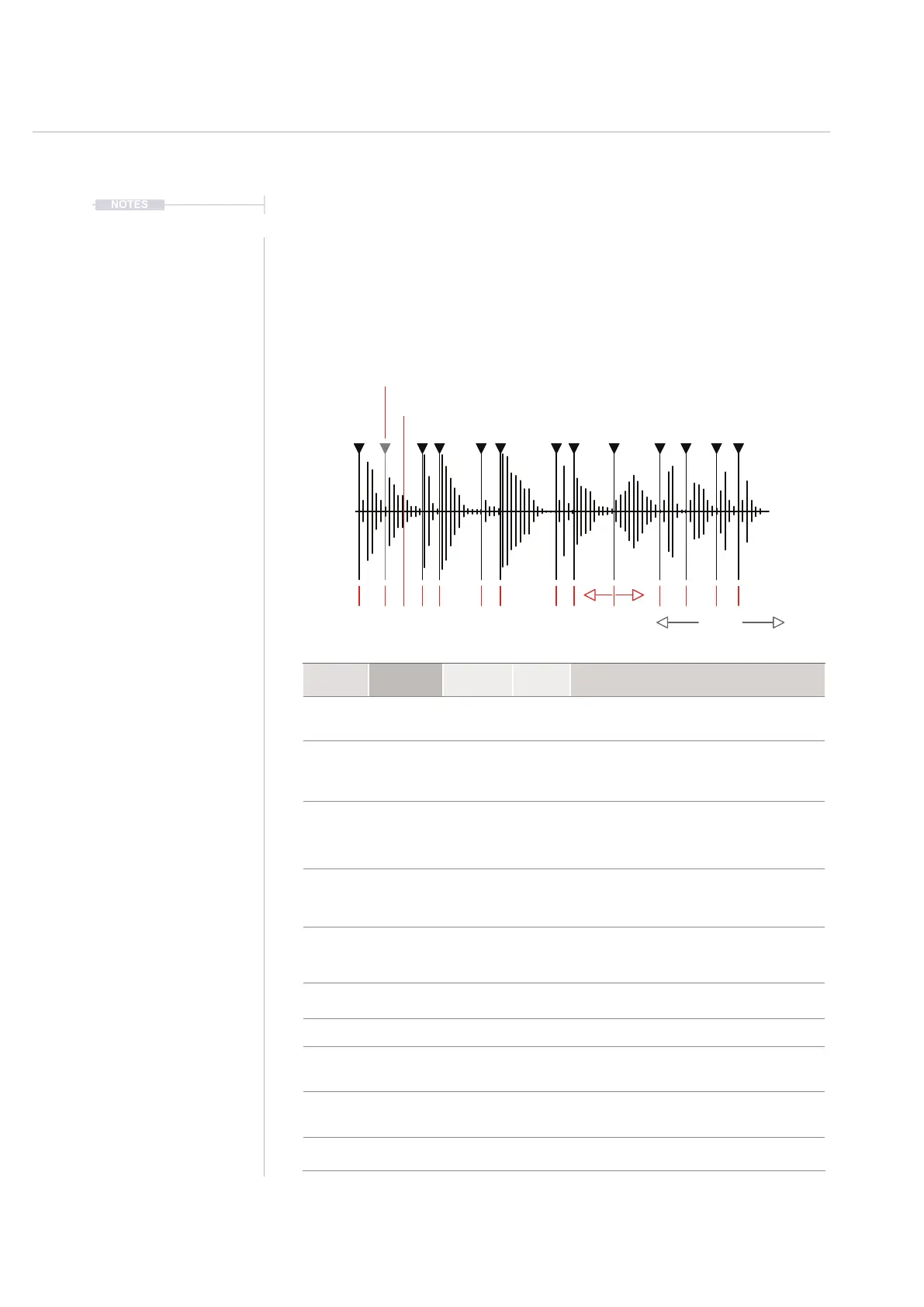
Slice Start Points Adjust
Add - To add a new slice after the currently selected slice
Remove - To delete the currently selected slice
Zoom
Function Parameter
Screen
Button
Range Description
Edit Play Mode 7th & 8th
Modes
Selects the play mode to apply. Includes Slice and
Beat Slice as well as 1-Shot and wavetable /
granular synths and loop modes.
Aid Zoom 5th
Variable
Zooms in horizontally to the visual display for more
precise editing. Does not affect playback. Zoom
reference point is based on the previously adjusted
parameter i.e. Slice number.
Edit Slice 1st
Variable
Selects the slice number for editing from the
available number of slices. Also will select the slice
to playback in scale when in Slice Play Mode. Use
Pads to preview playback and also to select the
slice in Beat Slice Play Mode.
Edit Adjust 2nd
Variable
Adjusts the start position for the selected slice.
Cannot exceed the previous or next slice position.
Use zoom to assist with precise editing. Red
marker turns green at a zero crossing point.
Edit Add 3rd
Adds a new slice after the currently selected slice
start marker. Slice will be added centrally between
the currently selected slice start and next slice start
or end position.
Edit Remove 4th
Removes and deletes the currently selected slice
start marker. No prompt - immediate deletion.
Menu More 6th
Cycles through the available menu pages
Edit Slice Auto 1
st
Page 2
Automatic
Automatically removes any existing slice markers
and adds a series of new markers at each
transient point. Prompt to conrm is given.
Edit
Number of
Slices
3
rd
Page 2
1 - 48
Sets the number of slices to create when using the
‘equal’ slice option. This applies the number of
equally spaced slices across the sample.
Edit Equal Slice 2
nd
Page 2
Initiates slicing of the sample into the equal spaced
slices, set by ‘number’. Prompt to conrm.



 To Next Page