134
Polyend Tracker+ Manual
NOTES
Instruments
6
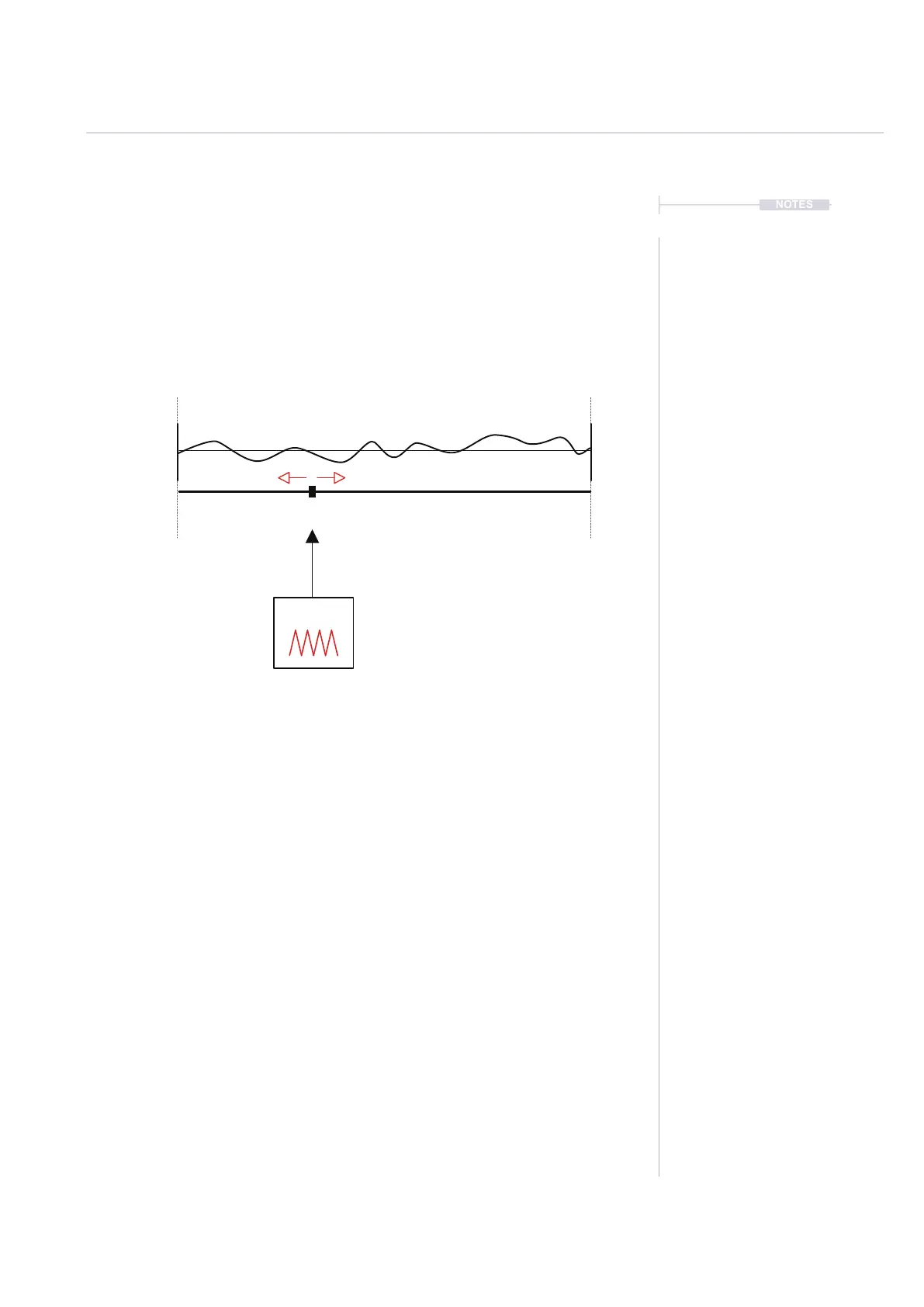
Modulating Wavetables
The wavetable position is the key parameter to adjust and edit to search for
a desired sound. This parameter can also be modulated from within the
instrument automation page using an envelope or LFO. This adds
movement and interest.
Hold [Preview] in the wavetable page while the LFO is running will display
the animated position dynamically in real time.
Fast LFO Speeds can create glitchy and noisy sound designs. Use slower
LFO speed or envelope and reduce the wavetable window for developing
sound textures and ambience especially with added effects such as reverb.
Try synchronised speeds to tempo / steps to create rhythmic patterns. The
LFO amount will also effect how strong the LFO is applied.
Try manually adjusting the window and position while playing and with an
LFO to experiment with the sound.
LFO
Sample
Wavetable
Select the ‘Sample playback’ page to view the wavetable.
Select ‘Instrument Parameter’ page 2 to
edit the LFO and instrument automation
Position



 To Next Page