262
Polyend Tracker+ Manual
NOTES
Song Mode
9
Previewing Tracks in Song Mode
While songs and patterns can be played from within song mode, the ability
to preview only individual track clips is possible. This can only be performed
in ‘Red’ [Rec] Mode and with an individual track clip selected.
▌ PREVIEWING A SONG TRACK CLIP
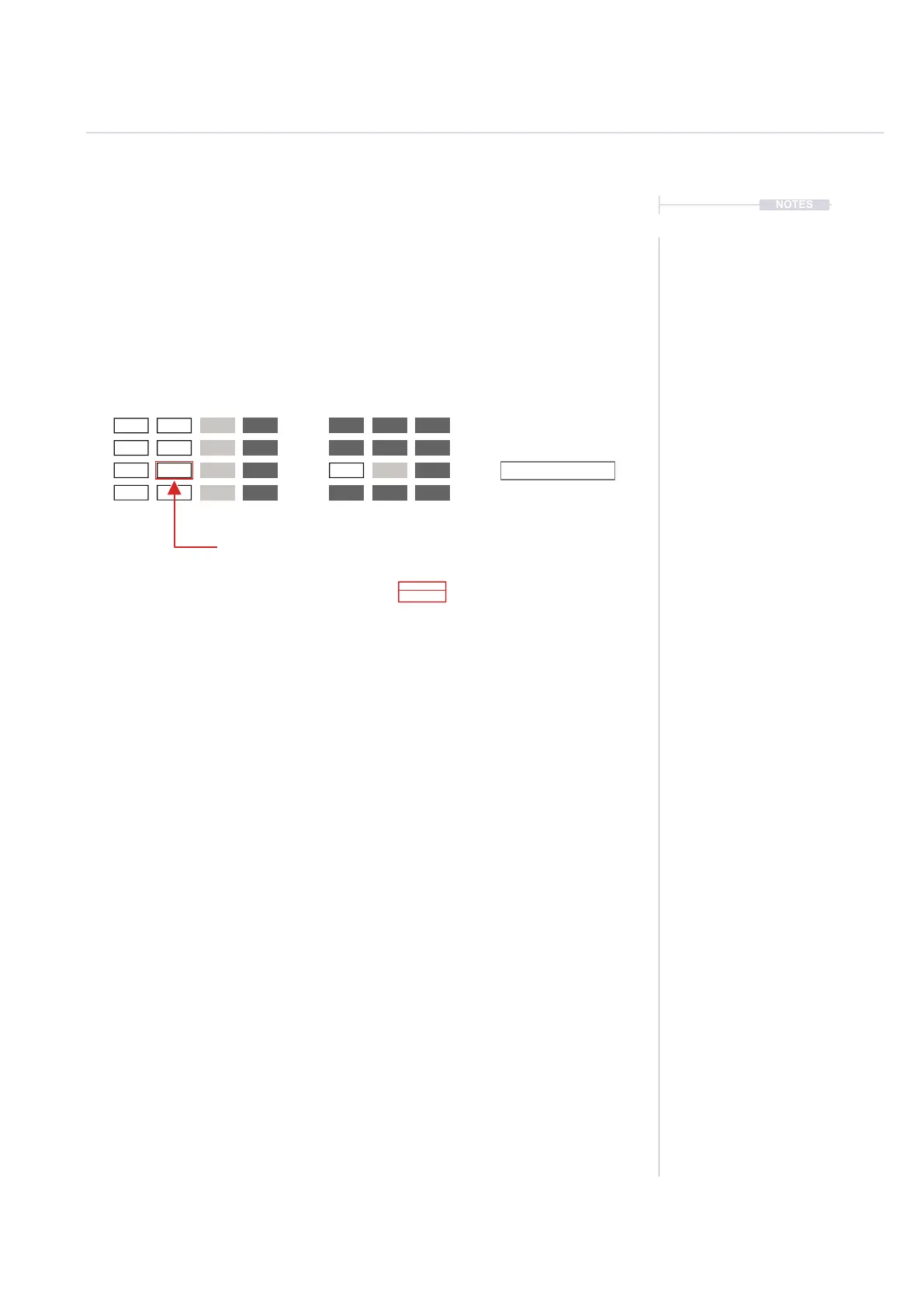
1. Press [Song] to select song mode.
2. Press [Rec] to toggle to editing in ‘red’ mode. The slot and pattern
bounding box will be displayed red. Also all of the screen button options
are shown as available in ‘red’ mode - [Rec] on.
3. Navigate to the track clip location desired, Press [Left], [Right], [Up] and
[Down] to also navigate through the slots. Select a single track clip.
Multiple selections cannot be previewed.
4. With the track clip selected and highlighted red, Press [Shift] + [Play].
The clip will play once fully or press [Play] to stop playback.
5. Alternatively, with the track clip selected and highlighted red, Press
[Shift] + [Preview Track], 1
st
Screen button. The clip will play once fully
or press [Stop], 1
st
Screen button, to stop playback.
Track 1
Selected Track Clip.
Example Pattern 8, Track 2
[Shift] + [Play].
Previews the individual track clip
[Shift] + [Preview Track].
Previews the individual track clip
Clip Plays through once fully, unless
the [Play] or [Stop], 1
st
Screen button
is pressed to immediately stop.
Track 4
Track 2
Midi 15
Track 3
Midi 14
Midi 16
etc Pattern
3
4
8
8



 To Next Page