322
Polyend Tracker+ Manual
System
13
NOTES
▌ BACKING UP THE SD CARD FOLDERS & FILES
1. This is recommended as a rst task when rst operating Tracker+ to
have the original structure saved. Also periodic backups is important to
save the projects and les which will be created over time.
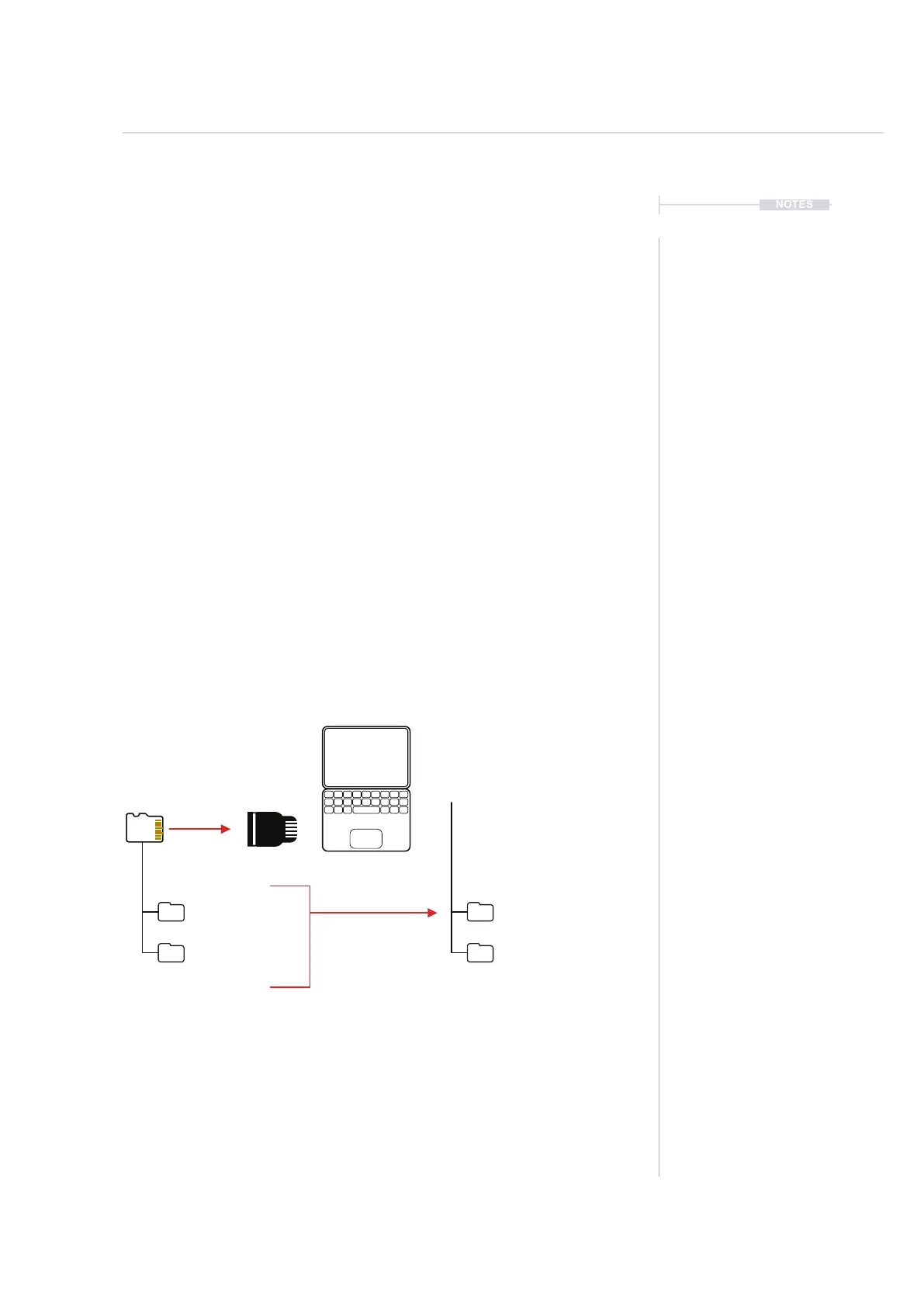
2. Use a compatible SD card reader or the supplied USB SD Adapter to
connect the SD card to a PC or Mac.
3. Use the le manager (depends on the PC/Mac Operating System) to
create a ‘Tracker+ Backup’ Folder in your documents folder and create
a sub folder for each backup i.e. ‘Original SD Aug21’, ‘Backup1 SD
May22’. It is good practice to name backup folders by date.
4. Select all of the folders in the SD Card root directory and copy them to
the PC/Mac clipboard.
5. Paste, the copied folders into the ‘Tracker+ Backup’ sub-folder for the
specic backup.
6. Return the SD card to Tracker+ for normal operation.
Sub Folders /Original SD Aug21
/Backup1 SD May22
SD Card
/Root Directory
Copy / Paste
Documents
/Tracker+ Backup



 To Next Page