Radioddity Extended manual for Radioddity DB25-D, DB40-D & GD-88 v3.0
© Radioddity 2023 page 118 of 252
Click ‘Finish’ to confirm the completion of the installation process.
11.3 Start CPS
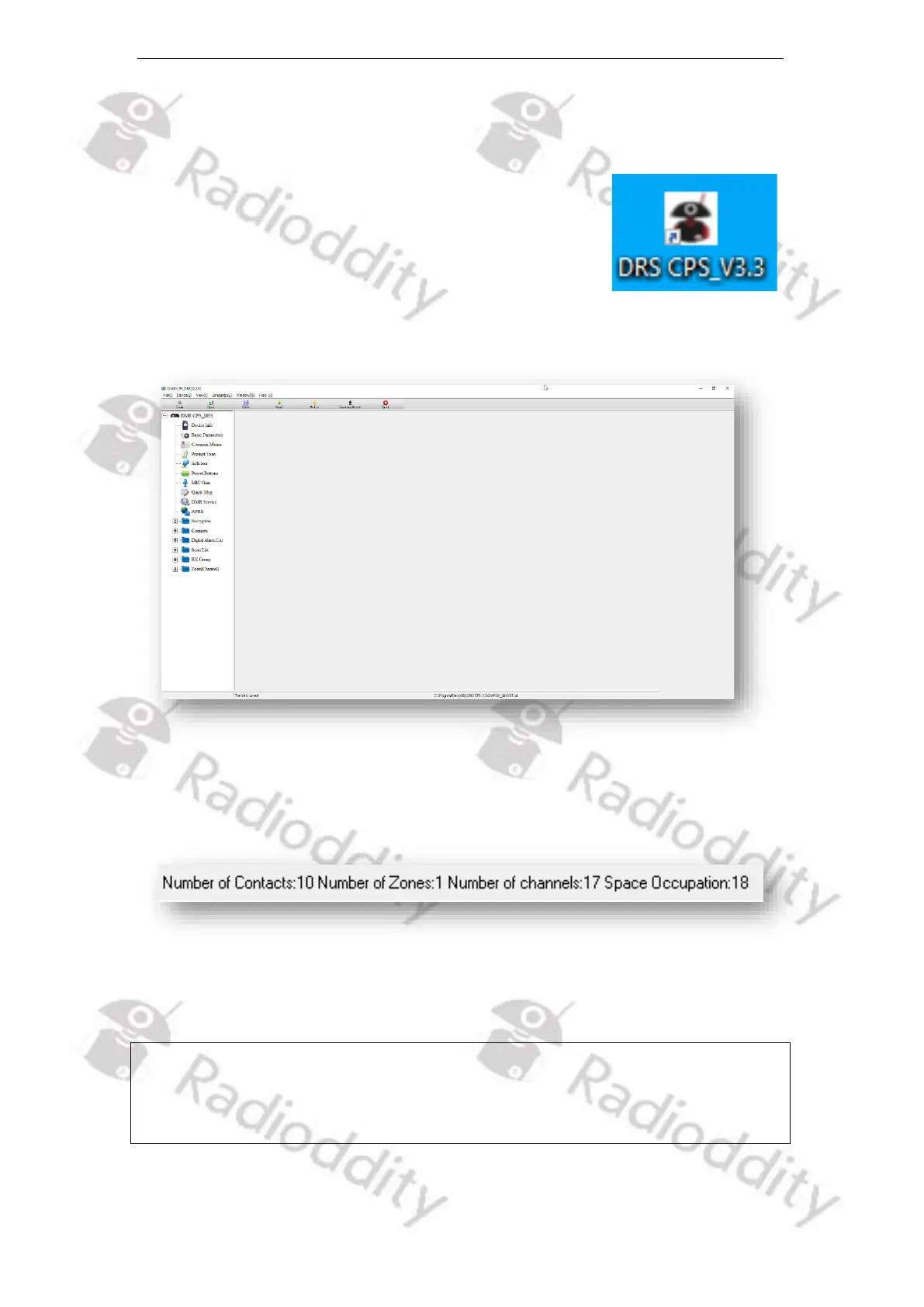
During installation of the CPS, a shortcut had been placed
on your desktop. Double click on that shortcut to start the
CPS. As the CPS has never been used before, it will be
preloaded with certain default data. Whenever you start
the CPS again, the last settings will automatically be
preloaded. However, we do advise to regularly make backup copies of the current
settings. Those settings are often also called ‘codeplug’.
Within the bottom line of the CPS, you are presented a bunch of statistical data,
such as: Number of Contacts, Number of Zones and Number of channels
Whenever changes to parameters have been made, the complete setting
(‘codeplug’) must be written back to the radio. But we will come to that later.
Notes: Codeplugs of different radio models, such as the Radioddity DB25-D, DB40-D
or GD-88 are not exchangeable with each other due to different hardware
specifications of the radio models. Codeplugs of the same radio model are of
course exchangeable.



 To Next Page