Radioddity Extended manual for Radioddity DB25-D, DB40-D & GD-88 v3.0
© Radioddity 2023 page 170 of 252
Notes: This function only applies to the digital ‘Group call’ type.
Getting the Ham groups into the radio is a 2-step process,
1. Ham groups from a file to the CPS
2. the Ham groups from the CPS to the radio
12.13 Digital Alarm List
The user can create, modify, edit, or delete the set of alarm system in the digital
alarm list. The digital alarm system list is the signaling protocol used to
communicate in an emergency in digital mode. Up to 4 digital alarm systems can
be created
Notes: The alarm type cannot be set as disable. This function only applies to digital
mode.
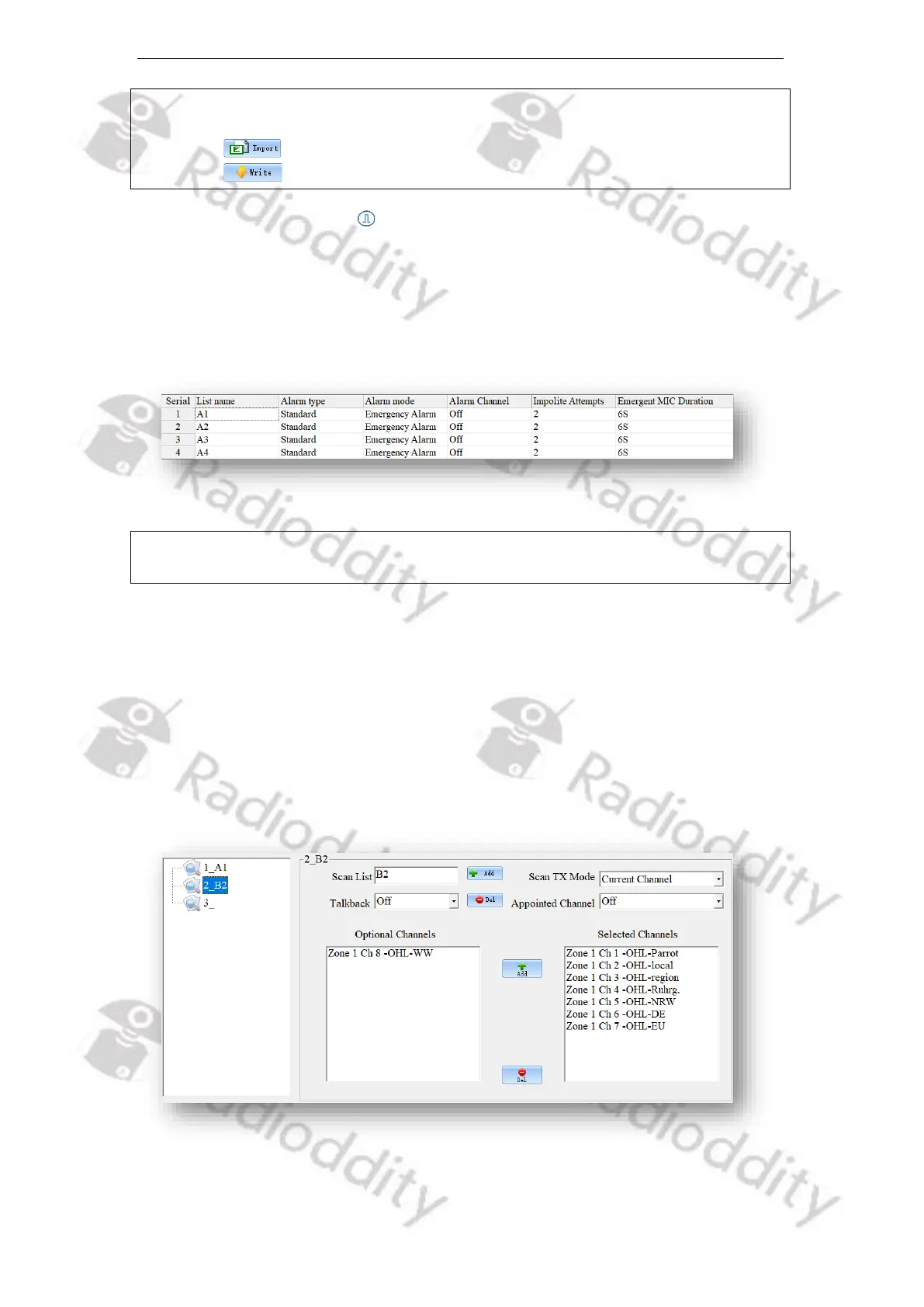
12.14 Scan List
A Scan/Roaming list can be associated with each channel. Once scan is ‘On’, this
Scan/Roaming list will be monitored for activity on the current channel. If Roaming
is turned ‘On’ within the ‘Basic Parameters’ menu, the radio will scan the repeater
channels on the roaming list to search for an available repeater station. To
perform a roaming scan, the list must contain repeater channels. Every channel
can only enable either scan or roaming scan. A maximum of 250 groups of scan
lists can be setup, with a maximum of 50 members per group.



 To Next Page