Radioddity Extended manual for Radioddity DB25-D, DB40-D & GD-88 v3.0
© Radioddity 2023 page 173 of 252
Click on one of the members within the ‘Optional Channels’ window and press the
button ‘+ Add’ to add that member from the ‘Optional Channels’ window to the
‘Selected Channels’ window.
Click on one of the members within the ‘Selected Channels’ window and press the
button ‘- Del’ to remove that member from the ‘Selected Channels’ window. It will
then be listed within the ‘Optional Channels’ window.
Notes: When you remove members of the ‘Selected Channels’ windows from the
scan/roaming list, the information of that channel will no longer be displayed
in ‘Selected Channels’ windows but they will again be listed within the
‘Optional Channels’ windows.
12.15 RX Group
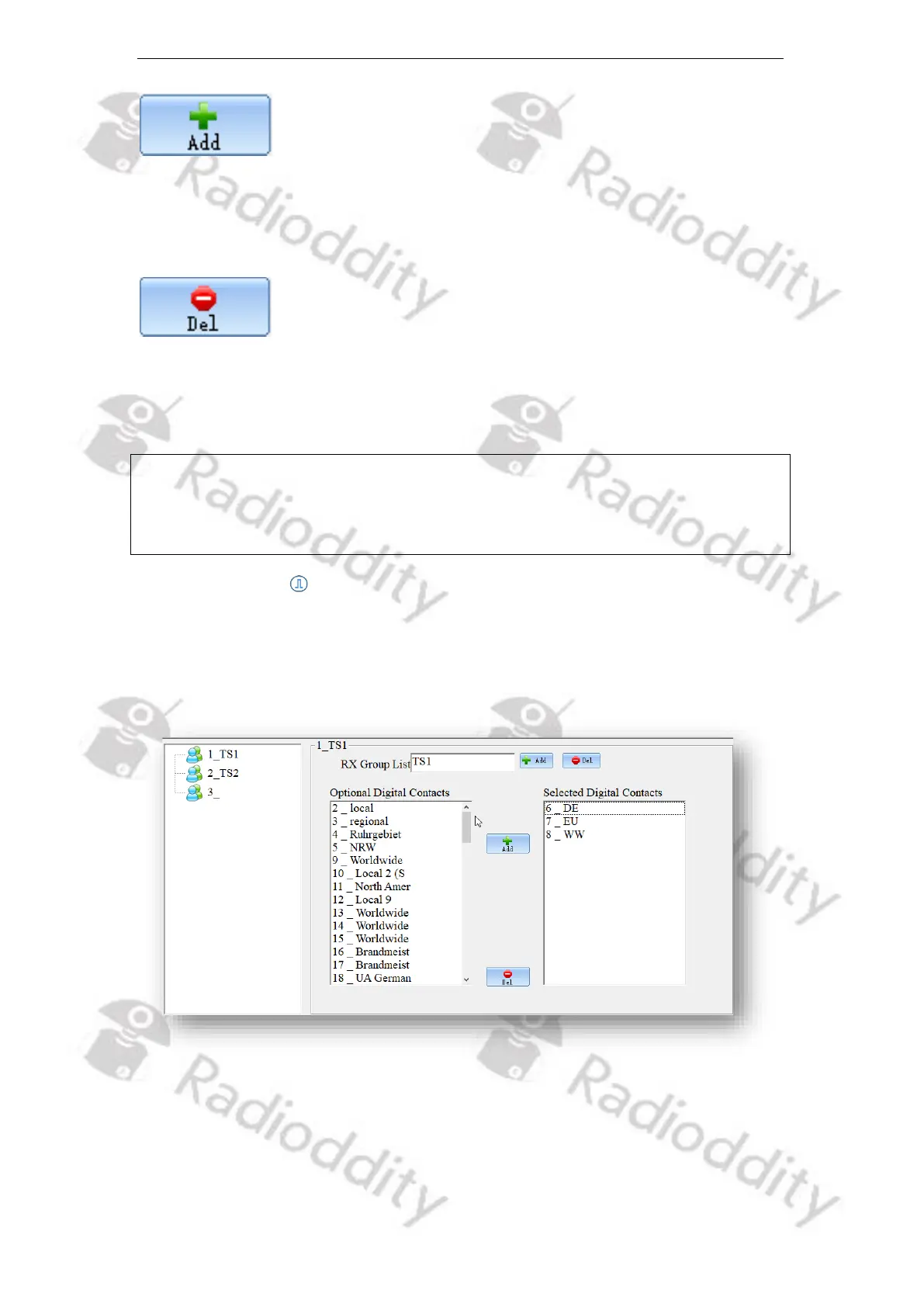
An RX Group needs to be setup for the user to listen to group calls to members
with the same configuration. You can set or select any TalkGroup from the
available lists (1-250) as a ‘RX Group List’ (up to 100 RX Group Lists).
Within the Channel settings a RX Group should be assigned to each channel.
If the currently active TalkGroup is NOT a member of the ‘RX Group’ that´s
assigned to the selected channel or even no ‘RX Group’ is assigned to the selected
channel (setting ‘off’ for ‘RX Group’ of the selected channel) and promiscuous



 To Next Page