Radioddity Extended manual for Radioddity DB25-D, DB40-D & GD-88 v3.0
© Radioddity 2023 page 146 of 252
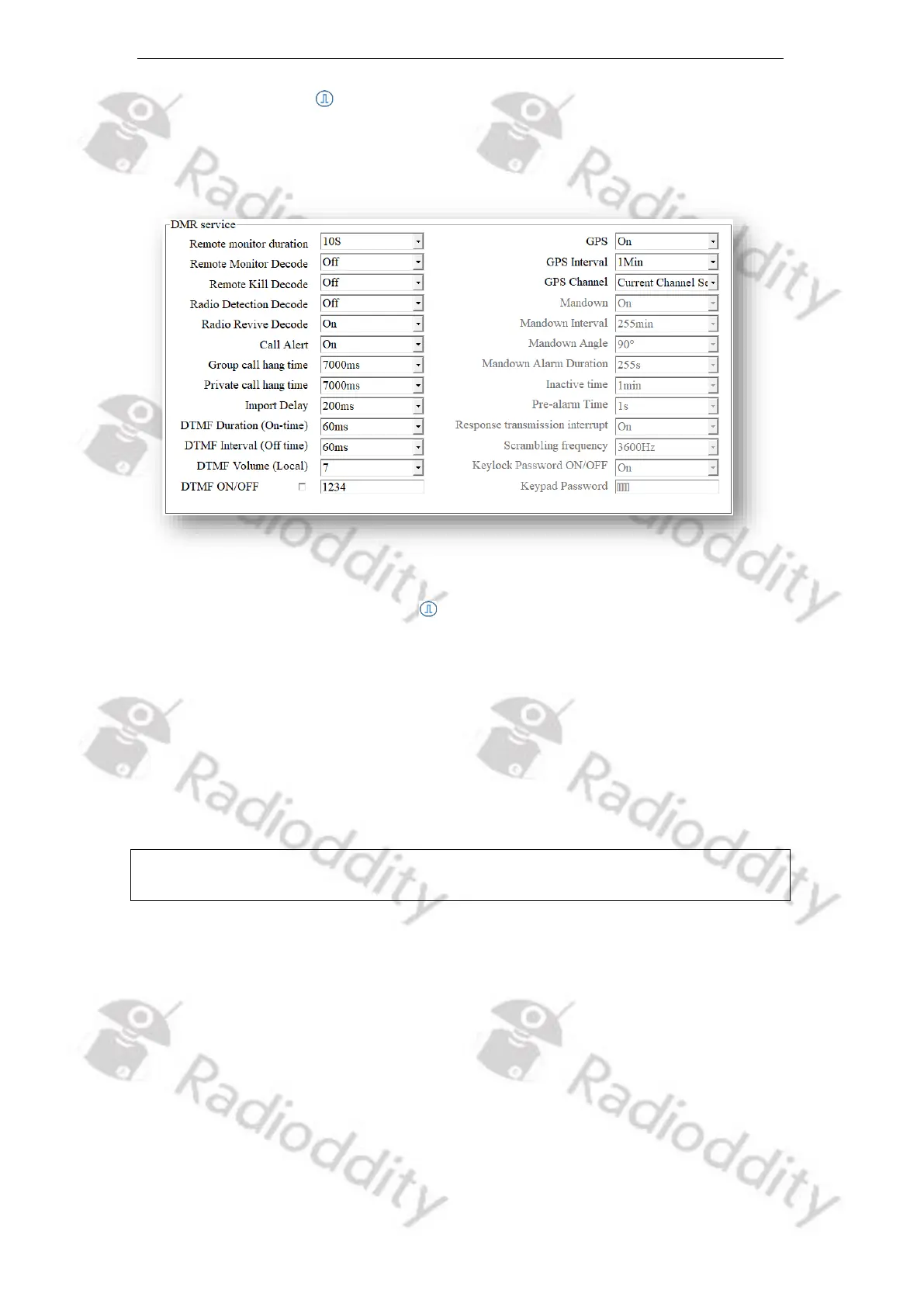
12.9 DMR Service
Users are allowed to turn on or off the advanced services through DMR Services,
if required.
12.9.1 Remote monitor duration
By programming, users can program how long the radio will keep the microphone
and transmitter on after it receives the remote monitor command from another
radio. No visual or audio indication will be shown to your radio.
Options: Maximum: 120s
Minimum: 10s
Stepping: 10s
Default: 10s
Notes: The functionality may also be accomplished by pressing the preset [Scan
On/Off]-key to turn the scan On or Off.



 To Next Page