Radioddity Extended manual for Radioddity DB25-D, DB40-D & GD-88 v3.0
© Radioddity 2023 page 124 of 252
12 Using the CPS to make changes to your settings
In total there are currently 16 menus, each of those will be explained in full detail
within an own sub chapter of this manual. Some of those menus are needed just
once whilst others are needed more often.
Our CPS (although it is the very same as for the Radioddity DB25-D, DB40-D and
GD-88) will present additional parameters as soon as a Radioddity DB25-D,
DB40-D or GD-88 configuration has been read.
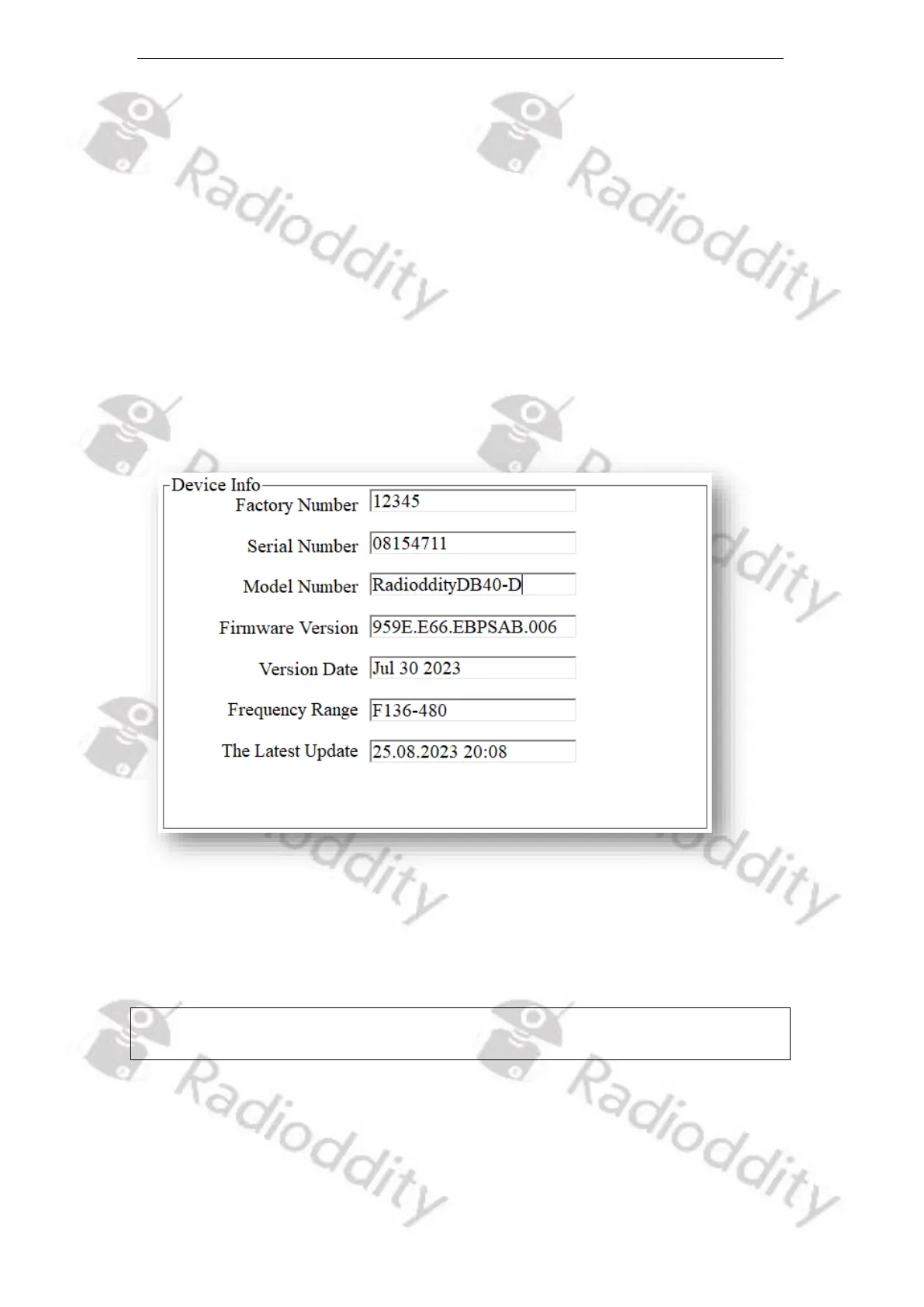
12.1 Device Info
This menu mainly refers to the general information of the device as provided by
the manufacturer.
12.1.1 Factory Number
With this number, Radioddity can track the selling country or area of the product.
Notes: Data will only be shown in the CPS after the codeplug has been read from the
Radioddity DB25-D, Radioddity DB40-D or Radioddity GD-88 to the CPS.



 To Next Page