Radioddity Extended manual for Radioddity DB25-D, DB40-D & GD-88 v3.0
© Radioddity 2023 page 194 of 252
14 Firmware Update
14.1 Firmware update
In general, an update of the PC-software (CPS) or the radio-firmware should only
be done if it is really required, following the golden rule
‘If it isn´t broken, don´t fix it!’.
Notes: Prior to performing a firmware update, save the current codeplug to a
file. After doing so, the firmware update may be applied. Finally, the
previously saved codeplug should then again be written to the radio using
the corresponding CPS.
All Firmware updates for the Radioddity DB25-D, DB40-D and GD-88 do
come with official Radioddity ‘Release Notes’. Please do not share any
archives within social media groups. Never use any firmware or software
that you have not downloaded from our official website
www.radioddity.com .
Please carefully read our ‘Release Notes’,
then decide if the update is of added value for your personal needs
before starting to update your radio.
14.2 Install program for firmware update
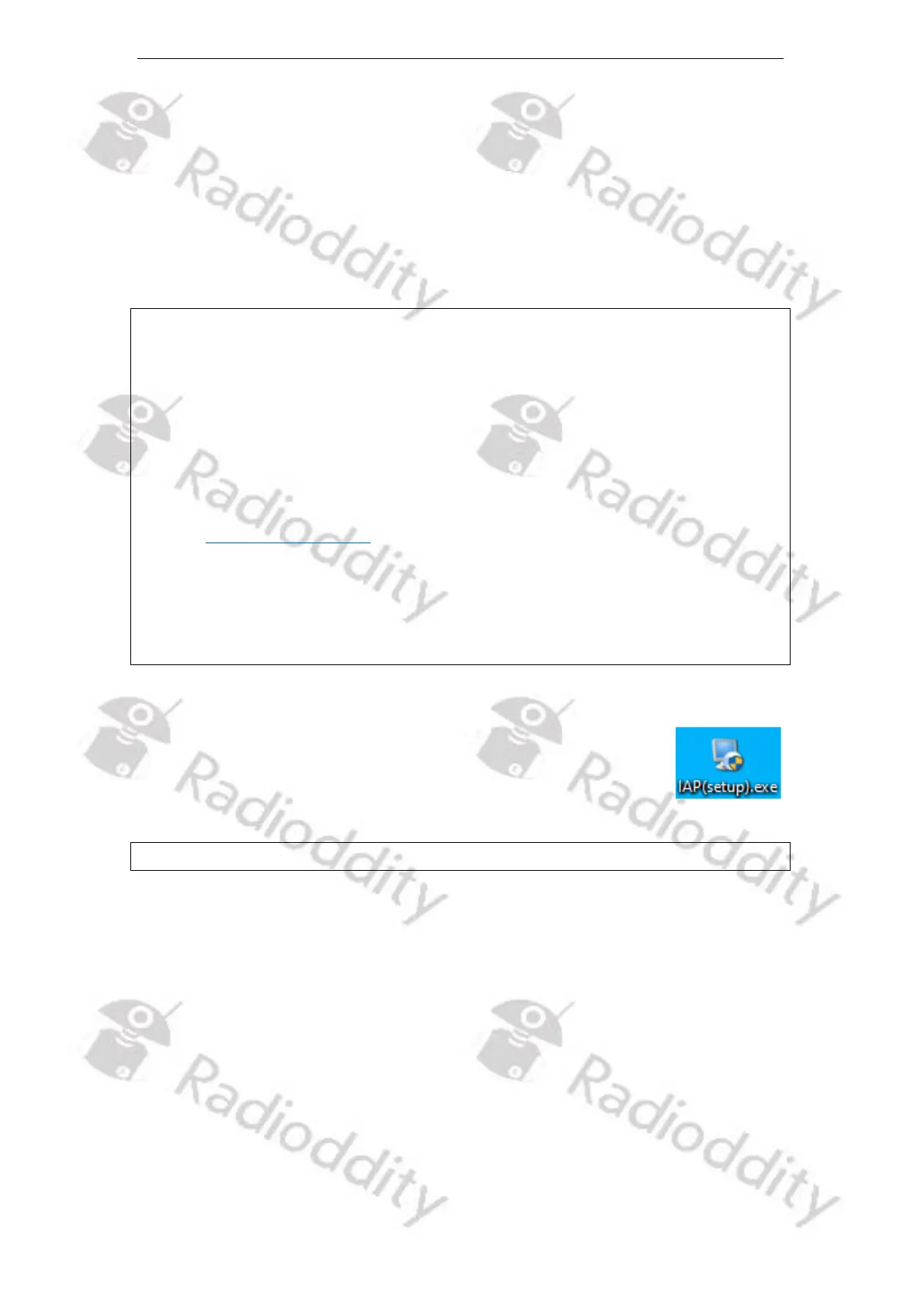
To install the IAP-updater, just unzip the archive you downloaded
from Radioddity support and double click on the file, named
‘IAP(setup).exe’. This will install the firmware update program on
your Windows machine and place a shortcut on your desktop.
Notes: Only COM-port 1…8 are currently supported by the Radioddity IAP.
14.3 Perform Firmware update
In order to perform a firmware update, the radio needs to be put into firmware
upgrade mode first. To do so:
1. Make sure that your Radioddity DB25-D or Radioddity DB40-D is connected
to a constant 12V power supply. If you are going to update a Radioddity
GD-88, make sure that the battery of your Radioddity GD-88 is fully charged.
2. Turn off the radio
3. Close the CPS (in case it had been running) in order to make sure the virtual
COM-port of your programming cable is not occupied.



 To Next Page