Radioddity Extended manual for Radioddity DB25-D, DB40-D & GD-88 v3.0
© Radioddity 2023 page 122 of 252
The Radioddity DB25-D, DB40-D or GD-88 will display ‘Flash Write’ whilst data is
been transferred from the CPS to the radio.
As soon as all data has been transferred from the CPS to the Radioddity DB25-D,
DB40-D or GD-88, the text ‘Flash Write’ will disappear.
11.3.8 Open existing codeplug
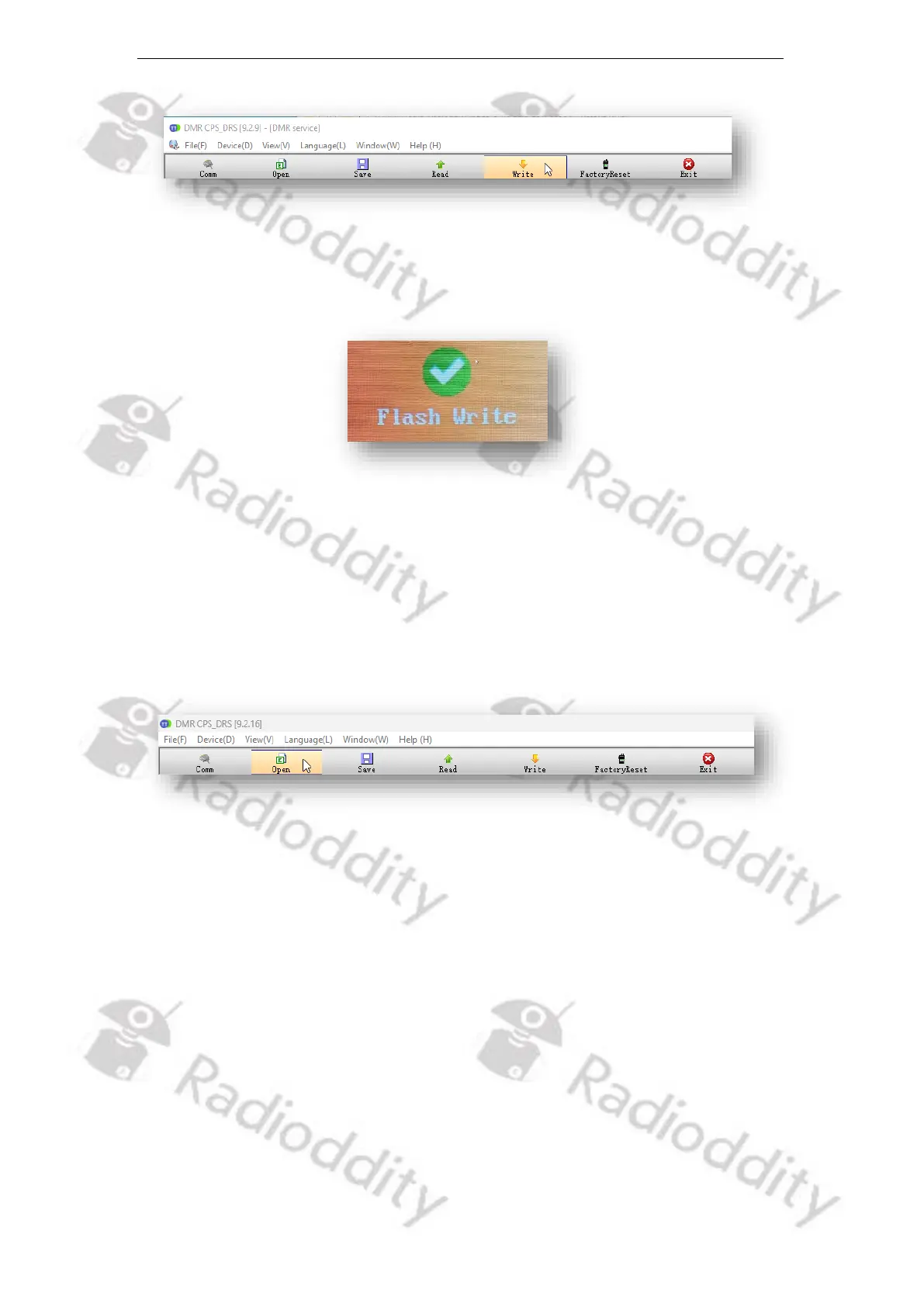
Codeplugs that have previously been saved to a file can be loaded into the CPS at
any time. To do so, click on the ‘Open’ button within the toolbar.
A normal file dialog will follow.
11.3.9 Factory Reset
The FactoryReset-functionality is slightly different to what you may be used to with
other radios. Whilst it is activated on the Radioddity DB25-D, DB40-D or GD-88
itself, using ‘MENU → Local Set → FactoryReset’, the settings that will then be
restored to the radio may be predefined using the FactoryReset-functionality
within the CPS.
To do so, just open your favorite codeplug (the one you want to become the
‘Factory-defaults’ one) within the CPS. Then, instead of writing it to the Radioddity
DB25-D, DB40-D or GD-88 using the normal ‘Write’-function, click on the
‘FactoryReset’ button within the toolbar in order to have the codeplug being
written to the radio, similar to the normal ‘Write’-function. But this time it will be



 To Next Page