Radioddity Extended manual for Radioddity DB25-D, DB40-D & GD-88 v3.0
© Radioddity 2023 page 120 of 252
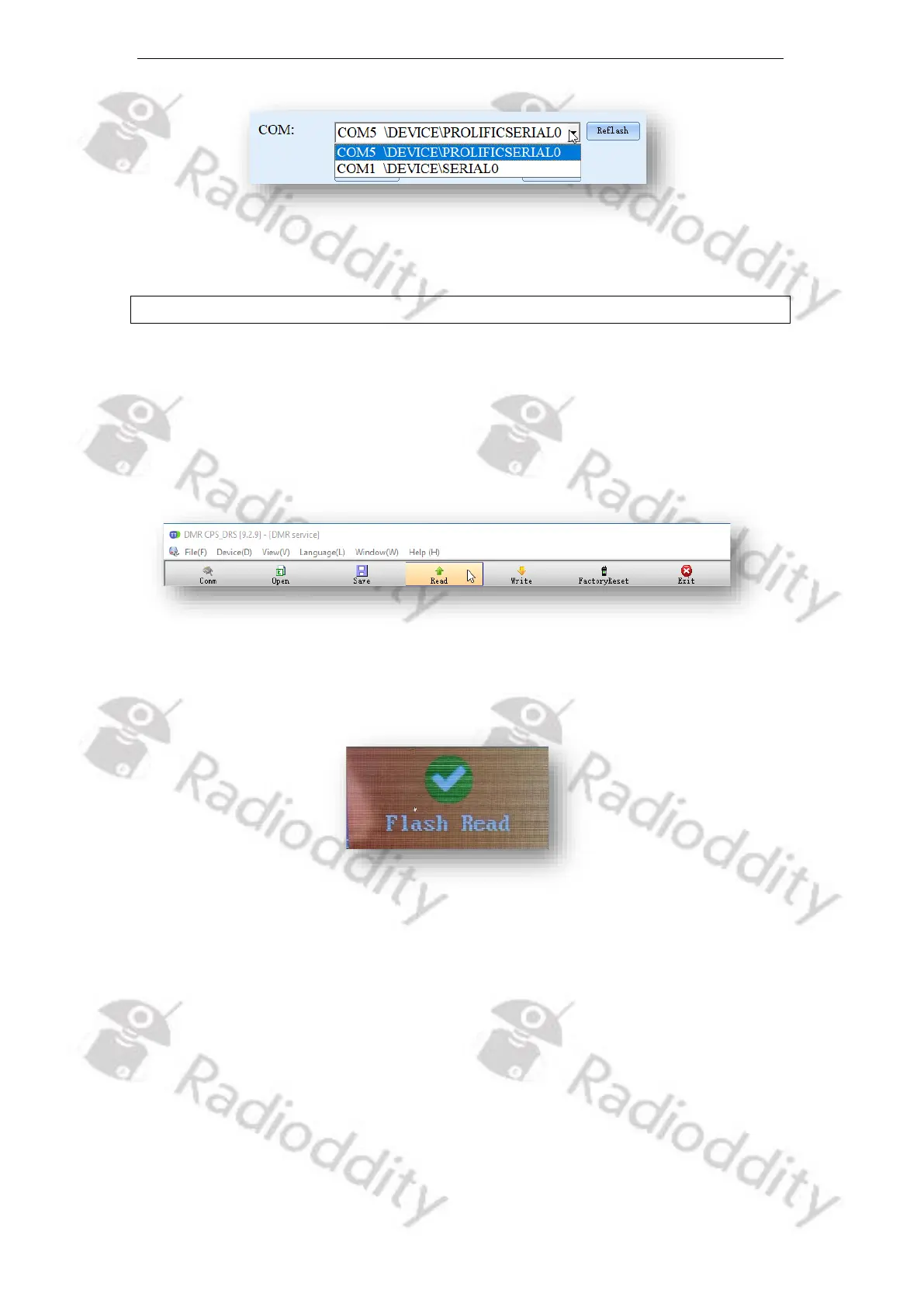
Select the COM-port that does represent your connected programming cable.
Notes: Only COM-port 1…8 are currently supported.
11.3.4 Read codeplug from DB25-D, DB40-D or GD-88
To read the current codeplug as stored on the radio, click on ‘Read’ within the
toolbar to start the transfer of data from the Radioddity DB25-D, DB40-D or GD-88
to the PC.
The radio will display ‘Flash Read’ whilst data is been transferred from the radio
to the CPS.
As soon as all data has been transferred from the radio to the PC, the text ‘Flash
Read’ will disappear.



 To Next Page