Radioddity Extended manual for Radioddity DB25-D, DB40-D & GD-88 v3.0
© Radioddity 2023 page 134 of 252
Connect Time: Maximum: 10
Minimum: 1
Recommendation: 3
12.2.24 Record Set
Users can enable this function according to the working environment and their
actual needs to set recording functions.
Options: Off Close the recording.
RX Record the received voice whenever radio is receiving
TX Record the voice call whenever radio is transmitting
TX/RX Record the transmitting and receiving voice call
Default: OFF
12.3 Common Menus
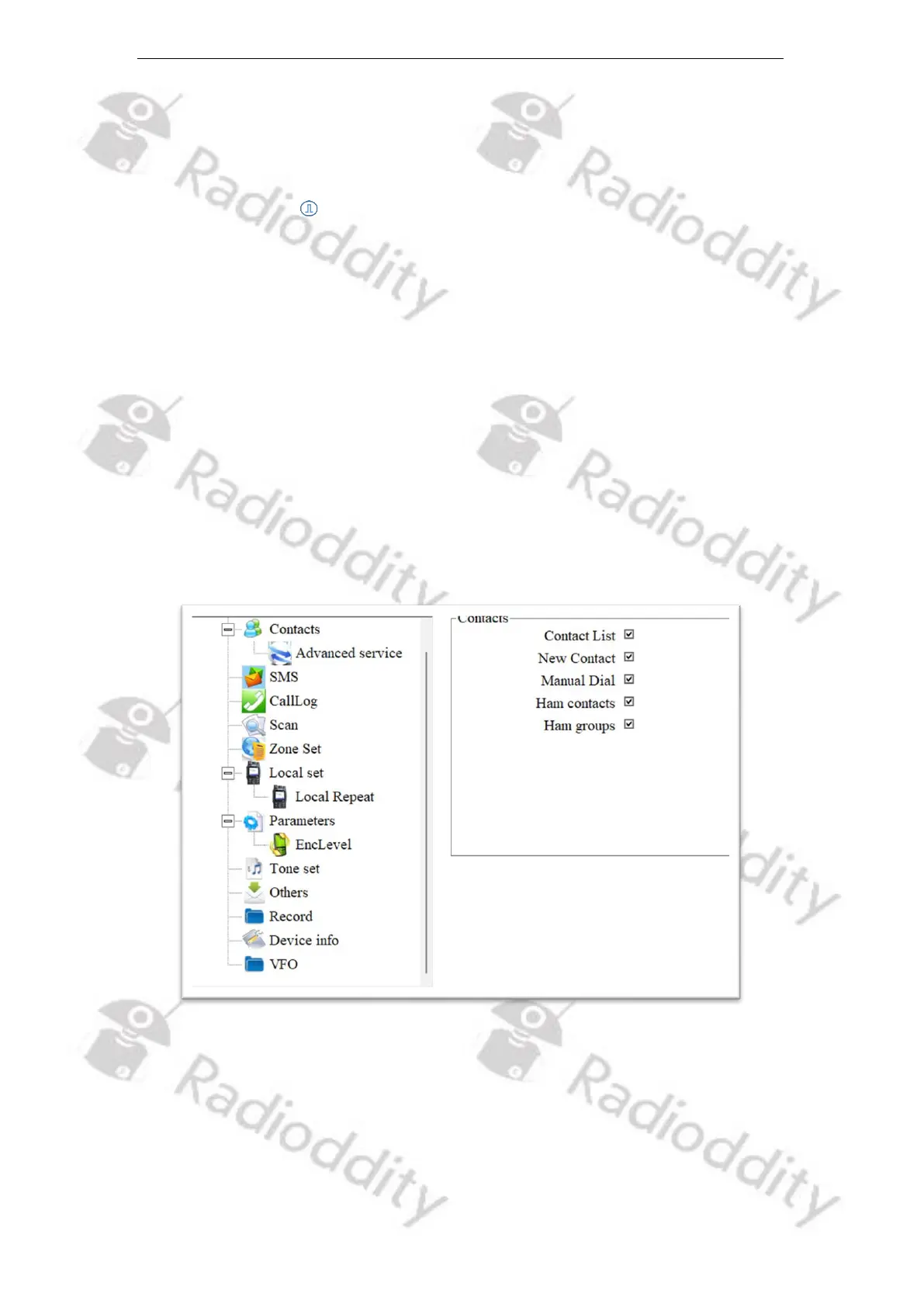
Users can disable or enable some menu options to show on the radio screen, to
prohibit or allow users to check and operate the menu items from the radio
screen menu. Users can tick ‘’ the various boxes next to the option, to allow
users to check or program the corresponding menu item.



 To Next Page