Radioddity Extended manual for Radioddity DB25-D, DB40-D & GD-88 v3.0
© Radioddity 2023 page 36 of 252
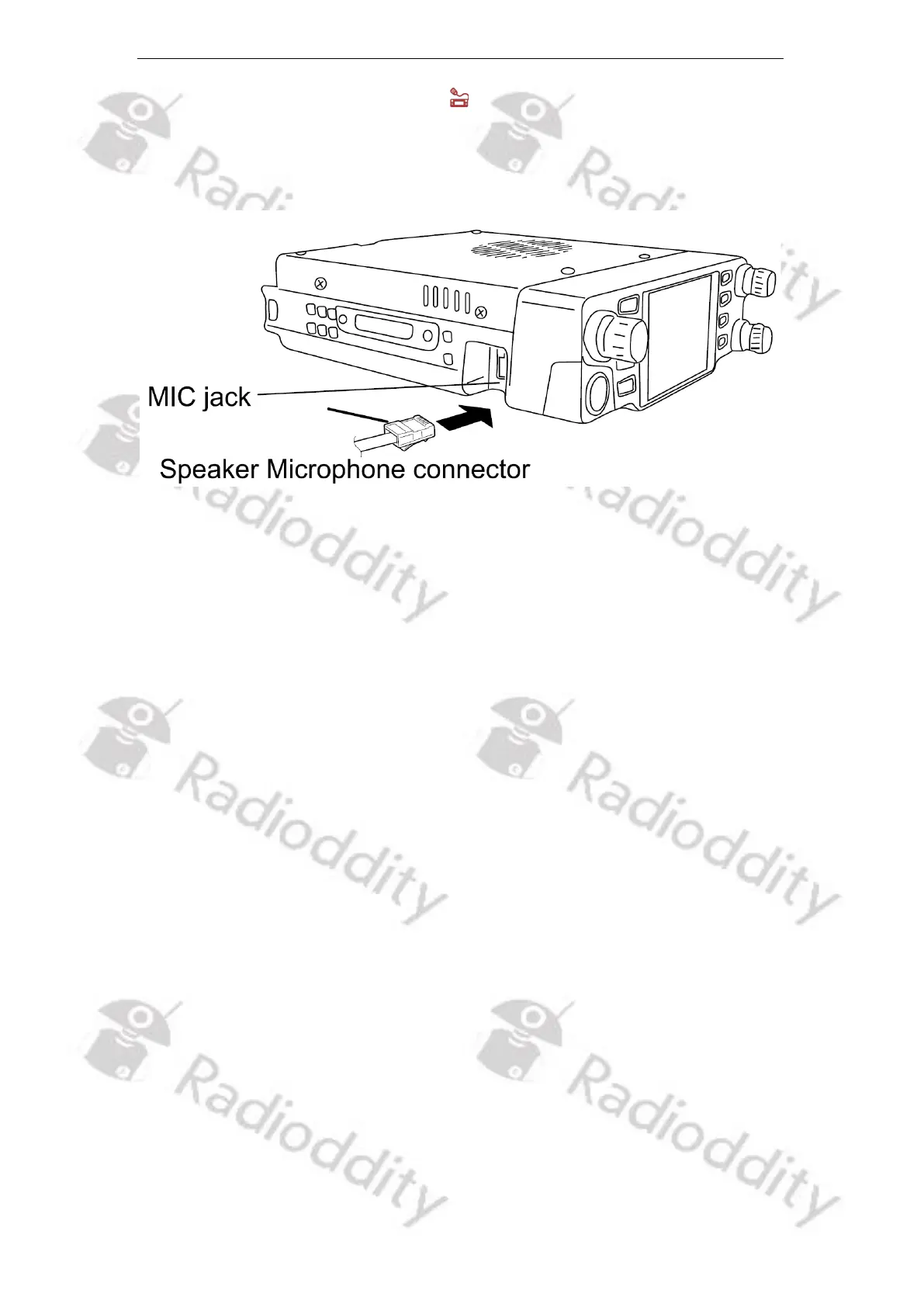
5.2.5 Connect Speaker Microphone
1. Please insert the provided speaker microphone to the Mic jack on left side of the
radio to make voice communication. Press the connector until you hear a click sound
from the locating plate in place.



 To Next Page