Radioddity Extended manual for Radioddity DB25-D, DB40-D & GD-88 v3.0
© Radioddity 2023 page 60 of 252
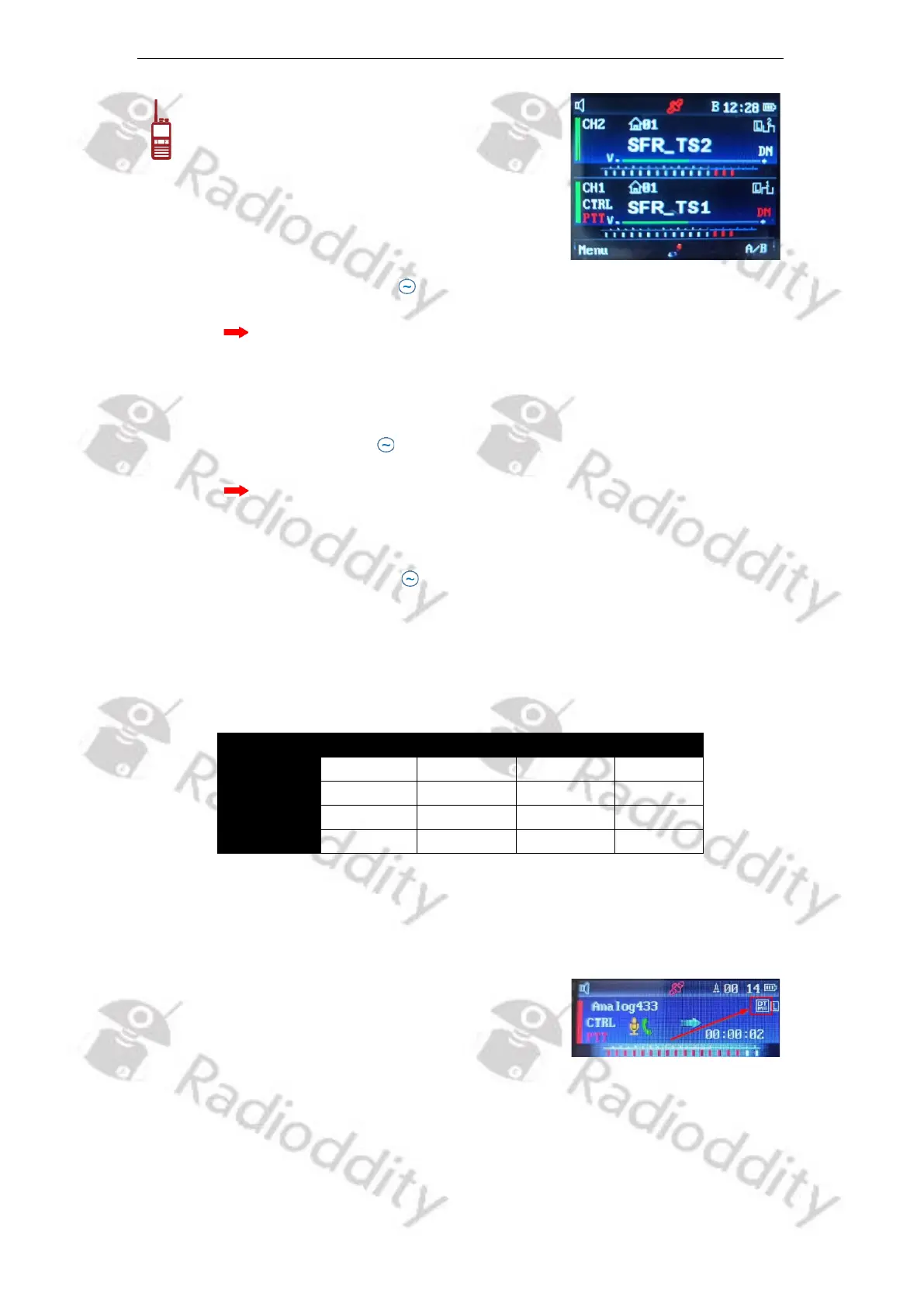
In Standby Mode, press the [A/B]-key to switch
between VFOs A and B for operation and
settings. The current settable VFO shows ‘CTRL’
on the left side in the middle line, whereas the
current operable VFO is indicated by ‘PTT’ left
to the channel name and can be changed using
the [VFO A/B TX selection]-key.
6.5 Busy Channel Lockout
When the ‘ ’ icon, ‘PTT’ or ‘CTRL’ is shown left to the channel name you may set
the Busy Channel Lock of the currently selected VFO A or B separately to On or
Off by accessing the menu. If it is ‘On’, when receiving a carrier signal, it is not
possibe to transmit when pressing the [PTT]-key.
6.6 Wide/ Narrow Band
When the ‘ ’ icon (DB25-D), ‘PTT’ (DB40-D) or ‘CTRL’ (GD-88) is shown left to the
channel name you may set the bandwidth of the currently selected VFO A or B by
accessing the menu.
6.7 DTMF for analog mode
In analog mode the radio allows to transmit so called DTMF-codes. Valid DTMF-
codes are 0…9,*,# and A…D. Those DTMF codes are generated by transmitting
two different audio frequencies at the very same time Those audio frequencies
are defined by the column and the row of the DTMF code to be transmitted.
As two audio tones are transmitted at the very same time, this technique is called
DualToneMultiFrequency (abbreviated as DTMF) encoding.
In order to activate DTMF encoding, long press ‘1’ on
the numerical keypad. From now on all keys of the
numerical keypad will trigger the generation of their
corresponding DTMF codes. Active DTMF-mode is
indicated by the DTMF-icon in the upper right area of the VFO that´s been
selected for PTT. To deactivate DTMF encoding, long press ‘1’ on the numerical
keypad or wait for about 10 seconds until the icon is no longer visible.



 To Next Page