Radioddity Extended manual for Radioddity DB25-D, DB40-D & GD-88 v3.0
© Radioddity 2023 page 140 of 252
12.6 Preset Keys (programmable function keys)
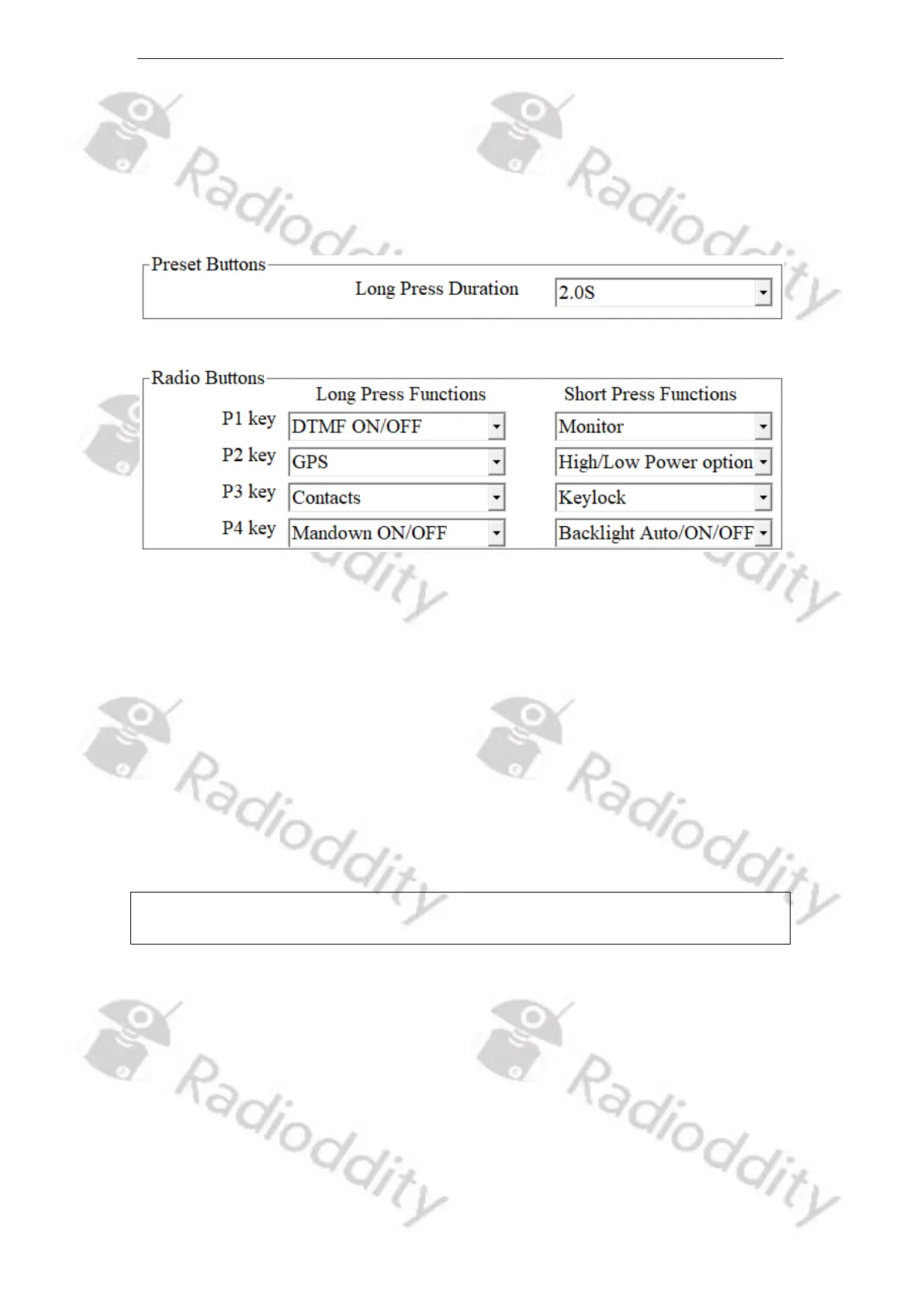
Users can define the programmable function keys within this menu. Depending
on the radio either P1…P7 (Radioddity DB25-D), PF1…PF4, P5…P8, Offhook,
Onhook (Radioddity DB40-D) or P1…P4 (Radioddity GD-88) or are available to be
assigned with special functions.
12.6.1 Long Press Duration
You can trigger different functions depending on Long Press or Short Press of a
programmable function key. The minimum duration that identifies a long press is
defined by this parameter.
Options: Longest: 5.0s
Shortest: 0.5s
Increment: 0.5s
Default: 2.0s
Possible settings are as listed in the following paragraph.
Notes: Short Press: press and release quickly
Long Press: press and hold for the ‘Long Press Duration’ time length



 To Next Page