Radioddity Extended manual for Radioddity DB25-D, DB40-D & GD-88 v3.0
© Radioddity 2023 page 165 of 252
Normally only Call Type 1 (Group call) and Call Type 2 (Private call) are used. If you
need to update the imported contacts CSV file, you need to re-import the updated
digital contacts CSV file to replace the previously imported contacts. Call Types
3…7 are not supported within HAM radio networks.
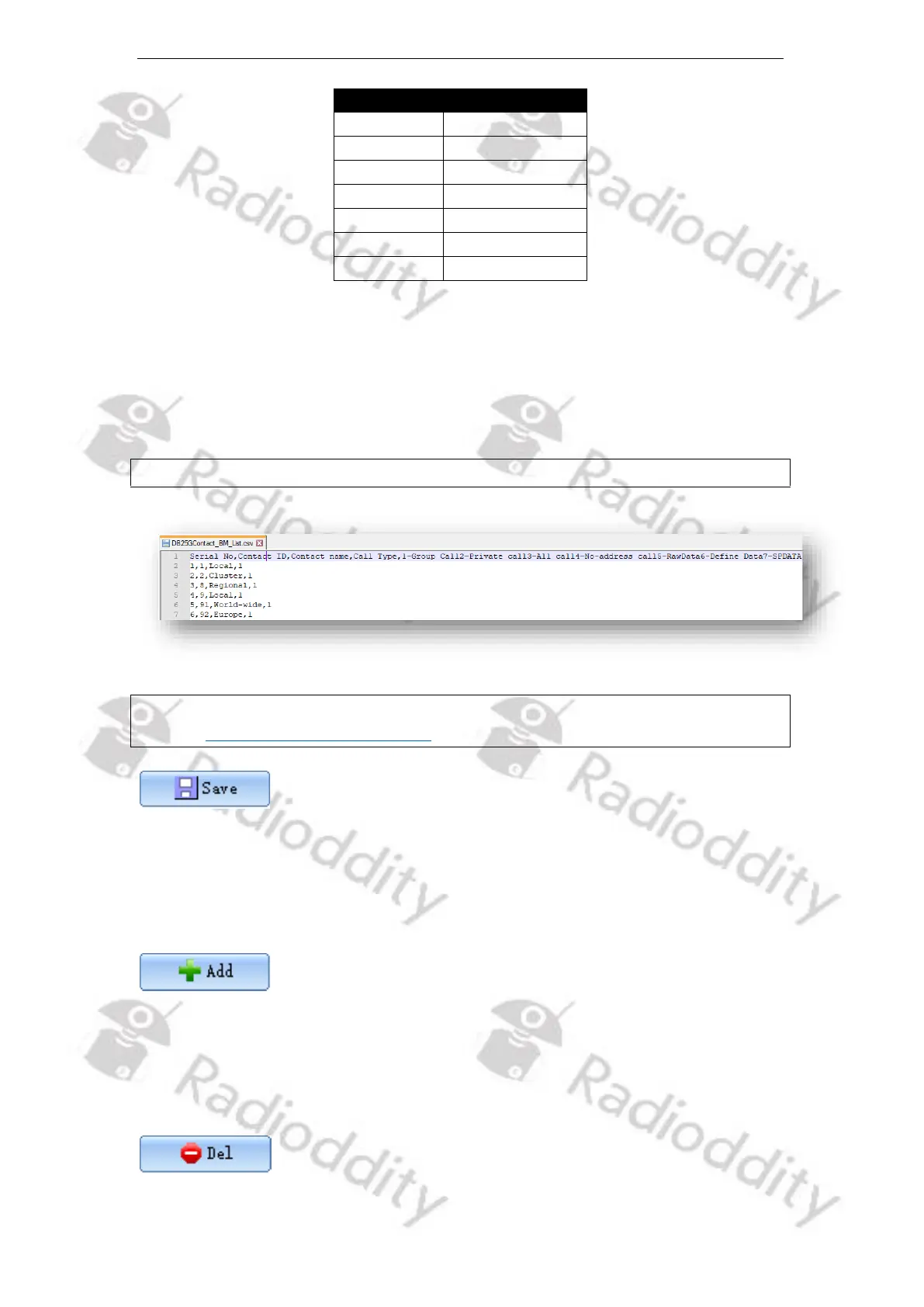
The format of the CSV file is as follows:
Serial No,Contact ID,Contact name,Call Type
Notes: We advise to not use Excel but some plain text editor to edit CSV files such as
https://notepad-plus-plus.org/.
What ‘Import’ is for getting CSV file data into the CPS is ‘Save’ for storing it into a
CSV file. If you press the ‘Save’ button, you will be directed to the default file path
of the system in order to directly save the current content of your ‘Contact list’ to
a CSV file of your choice.
To manually add one or more records (‘Serial No’s) to the ‘Contact list’, first specify
the total number of records you want to add within the field labeled ‘ADD QTY’
before you push the button ‘+ Add’. Be careful as to not exceed the maximum
number of allowed records.



 To Next Page