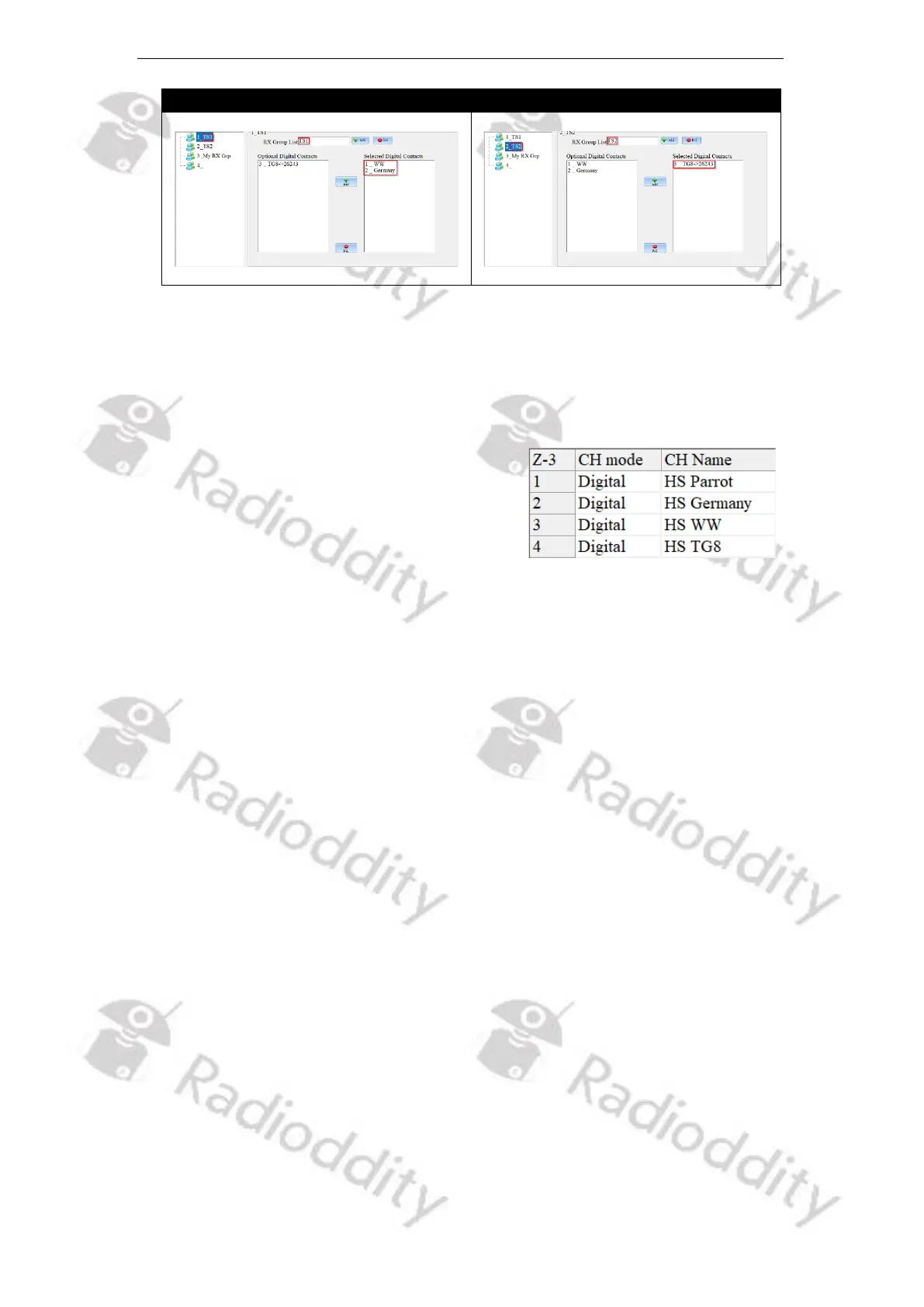
3. Add a new zone via ‘Zone[Channel]’ → ‘+Add’ and give it a ‘Zone Name’ (e.g.
name it ‘Duplex HS’. The new zone will be created and will already contain a
channel of either ‘CH mode’ being ‘analog’ or ‘digital’.
4. Setup the channel for ‘CH mode’ being ‘Digital’.
5. Give the channel(s) a ‘CH Name’ of some
name, e.g., ‘HS Parrot, ‘HS Germany’, ‘HS
WW’, ‘HS TG8’, ….
6. Set the ‘RX Freq’ and ‘TX Freq’ to the values required by your duplex hotspot.
7. Set the output ‘Power’ to ‘Low’ as even the hotspot normally just has an output
power of a few mW and you are close to it.
8. Set ‘PCT’ to ‘Patcs’
9. Set ‘RX TS’ and ‘TX TS’ both to the required TimeSlot(s).
10. Set ‘RX CC’ and ‘TX CC’ both to the value required by your local repeater.
11. Set ‘TX Policy’ to ‘Impolite’
12. Within the field ‘Contacts’ of the channel definition select one of the contacts
as defined.
13. Assign the previously assigned RX-Group(s) to the channel(s). Make sure, that
the contact you assigned in the previous step (if of Call Type ‘Group Call’) is
also a member of the specific RX-Group.
14. Set Encryption to ‘Off’
15. Set APRS to ‘Off’ for now
Write your settings to the radio. Do not forget to switch to Zone ‘My Hotspot’ and
select channel ‘HS WW’ at your Radioddity DB25-D, DB40-D or GD-88. Now you
are ready for your very first digital DMR QSO via your duplex hotspot.



 To Next Page